

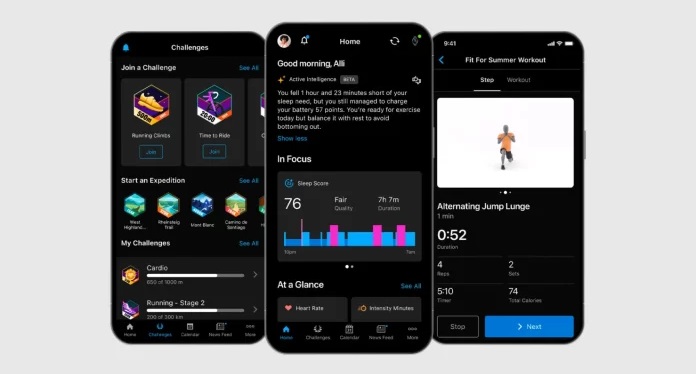
Several days back, one user by the name SapereAudeAdAbsurdum spotted something unusual—the classic “Connections” section on Garmin Connect has undergone a major transformation, turning into the “Followers” and “Following” sections. Back then, it was uncertain whether it was a beta test or something more serious. Now, after researching the recently released 5.24.1 version for myself and taking into consideration some of the recent research done by Billy Grenis, I have finally found out everything that is going on there.
Garmin is now heading towards creating a completely social platform. I played around with the updated design of the application myself and got some exclusive screenshots of the followers feature. Here is everything you should know about it.
The Death of the “Mutual” Connection
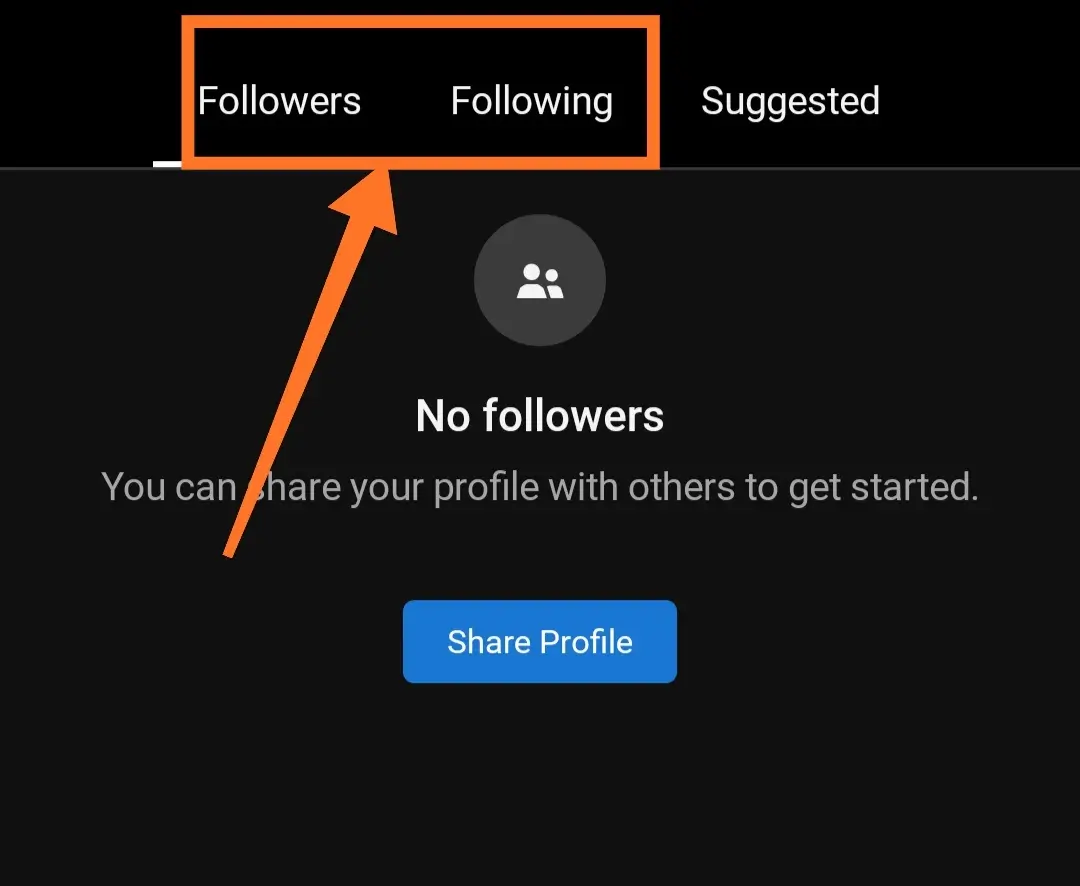
For many years, Garmin kept to itself with a “friend request” approach. You needed permission from the other person before you could view their stats. This is no longer the case. Garmin will be making the shift toward an approach similar to Strava or Instagram, which relies on “followers and following”.
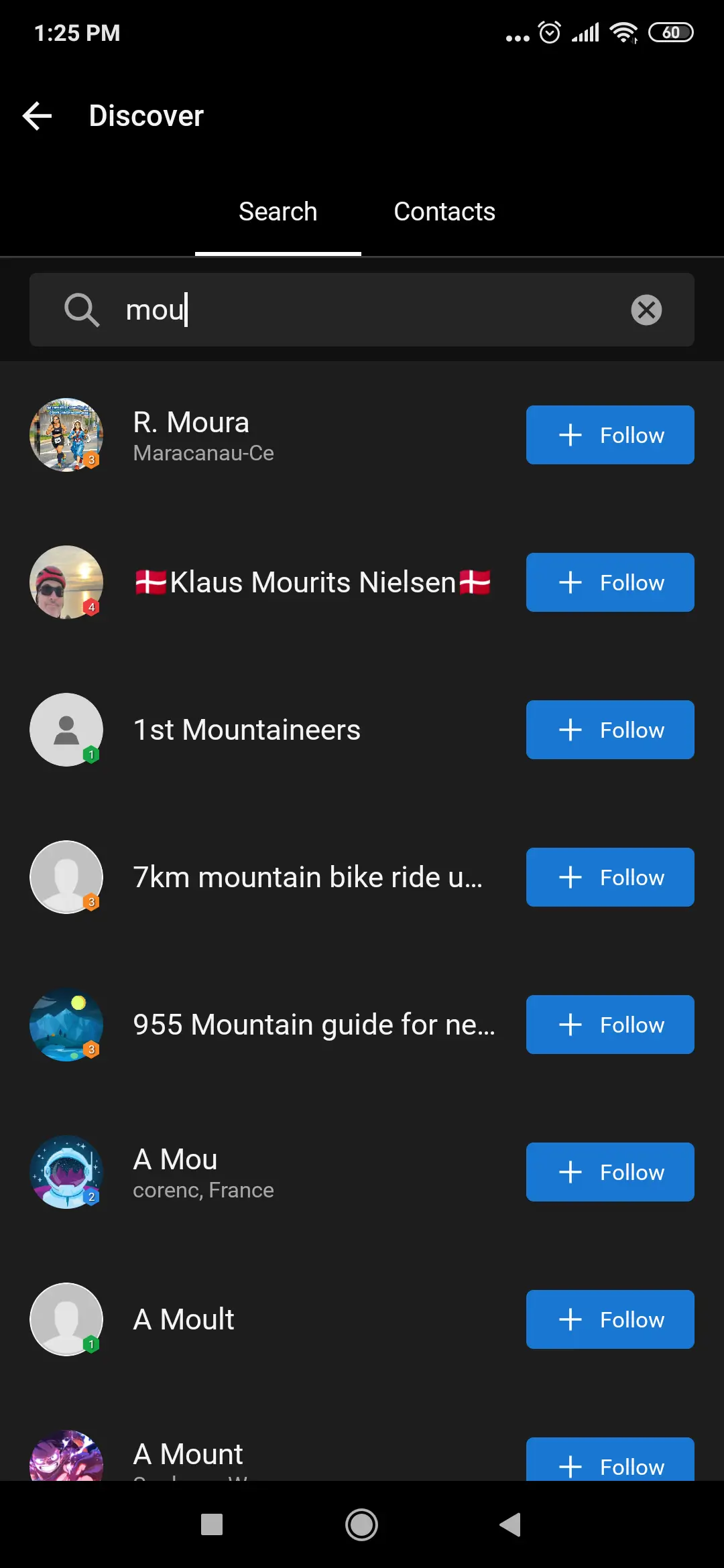
Although the “Friends” will still revolve around reciprocal followers, the emphasis now shifts to building a scalable social layer. From the screenshots below, you can observe how simple it has become to connect to others through searching for them by typing their name and recommended users. There is no need for the cumbersome process of mutual approval for all interactions anymore.
Where to Find the New Settings
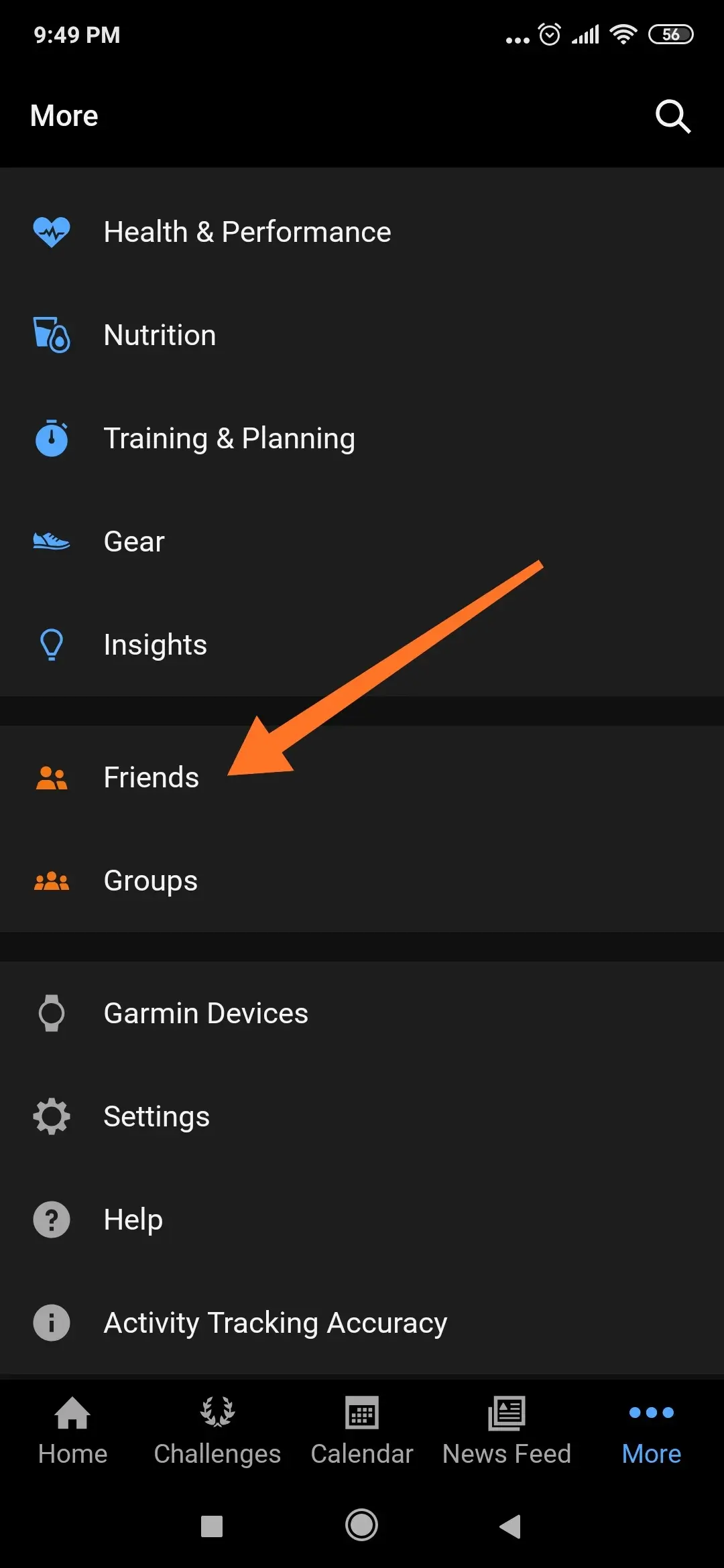
For anyone whose app was recently updated and feels a little out of place, do not panic because I found myself having to locate the toggles as well. Here are the steps you need to take:
- Go to Garmin Connect.
- Press on More (bottom right).
- Choose Friends – this is where you will find your Follow/Following tabs.
- Your Requests: In case your account privacy settings allow you only followers, then check Your Requests under the Follow tab; I have experimented with the request/ignore functionality and I can tell you that it is more efficient than its predecessor.
- Your Privacy Settings: Settings > Profile and Privacy. You can toggle from “Only Me,” “My Followers,” or “Everyone.”
The “Authorized Viewer” (My Favorite Addition)
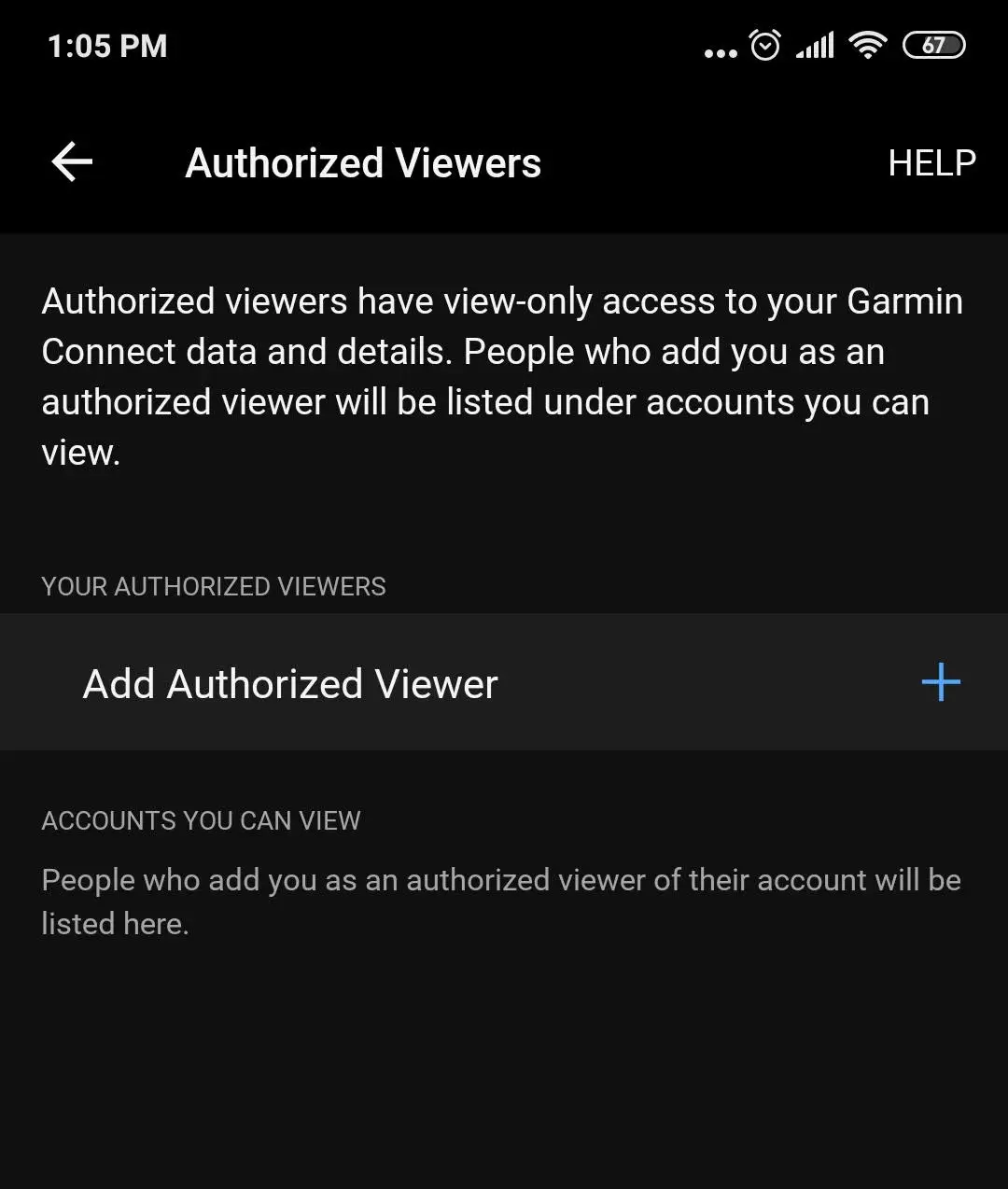
Another really neat function that I have found through this update is the “Authorized Viewer” function. It is not connected to the general followers at all. You can grant an authorized viewer complete access only to view their information, but not edit anything related to it.
It is a difference that an authorized viewer will get everything as a coach, while a follower will see only what is coming through your feed. For everyone who works with coaches remotely, this feature will be a real gift for life.
How to access Authorized Viewers:
-
Open Garmin Connect.
-
Tap More (bottom right corner).
-
Scroll down and select Settings.
-
Tap Profile & Privacy.
-
Look for Authorized Viewers (it’s usually near the bottom of the list, below Blocked Users)
A More Responsive Training Partner
However, it’s not only the social feed that received updates from Garmin. The company has added three new athlete levels – Beginner, Challenger, and Achiever.
This time around, the platform seems much more active. Instead of simply being another calendar, it actively prompts you to alter the difficulty of your program in light of your recent performance. This gives the “Garmin Coach” training experience a more human touch and allows users to feel like they have a real partner who monitors their activities.
Closing Remarks
If you appreciate the “socialization” aspect of fitness or prefer privacy in your workouts, this is a significant upgrade. From now on, Garmin is not merely a website where you can store your GPS data; they are establishing a sophisticated social platform.
While I am still experimenting with the new strength training and recovery monitoring functions (the extension of body weight and dumbbell exercises promises a lot), for now, be sure you have updated to the latest versions (5.24 or 5.24.1).
Also Read: Garmin Connect+ One Year Later: Is the Premium Leap Worth Your Cash?

