

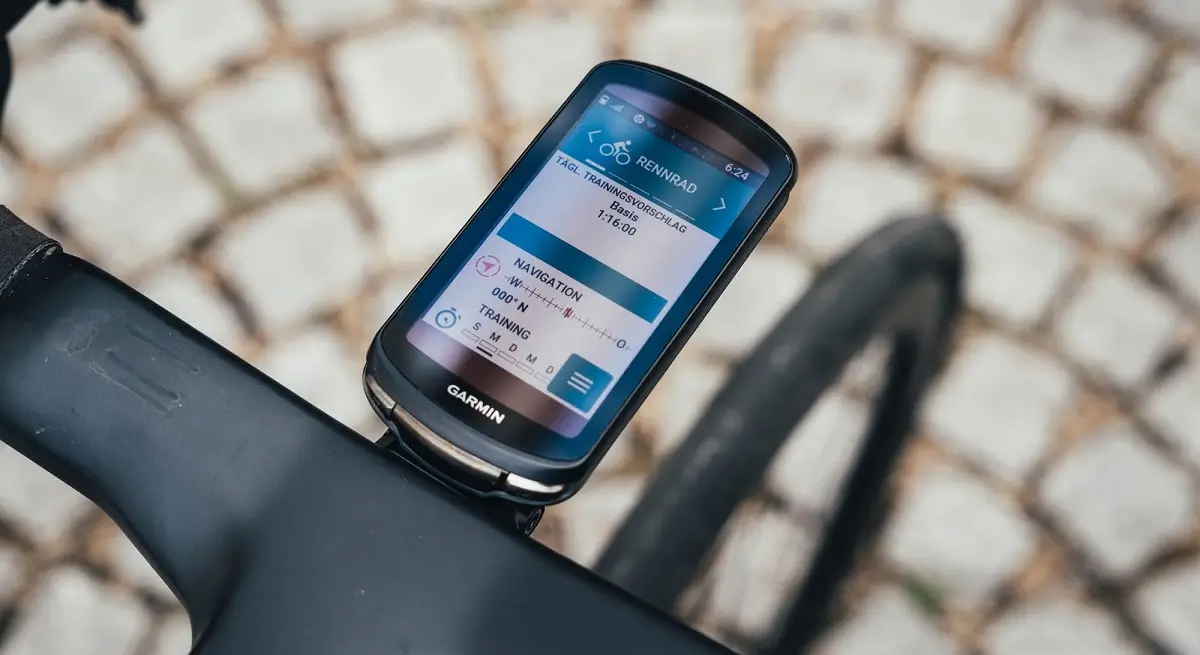
Garmin is keeping the momentum going for its cycling ecosystem this week. A new beta software update, version 31.21, is officially rolling out to a wide range of the current Edge lineup. Whether you are rocking the flagship Edge 1050 or the more compact Edge 540 and 550 models, there are a few notable quality-of-life improvements headed your way.
While this isn’t a massive feature drop, it addresses a couple of specific annoyances that have been bugging the community lately—particularly for those who like a clean interface.
No More “Suggested Workouts” Clutter
One of the most visible fixes in this cycle involves the Daily Suggested Workouts. For many riders, these prompts are a great way to stay on track, but for others who follow a strict external training plan (or just want to ride for fun), they can be a bit intrusive.
Previously, even if you toggled these suggestions “Off” in the settings, they would stubbornly remain on the main menu. Version 31.21 finally respects that toggle, allowing you to clean up your home screen and focus only on the metrics you actually want to see.
Refined Stamina and Data Accuracy
Garmin has also gone under the hood to refine how the Edge units calculate and display Stamina. Specifically, this update addresses bugs related to Stamina Distance and Duration metrics.
If you’ve noticed that your “tank” wasn’t reflecting your actual effort or if the remaining distance felt a bit “off” during long-course efforts, this patch should bring that data back in line with reality. It’s a small tweak that makes a big difference when you’re deep into a zone-4 climb and need to know exactly how much gas is left in the engine.
How to Pull the Update Right Now
If you are enrolled in the Beta program, you don’t have to wait for the automatic sync. You can grab the 31.21 build manually as long as your device is connected to a stable Wi-Fi network.
To check for the update on your Edge, just follow these steps:
-
Navigate to the Main Menu.
-
Scroll down and select System.
-
Tap on About.
-
Select Check for Updates.
Once the download finishes, your Edge will prompt you to install and restart. As always with beta software, make sure your ride data is synced to Garmin Connect before you hit “Install” just to be safe!
Change Log of the previous beta update 31.20
- Fixed crash using RTS to edit data screens.
- Fixed crash on course list.
- Fixed step goal being changed unexpectedly.
- Fixed CIQ data fields causing UI lag/freeze.
- Fixed options menu while start/stop/pause overlay is present.
- Fixed elevation profile manual scale adjustments.
- Fixed dew point and UV-index in weather widget.
Also Read: Garmin Edge 1060 Release Date and Expected Features (WishList)


Hope they fixed the tone volume going back to zero every time I turn it off.