

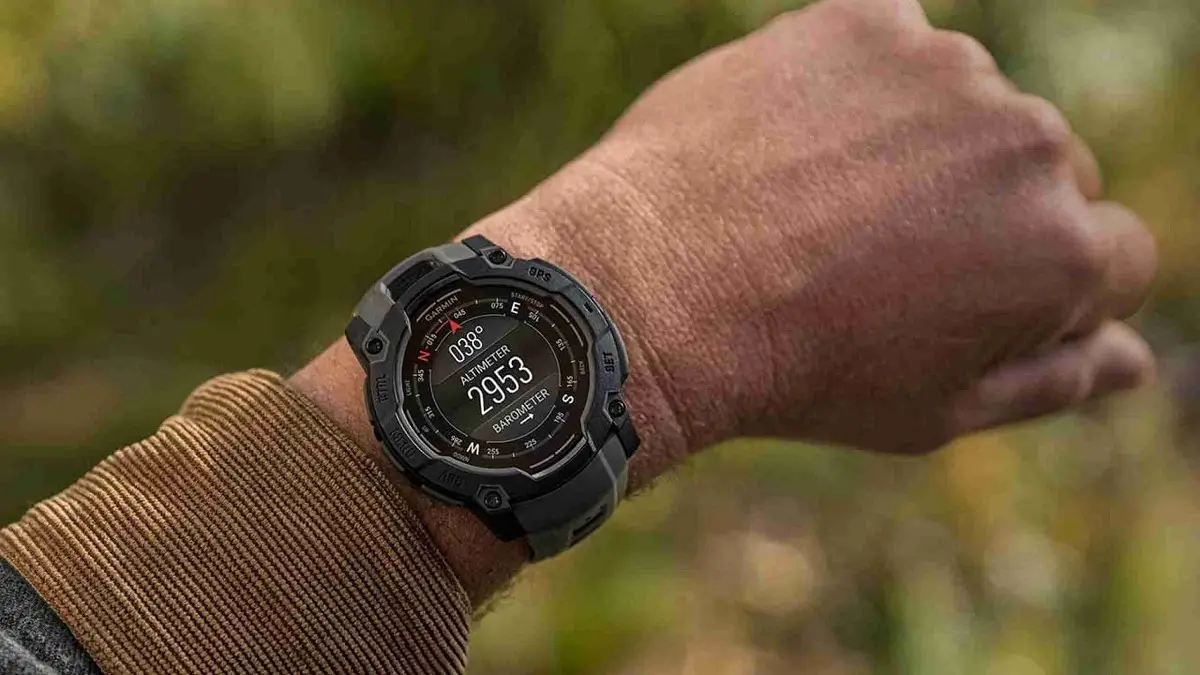
After eight weeks of thorough testing under the 14.XX version cycle, Garmin has successfully moved into the stable release for the entire range of rugged wearables. The official launch of the latest firmware upgrade version 14.14 is on course across the world, targeting the high-end Instinct 3 AMOLED and power-efficient Instinct 3 Solar devices.
Expanded Utility with New Native Applications
The 14.14 version comes with various functional utilities that ensure that the user is kept informed and nimble. The investor can check how well his investments have performed right from his wrist with the new Stocks Glance feature. On the other hand, for the individual interested in extending his life physically and flexibly, there is the Mobility application that comes with a series of exercises aimed at enhancing joint mobility. In addition, the Backup and Restore feature provides a sense of security in the knowledge that users can store their custom settings and profile information safely.
Advanced Health and Performance Monitoring
Recovery features of Garmin are continually being enhanced through the introduction of Recovery Time glance as well as the all-inclusive Morning Recovery Card on Instinct 3 devices. These features offer an all-rounded assessment of your sleep and readiness upon waking. There is also a feature called Workout Execution Score that assesses how well you meet your training targets. The multi-sport training guidance system has been intelligently upgraded to include diving sessions performed in recent times.
Critical Bug Fixes and System Refinements
Besides introducing new capabilities, version 14.14 also solves some technical problems found during the beta stage. The navigation is more stable, with a bug solved in case the destination was routed using the app, Saved. Stability in communication has also been boosted by fixing a problem with failed message transmission when the user sends messages to multiple inReach users. People who use interval workouts extensively will be glad to see the system crash problem fixed, along with other improvements.
How to Install the Latest Update
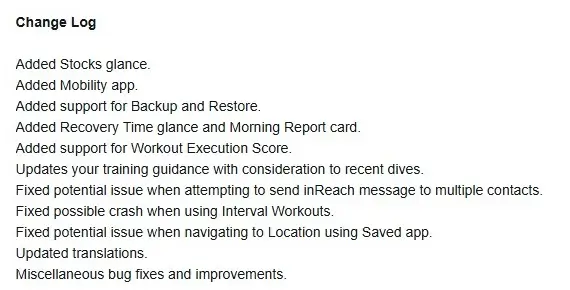
While the Garmin system may prompt automatic updates from the Garmin Connect, it is possible for the user to initiate the download process manually in order to utilize the software features. This can be done by going to the menu on the watch, selecting the system, navigating to the software update option, and checking for updates. The full change log is shown in the picture below!
Also Read: The 5 Garmin Launches I’m Saving My Money For in H2 2026

