

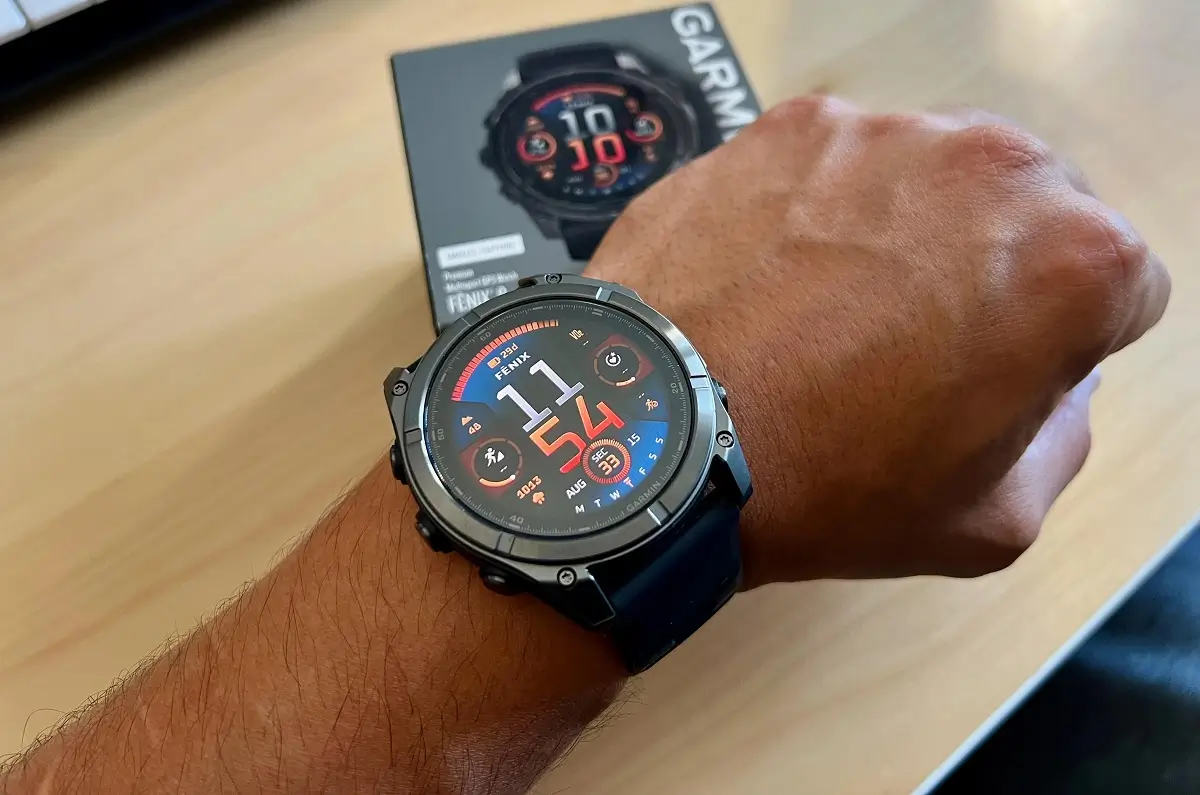
Only a week after the release of the 22.28 version, Garmin has stepped up its game by introducing Beta Version 22.29. This particular software update has been tailored to meet the needs of Garmin’s high-end devices, namely the Fenix 8, Fenix 8 Pro, Fenix E, and Enduro 3. Moreover, users of specific products, such as the Tactix 8 and Quatix 8, will also have access to this new update version.
Note: The Beta software available for the Fenix 8 series will have the ECG feature and Dive features disabled.
Comprehensive Stability Improvements and Bug Fixes
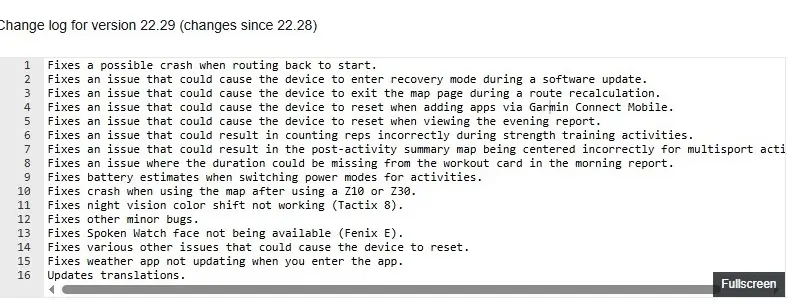
Stability improvements have become the key priority of this version, as some problems that could lead to the resetting of the device have finally been fixed. Specifically, Garmin has corrected bugs related to navigation using “Back to Start,” the map application, after linking with Z10 or Z30, and even when browsing through the evening report on a daily basis. In addition, an essential bug fix has been added to prevent accidental entry into recovery mode while installing the software.
Enhancements to Fitness Tracking and Daily Summaries
There are a number of enhancements in terms of functionality that are noticeable in version 22.29. For one, the problem that existed where strength training rep counts were inaccurately recorded has been fixed by Garmin. Also, a glitch where multi-sport activities maps were incorrectly centered has been sorted out. In terms of day-to-day functions, there is now proper recording of workouts done throughout the day, as well as a weather application that updates instantly after launch.
Model-Specific Corrections and Visual Tweaks
Besides general bug fixes, this version also provides specific fixes for hardware problems. For Tactix 8 models, the functionality of shifting colors of night vision mode has been fixed. On the other hand, users of Fenix E can once again have access to the Spoken watch face, which was not available earlier. Further, the company has also made improvements in estimating battery life in different modes while performing any activities.
How to Install the Latest Beta Update
However, for users who have signed up for the Garmin Beta program, you do not have to wait for an automated software update. You can go ahead and install the update yourself. To do this, simply head over to the Main Menu on your watch. From here, click on Settings, and then click on System and Software Update, and then finally Check for Updates. The full change log is in the picture below!
Also Read: The 5 Garmin Launches I’m Saving My Money For in H2 2026

