

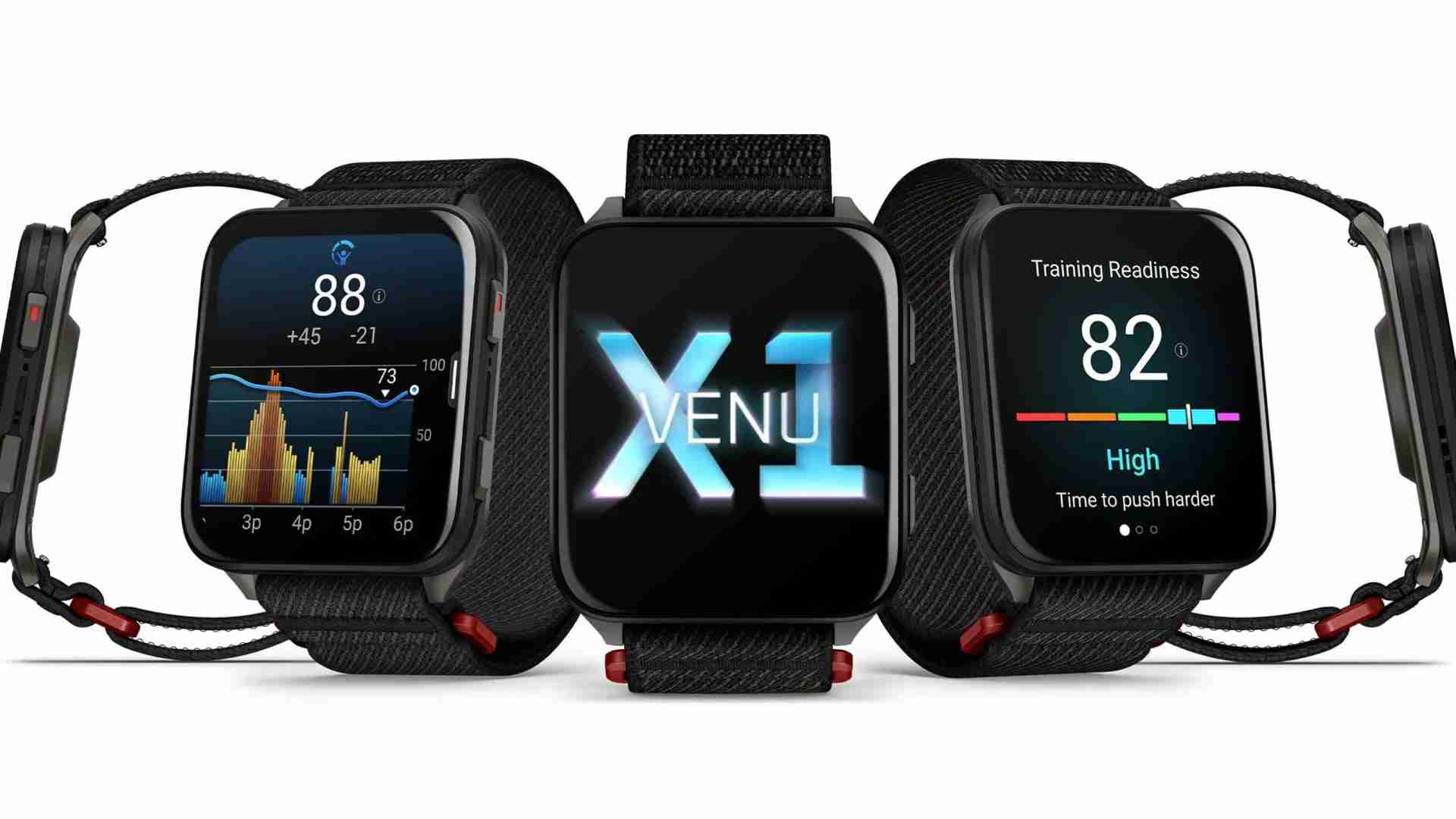
Garmin has released Beta version 17.25 for the Venu X1 smartwatch. The update mainly focuses on bug fixes and performance improvements rather than new features, but users should notice a smoother overall experience.
Better Accuracy for Gym and Map Fans
If you use your watch to lift weights, you will be glad to know that Garmin fixed the rep counter. Before this, the watch sometimes missed counts during strength training, but it should be much more accurate now.
For people who love hiking or running, the maps are also better. Garmin fixed a bug that caused the map to look off-center after a long workout. They also made sure the watch doesn’t “quit” the map screen while it is trying to find a new route for you.
Stopping Crashes and Resets
One of the biggest parts of this update is stopping the watch from restarting on its own. Garmin found a few things that caused the watch to crash, like looking at your Evening Report or trying to add new apps from your phone.
They also fixed a problem where the watch might get stuck in a “recovery mode” while updating. With this new version, the watch should stay on and work just like it’s supposed to without any unexpected shutdowns.
Clearer Reports and Better Weather
The update also fixes the Morning Report. Some users noticed that their workout times were missing from the summary, but that is now fixed.
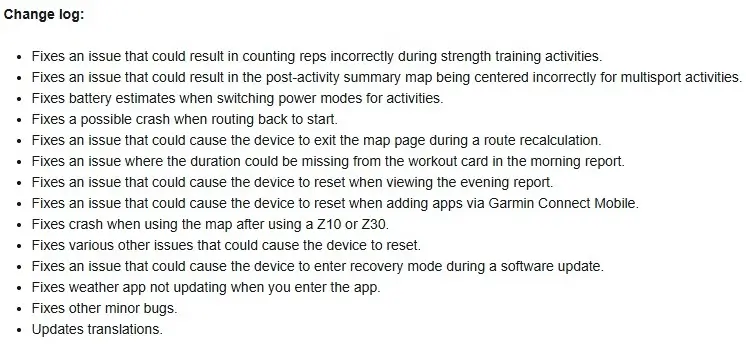
Also, if you check the weather on your wrist, you’ll notice it works better now. In the past, the Weather app wouldn’t always refresh the temperature when you opened it, but now it updates right away. They also improved the battery timer, so you have a better idea of how much power you have left when you change settings. You can see the full change log in the picture below!
How to Update Your Watch
If your watch hasn’t updated on its own yet, you can do it yourself in just a few seconds. Here is how:
-
Press the button to go to the Main Menu.
-
Open Settings.
-
Scroll down to System.
-
Tap on Software Update.
-
Select Check For Updates.

