

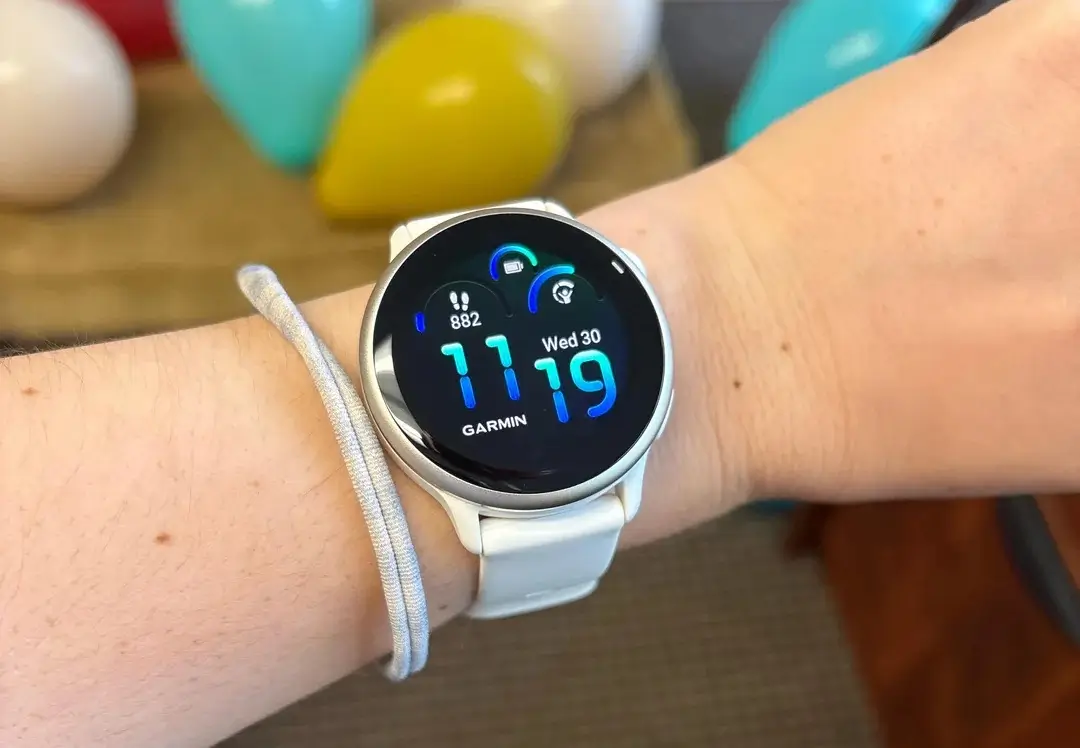
Garmin has released Beta 17.25 for the Vivoactive 6 smartwatch. The update focuses on bug fixes and reliability improvements, aiming to smooth out some of the smaller issues users have recently reported.
Better Tracking for Your Workouts
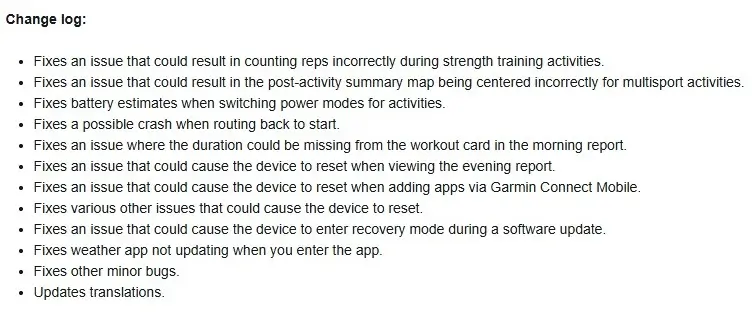
If you like to lift weights, this update will be very helpful. Garmin fixed a problem where the watch sometimes counted your reps incorrectly during strength training. Now, your sets should be much more accurate.
For people who do multiple sports in one session, the summary map at the end of your workout is also improved. It used to show up off-center sometimes, but now it should display your route perfectly. They also made sure the battery timer is smarter, so it gives you a better guess of how much life is left when you change power settings.
Fixing Random Crashes and Resets
Nobody likes it when their watch suddenly turns off or freezes. This update fixes several things that caused the Vivoactive 6 to restart on its own. For example, the watch would sometimes crash when you were looking at your Evening Report or trying to download new apps from your phone.
Garmin also fixed a bug that happened when using the “Back to Start” navigation feature. These changes mean you can trust your watch to stay on and keep working while you are busy or exercising.
Updates for the Weather and Daily Reports
There are also some nice fixes for the features you use every day. The Weather app now updates your local temperature as soon as you open it, so you aren’t looking at old info.
Additionally, if you noticed that your Morning Report was missing the time for your planned workouts, that is now fixed. The watch even has updated translations for different languages and fixes for other tiny glitches hidden in the system. You can see the full change log in the picture above!
How to Get the Update Right Now
Your watch might download this update on its own, but you can also go and get it yourself if you don’t want to wait. Here is the easy way to do it:
-
Go to the Main Menu on your watch.
-
Tap on Settings.
-
Select System.
-
Choose Software Update.
-
Tap Check For Updates.
Once the watch finds the new version, just let it install, and your Vivoactive 6 will be up to date!

