

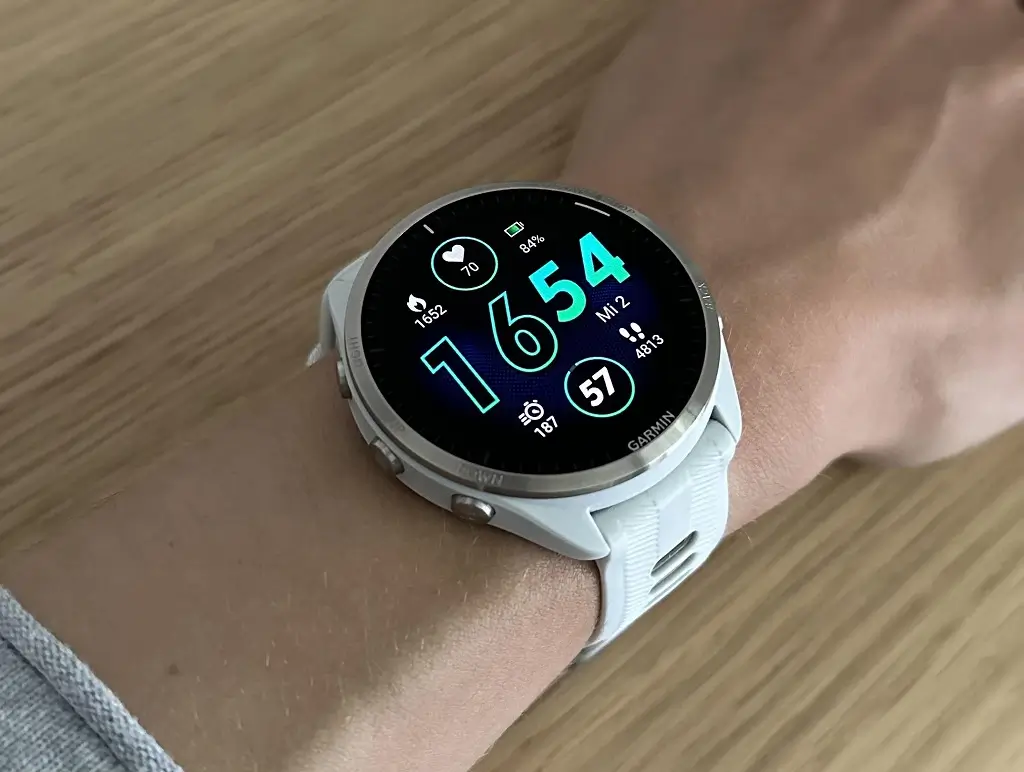
Garmin is finally rolling out a fresh software update for its popular Forerunner lineup. Four months after the release of version 27.09, users can now test out Beta Version 28.03.
The new software is available for five specific models: the Forerunner 965, 955, 265, 255, and 165.
This update focuses heavily on cleaning up system bugs, improving data syncing, and fixing display glitches. Here is a breakdown of what is changing.
Big Fixes for Every Forerunner Watch
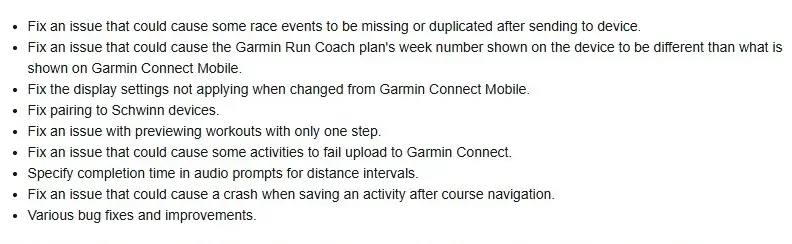
Most of the changes in this update fix annoying bugs and improve how the watches talk to smartphones. Garmin fixed a common problem where race events would disappear or show up twice on the watch after a user sent them from a phone. Another fix solves a confusing calendar glitch. Sometimes, the training week number for Garmin Run Coach on the watch did not match the week shown in the mobile app. This update fixes that sync error. Runners will also find that changing watch display settings from the phone app now works instantly.
The update also ensures that runners do not lose their hard-earned workout data. Garmin patched a serious bug that sometimes caused activity uploads to fail. They also fixed a smaller glitch that stopped users from previewing short workouts that only had one step. Additionally, if you use audio cues during distance intervals, the watch will now clearly tell you your completion time.
Extra Updates for Premium Models
While every watch gets those core fixes, the more expensive Forerunner 965, 955, 265, and 255 models get a few extra patches. Owners of these four watches will get better Bluetooth connectivity, specifically when pairing with Schwinn gym equipment. Garmin also fixed a major stability issue for these specific models. Previously, the watches would sometimes crash right when a user tried to save a run after using the route navigation map. That crash bug is now gone. You can see the full change log in the picture below!
How to Get the Update Right Now
If you are part of Garmin’s Beta program, you do not have to wait for the automatic update. You can download version 28.03 right away using your watch menus. To do this, go to the Main Menu, open Settings, select System, click Software Update, and then tap Check For Updates.

