

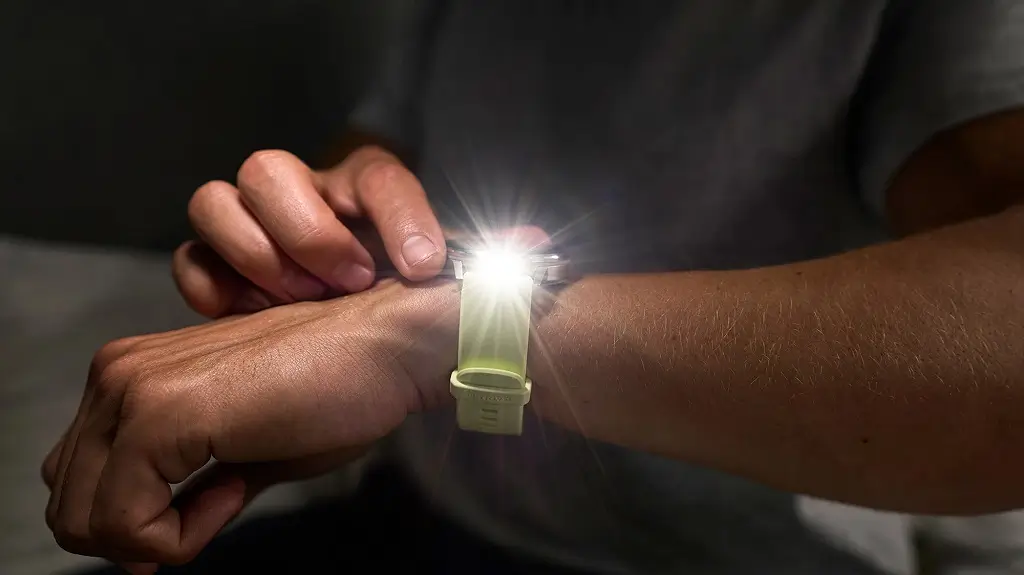
Garmin is rolling out another software update for the Venu 4 smartwatch. The new software, Beta Version 17.30, comes just seven days after the company released its previous beta version. This quick turnaround shows Garmin is working fast to smooth out performance issues on the device.
Note: The Beta software available for the Venu 4/4S will have the ECG feature disabled.
Critical Bug Fixes to Stop Crashes
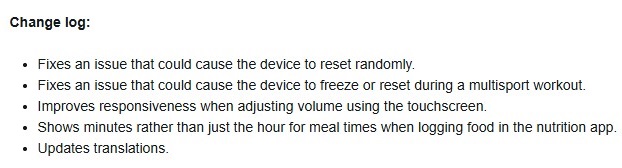
The main goal of this update is to make the smartwatch more stable. Garmin fixed a frustrating issue that caused the Venu 4 to reset itself randomly during the day. The developers also patched a major bug that made the watch freeze or completely reboot when tracking a multisport workout, ensuring athletes do not lose their exercise data.
Better Screen Controls and App Updates
Beyond stability, the update brings a few small changes to everyday features. Users will notice better screen responsiveness when using the touchscreen to turn the volume up or down. Inside the watch’s nutrition tracking app, Garmin changed how meal times are logged; the app will now show the exact minutes instead of just the hour. Finally, the software updates various language translations across the system. You can see the full change log in the picture below!
How to Install the Software
If you are part of Garmin’s Beta testing program, you can skip the automatic rollout and grab this update immediately. To download it manually, open the Main Menu on your watch, head to Settings, choose System, select Software Update, and then tap Check For Updates.

