

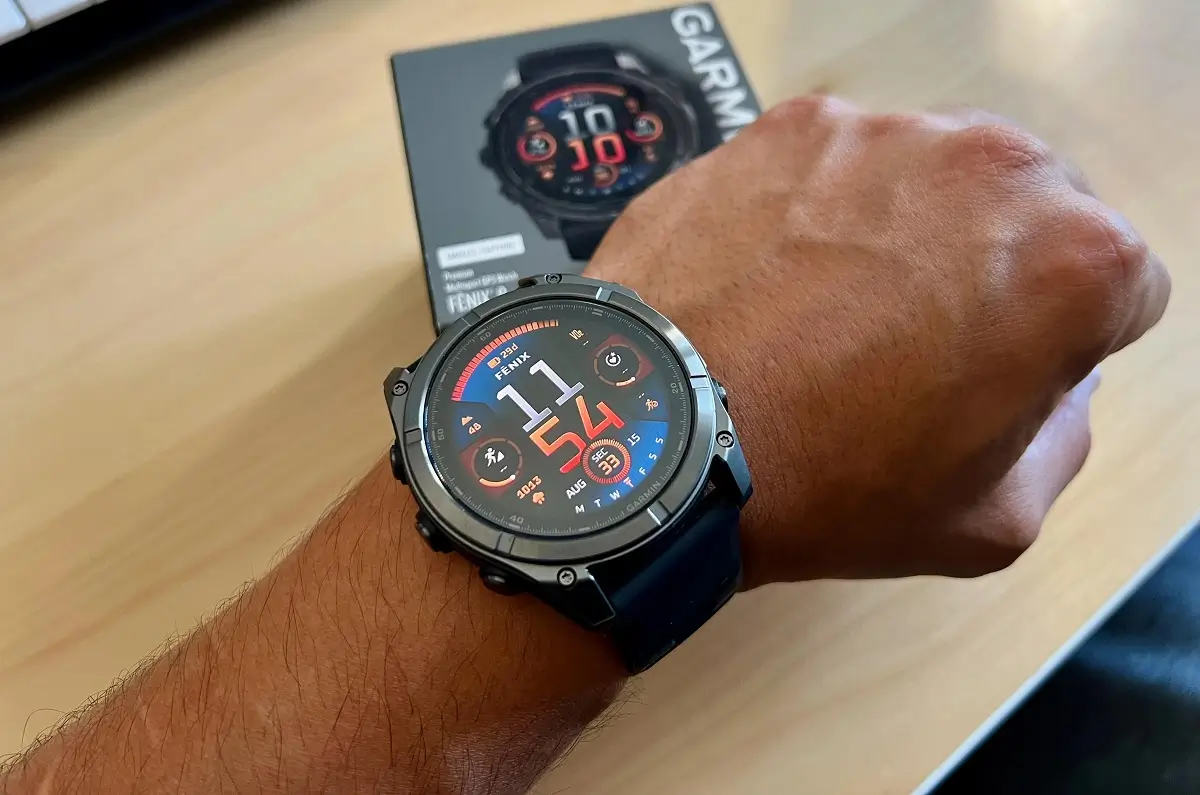
Garmin is giving several of its top-end smartwatches a major tune-up. A new beta software update, version 22.35, is rolling out now for the Fenix 8, Fenix E, Enduro 3, Tactix 8, and Quatix 8.
The update focuses heavily on squashing bugs that cause the watches to crash, while also adding a handful of handy new features for golfers, hikers, and daily users.
New Tools for Golf and Communication
Garmin has packed some fresh features into this version. Golfers can now pair their watch with Approach CT1 tags to track every single club stroke, and there is a brand-new golf performance glance to check your stats quickly.
For daily messaging, the Garmin Messenger app now shows “read” and “delivered” statuses so you know if your texts actually went through. Hikers and sailors get a safety boost with a new option to navigate straight back to their last “Man Overboard” point.
Garmin has also added a quick silent mode that you can turn on with a button shortcut or through your control menu, and the keyboard layout menu can now be opened simply by swiping up from the bottom of the screen.
Fixing Annoying Battery and Crash Bugs
A big part of this update is fixing frustrating technical glitches. Many users complained about massive battery drain after using their phone’s voice assistant or taking a call on their watch. Garmin says that is now fixed.
The update also cures several issues that caused the watches to suddenly restart or crash. Previously, the watch could reset when using WhatsApp on an iPhone, when adding apps through the Garmin Connect mobile app, or even while just viewing the evening report or recording a workout.
Furthermore, a bug that caused the screen to act glitchy after taking an ECG reading has been resolved.
Better Workouts and Navigation
Athletes will notice smoother performance across different sports. Garmin fixed a bug where the back and down buttons stopped working during indoor climbing and bouldering. Swimmers will no longer see their pool workouts skip steps on their own, and the watch will now vibrate properly to alert swimmers of their “send-off” times.
For runners and hikers, the watch will no longer stop navigating if you lose your GPS signal or step off the path for a moment. Garmin also improved how fast the timer responds when you hit start.
Specific Fixes for Different Models
A few fixes target specific watches. The Fenix E finally gets its missing “Spoken Watch Face” feature back. Meanwhile, the tactical-focused Tactix 8 has a fix for a color shift issue in its night vision mode.
Other general fixes include getting the weather app and sunset/sunrise times to update correctly, and ensuring that Outdoor Maps+ downloads automatically resume if your internet drops out.
How to Get the Update
If you are part of Garmin’s beta program and want to grab this update right away, you do not have to wait for it to download automatically. You can install it manually by going to the Main Menu, selecting Settings, tapping System, choosing Software Update, and clicking Check For Updates.

