

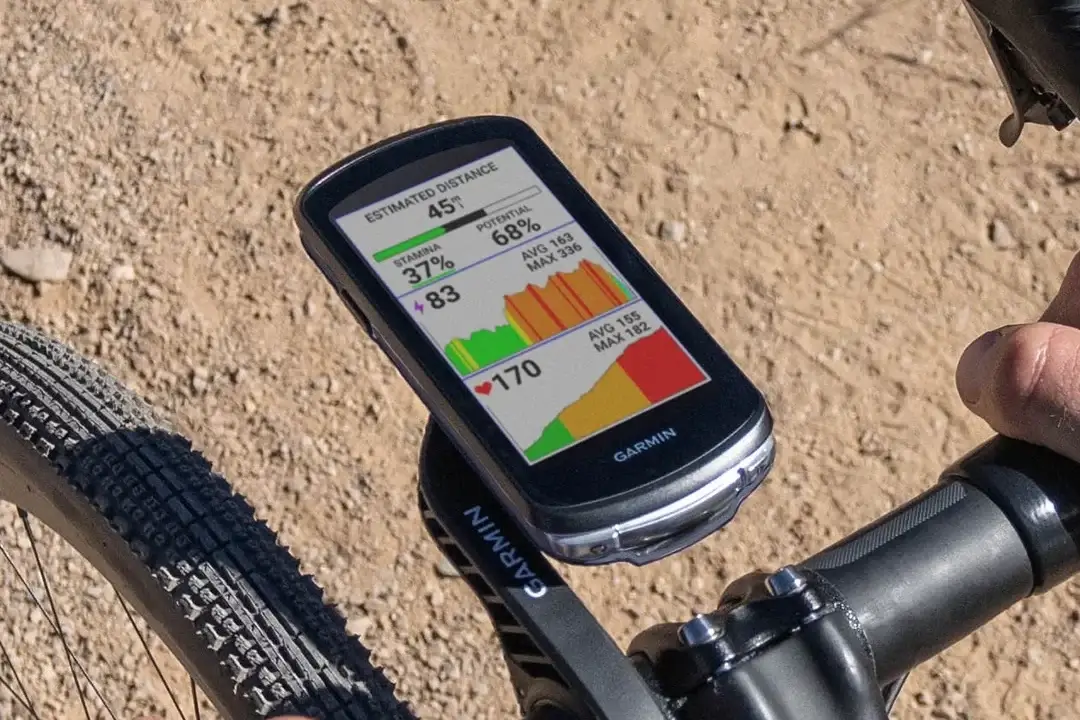
Garmin is sending out a brand-new software update, version 31.64, for several of its popular bike computers. If you ride with an Edge 1040, 840, or 540 device, this fresh release is ready for you to install.
Even though it focuses mostly on fixing small glitches, updating your device helps keep everything running smoothly on your next big ride.
What Improvements Come With Version 31.64?
This update cleans up a few annoying bugs that riders have run into recently. First, it solves a specific issue with the RearVue 820 pairing process so your safety accessories connect properly without dropping out mid-ride.
It also fixes a confusing data field bug where the “Ascent to Next Course Point” screen was incorrectly showing the elevation gain for the next turn instruction instead of the actual point you were tracking toward. By addressing these smaller quirks, Garmin ensures your training metrics stay accurate and reliable. Alongside these specific fixes, the team has included general stability improvements and background tweaks to keep your computer free from random crashes during long workouts.
How to Get the Update on Your Edge
Installing this software update is very easy and does not require a computer or a USB cable.
You just need to connect your bike computer to a local Wi-Fi network and follow these quick steps on the screen:
-
Open the Main Menu.
-
Select System.
-
Choose About.
-
Select Check for Updates to download and install the new version.
Also Read: Garmin Prime Day 2026: Why Most Deals Disappointed (And What’s Worth Buying)

