

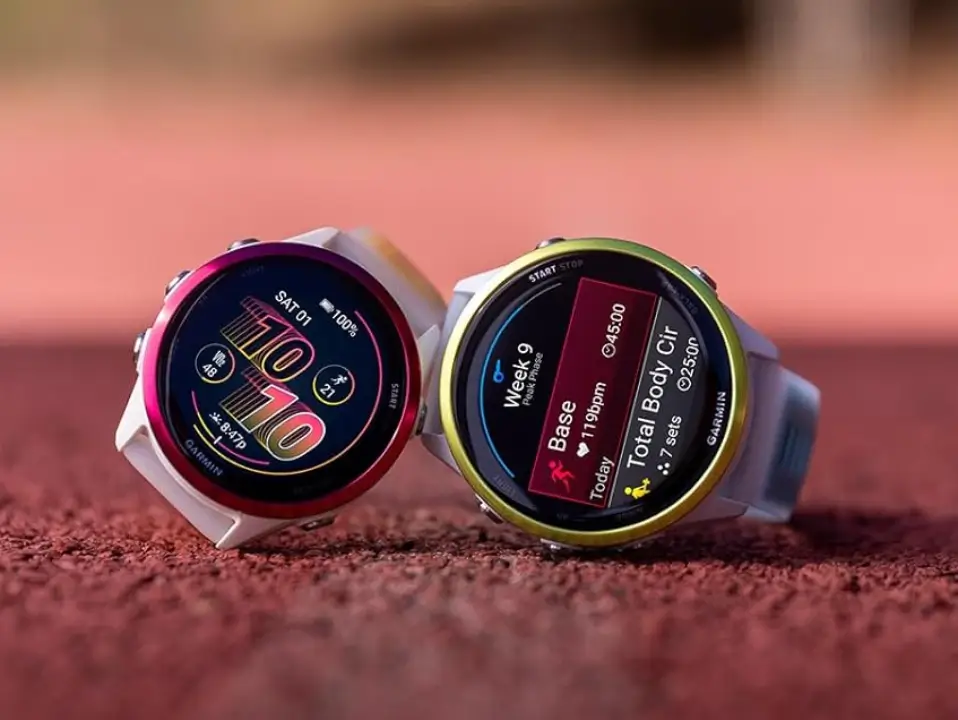
Garmin is moving fast this week. Just yesterday, the company put out beta update 18.32 for people who like to test early software. Today, Garmin is already rolling out the official, stable version 18.32 for the Forerunner 970 and Forerunner 570 smartwatches. If you already had the beta version on your wrist, you will find the same change log and fixes in this new public release.
Breakdown of the New Software Changes
The fresh update focuses on fixing a few annoying bugs that users ran into on older firmware. Instead of adding big new features, Garmin spent this cycle cleaning up the user experience.
One major fix stops the watch from randomly restarting or resetting itself when you simply change screens while tracking an activity. For anyone whose workout tracking kept cutting out mid-run, this is a very welcome patch.
Another fix addresses issues with quiet hours. The software now properly prevents smart notifications from making a sound when your device is switched to silent or do not disturb mode.
Music lovers and early morning runners also get relief. Garmin fixed a bug that could accidentally turn off alarm vibrations, ensuring you actually feel your morning wake-up call. Additionally, the update resolves a potential problem with Spotify music playback that used to happen when skipping songs through paired Bluetooth headphones. Finally, the patch includes fixes for other minor background bugs to keep everything running smoothly.
How to Install the Update Today
Most watches will catch the update automatically over time, but you do not have to wait for it.
You can download and install the new software manually right from your wrist in just a few simple steps. Go to your Main menu, tap on Settings, select System, open up Software Update, and click on Check For Updates.
Also Read: Garmin Prime Day 2026: Why Most Deals Disappointed (And What’s Worth Buying)

