

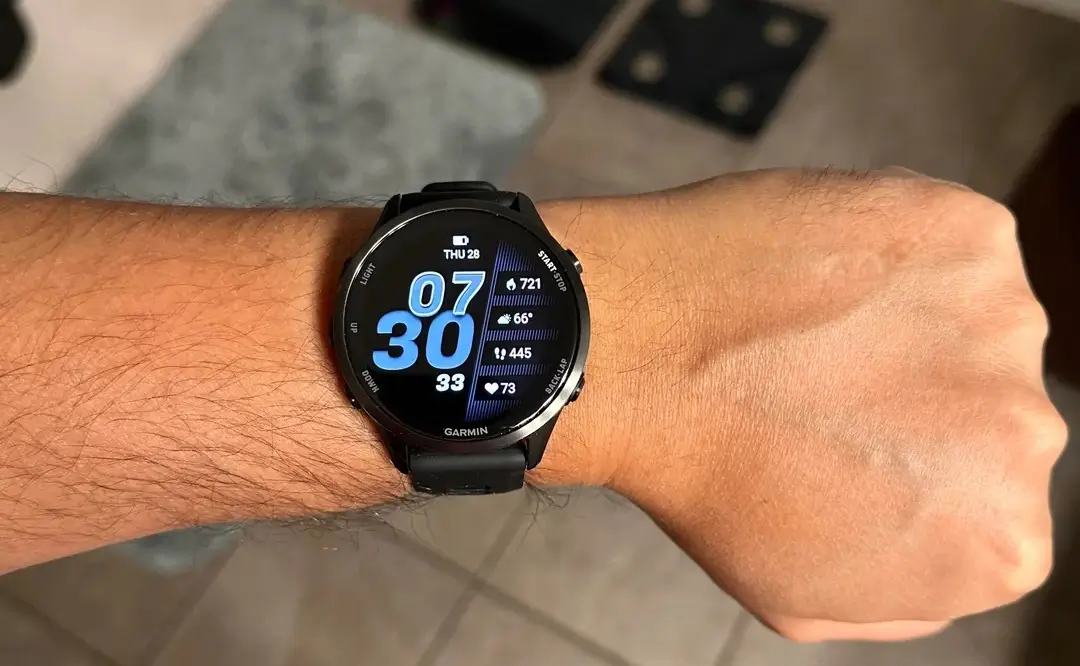
Garmin is back with another round of bug fixes for its users. The tech brand has officially started pushing out a new beta software update, version 18.32, tailored specifically for the Forerunner 970 and Forerunner 570 smartwatches.
If you like to test out new software features early and help catch bugs before they go public, this fresh update brings some very welcome quality-of-life adjustments to your wrist.
What is Inside the New Change Log?
The latest beta release focuses heavily on smoothing out daily glitches and fixing reported bugs.
One major fix addresses a frustrating issue that used to cause the watch to randomly restart when you switched screens right in the middle of an active workout. Garmin also tackled an audio bug to ensure that smart notifications stop making a sound when your watch is switched to silent or Do Not Disturb mode.
Morning runners and heavy schedule users will also appreciate a fix that prevents alarm vibrations from being accidentally disabled. Furthermore, if you like listening to music on your runs, the update resolves a potential playback issue with Spotify that sometimes happened after you skipped songs using paired Bluetooth headphones.
Beyond those headline fixes, the build also addresses and fixes other minor issues under the hood to keep your watch running smoothly.
How to Manually Download the Update
Because this software is still making its way through the beta channel, your watch might not download it automatically right away.
If you are signed up for the beta program and want to check for the update right now, you can pull it manually in just a few simple steps. Just grab your watch and head over to:
Main menu > Settings > System > Software Update > Check For Updates
Also Read: Garmin Breaks Down Massive Summer 2026 Software Updates in New Official Guide

