

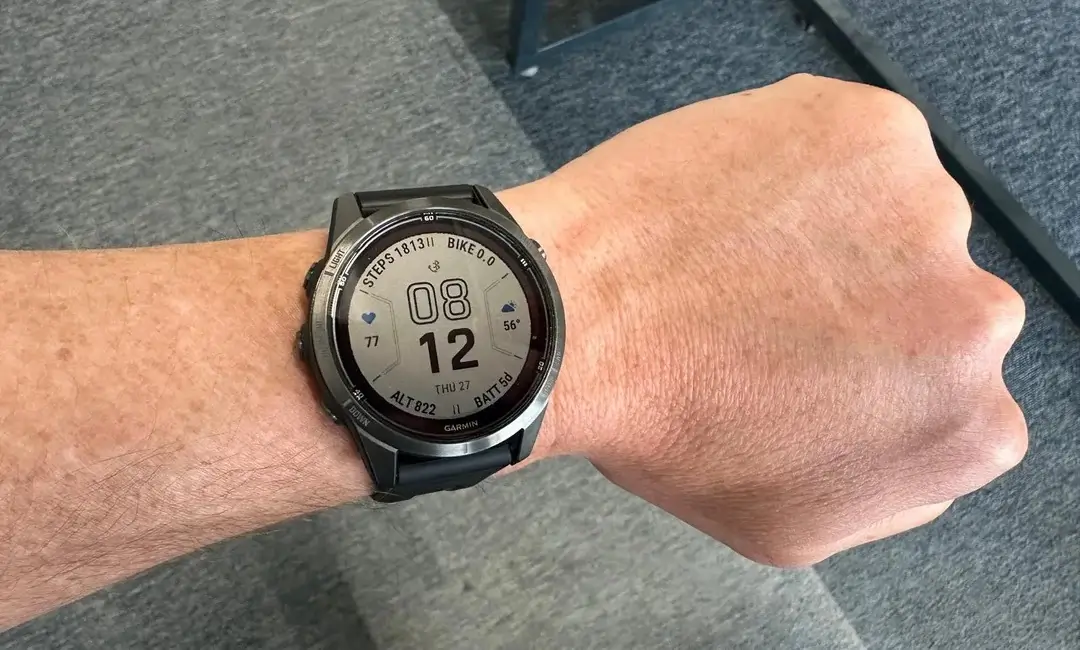
Garmin has commenced the rollout of a vital stable software update, designated as version 23.48, for a selection of its most popular and premium smartwatches. This essential firmware is targeted at the Fenix 7, Epix 2, Tactix 7, Quatix 7, and Marq Gen 2 series, focusing primarily on resolving deep-seated bugs that affected system stability and critical communication features. Users are highly encouraged to install this release to ensure optimal device performance.
Extensive Bug Fixes Address Device Shutdowns
The core mission of this v23.48 update is to eradicate several scenarios that led to unexpected device shutdowns, thereby significantly boosting reliability. The update successfully patches potential crashes that were previously observed during system maintenance and standard interactions. Specifically, Garmin has fixed spontaneous shutdowns that could occur when updating the software, accessing the activity select list, configuring a watch face, or modifying an activity’s settings. Furthermore, stability issues related to viewing the Planesync page have also been resolved.
Improvements to InReach and Satellite Communication
A significant portion of the fixes enhances the functionality of the inReach (IR) satellite communication tools. The update restores the user’s ability to cancel an initiated IR SOS message, a critical safety fix. It also corrects an issue preventing IR messages from being successfully delivered to all recipients when multiple contacts are selected. Additionally, the software now ensures that IR SOS messages are contained within a single thread, instead of being divided amongst several, clarifying emergency correspondence. General performance enhancements have also been applied to the iR Remote feature.
General System Enhancements
Beyond the major stability and communication fixes, the update includes several other critical system improvements. The satellite notification will now correctly display on the activity stage page, providing immediate status checks during activities. An issue causing Tide Alerts to show inaccurate data has been rectified, ensuring environmental information is reliable. Lastly, the software addresses a connectivity glitch, making sure all paired sensors are properly listed in the Sensors & Accessories menu for easy management.
How to Manually Initiate the Update
Users who prefer not to wait for the automatic over-the-air rollout can manually prompt their compatible Garmin smartwatch to download and install the v23.48 update immediately. This process involves navigating through the watch’s internal settings menu:
-
Access the Main menu on your device.
-
Select Settings.
-
Choose System.
-
Navigate to Software Update.
-
Select Check For Updates.
The Full Change Log:
- Fixed a potential device shutdown when updating software.
- Fixed a potential device shutdown when accessing the activity select list.
- Fixed an issue where the device could not cancel an IR SOS message.
- Fixed an issue where the device would sometimes shutdown when configuring a watch face.
- Fixed an issue where the device would sometimes shutdown when editing an activity’s settings.
- Fixed an issue where the satellite notification would not get shown on the activity stage page.
- Fixed an issue where IR messages would sometimes not be delivered when sending to multiple contacts.
- Fixed an issue where IR SOS messages would sometimes be divided amongst several threads.
- Fixed an issue with Tide Alerts displaying incorrect data.
- Fixed an issue where paired sensors may not be listed in the Sensors & Accessories menu.
- Fixed an issue where the device would sometimes shutdown on the planesync page
- General improvements to the iR Remote.
Also Read: Garmin Year-in-Review Now Requires Payment, Sparking Widespread User Backlash

