

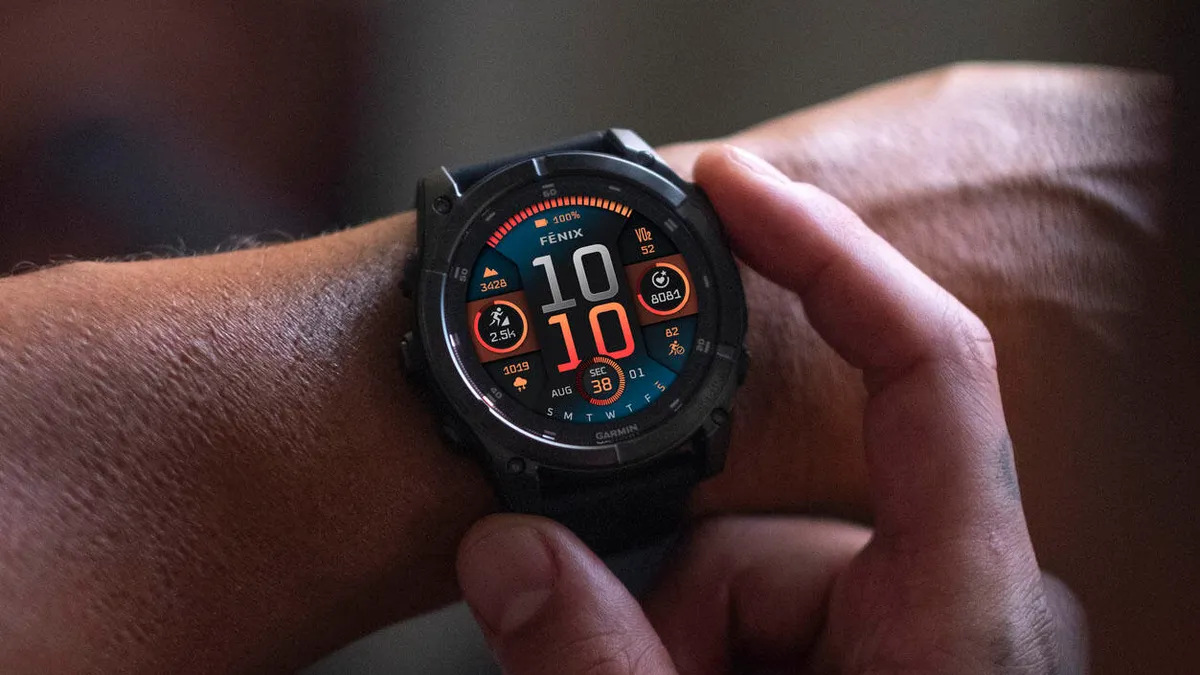
Garmin has released a new stable software update, version 23.31, for its high-end smartwatches. The patch is rolling out to the Fenix 8, Fenix E, and Tactix 8 models, bringing a mix of fresh features, safety tweaks, and key bug fixes.
New Activity Features and Data Sharing
The update brings several fresh options for different types of workouts. Runners can now access suggested quick workouts directly on their watch, and winter athletes have a new dedicated activity profile for indoor cross-country skiing (XC Ski Indoor).
For divers, Garmin added dive computer settings sharing within the Garmin Share app. In addition, users of the Applied Ballistics app gain full support for Xero range and sensor data.
Everyday Controls and Usability Tweaks
Garmin updated standard controls to make the watch easier to use during daily tasks and workouts. The built-in flashlight shortcut now lets users cycle through on, off, and strobe modes while tracking an activity.
The update also reduces false unlocks when using the touch lock feature, adds helpful context to volume controls, and fixes a bug where the volume failed to return to its original level after using the water ejection feature.
Fixes for Workouts and Performance Tracking
Several fixes address bugs that impacted specific sports and training programs:
-
Speed and Pace Data: Fixes an issue where speed and pace data dropped out, particularly during interval training.
-
HIIT Workouts: Restores the on-screen lap shortcut that stopped appearing during HIIT sessions.
-
Multisport Training: Fixes a bug that prevented users from starting suggested multisport workouts.
-
Garmin Coach & Rest Days: Resolves issues where training days on the watch did not match the Garmin Coach plan, and fixes errors when selecting rest days for daily suggested workouts or coach plans.
System Stability and Crash Prevention
To prevent unexpected crashes, version 23.31 fixes a bug that caused watches to reset during free strength training workouts. It also resolves a crash issue when installing audio prompt software and main host software at the same time.
Additional fixes resolve an issue where music volume would jump unexpectedly after an alarm sounded. The update is rounded out by general system translations and minor bug fixes.
How to Get the Update
While the software will reach devices automatically over the coming days, you can manually check for it right away on your watch:
-
Open the Main Menu on your watch.
-
Go to Settings.
-
Select System.
-
Tap Software Update and choose Check for Updates.
Also Read: Garmin’s New Fenix 9 Pro Is Live on Amazon—Here Is What You Need to Know

