

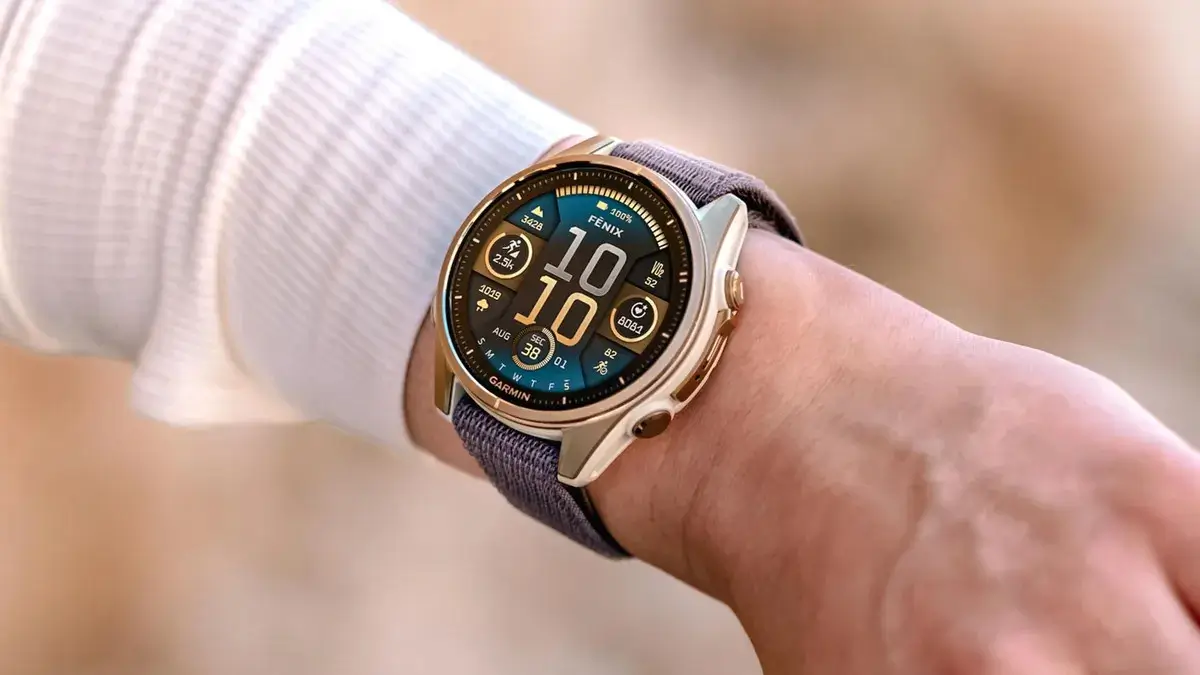
Garmin has officially initiated the rollout of Beta Version 22.23, a comprehensive software refresh designed for its high-end wearable ecosystem. This update targets the Fenix 8, Fenix E, Enduro 3, Quatix 8, and Tactix 8 series. While primarily focused on refining the user experience, the update introduces several quality-of-life improvements that streamline how athletes interact with their data during intense training sessions.
New Features and Connectivity Enhancements
The most notable functional addition in this build is the expanded hardware support for golfers. Users can now pair their watches with Approach CT1 club sensors, allowing for automated shot tracking and deeper post-round analysis. Furthermore, Garmin has optimized the LiveTrack safety feature; it can now be configured to trigger automatically based on specific activity profiles. This removes the manual step of enabling tracking before a run or ride, ensuring friends and family can always monitor your location.
Critical Stability and Navigation Fixes
A significant portion of the 22.23 update addresses stability issues that previously led to unexpected device reboots. Specifically, developers have resolved bugs that caused crashes when selecting Garmin Coach workouts or toggling transitions during multisport events. Navigational reliability also receives a boost, fixing a frustrating glitch where turn arrows would vanish during course navigation and ensuring the popularity map layer remains visible even when routing is disabled.
Improved Responsiveness for High-Intensity Sports
Athletes engaged in technical climbing will find that the lap key is now fully functional for both rock climbing and bouldering activities, a fix for a bug that hindered performance tracking. Additionally, Garmin has shaved down the latency when hitting the start button, providing a more responsive experience the moment a timer is initiated. Various under-the-hood “minor bug fixes” round out the update to ensure a smoother interface across all supported models.
How to Install the Beta Update
If you are enrolled in the Garmin Beta Program, you can pull the update manually via the “over-the-air” method. To update your device, navigate through the following path on your watch:
-
Open the Main Menu.
-
Select System.
-
Scroll to Software Update.
-
Tap Check For Updates to begin the download and installation process.
Also Read: Is the Garmin Fenix 9 Worth the Wait? My Deep Dive into the 2026 Rumors

