

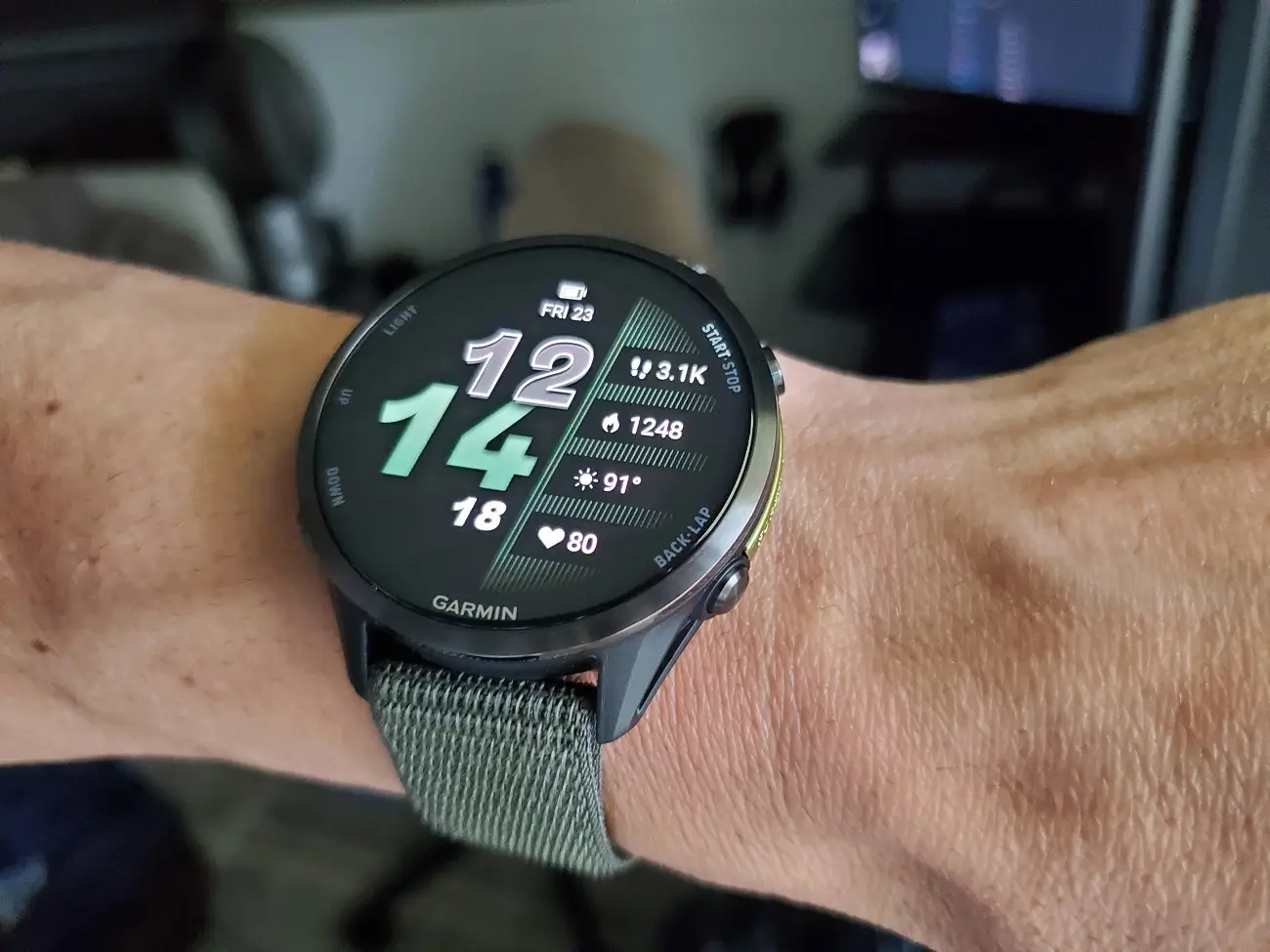
Garmin is pushing out a new software update for people who love to test features early. Beta version 18.14 is now rolling out for the Forerunner 970 and Forerunner 570 smartwatches. This latest release focuses heavily on cleaning up annoying bugs, fixing music glitches, and making sure your alarms actually work the way you want them to.
Screen and touch fixes for athletes
If you have ever had your watch screen accidentally wake up mid-workout, this update should help. Garmin has made the touch lock feature smarter, meaning fewer false unlocks when you are on the move. They also fixed a weird bug where touch controls would turn back on during water sports if you had a custom focus mode running.
No more crashing during indoor workouts
Rowers and climbers will be happy to see some critical stability fixes here. Previously, the watch had a nasty habit of resetting itself right when you tried to save an indoor rowing session—potentially risking your hard-earned data. The software team also patched a bug that caused the device to completely crash during indoor climbing activities.
Major fixes for music and headphones
A huge chunk of this update addresses how the watch handles audio. Garmin has changed the default settings so that button tones turn off automatically when you connect headphones. They also fixed several volume glitches, including a bug where music would get way too loud after an alarm went off, and another where the watch speaker would briefly blast music right after you unplugged your headphones. Plus, the media player screen should now accurately show if your song is paused or playing.
Better alarms and smoother training plans
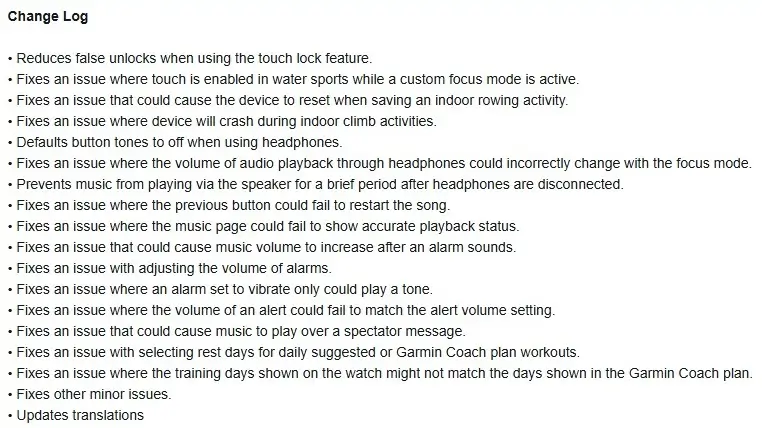
Alarms and workouts are also getting some much-needed attention. Garmin fixed a frustrating issue where alarms set to “vibrate only” would still make noise. For your daily training, the update fixes a bug that messed up how rest days were selected for Garmin Coach and daily suggested workouts. Now, the training days on your wrist should perfectly match what you see in the app. You can see the full change log in the picture below!
How to get the update right now
As with most beta software, Garmin is rolling this out in stages. If you do not want to wait for it to hit your wrist automatically, you can grab it manually. Just head into your watch’s Main menu, go to Settings, select System, tap Software Update, and hit Check For Updates.

