

As a member of the Garmin community, I am very familiar with the stress involved when dealing with critical updates or unforeseen malfunctions when working on a training block. Since we depend on the information from our devices, a watch that does not boot at all is not simply an annoyance; it disrupts our routine.
Fortunately, there is now a feature that can save us from such a problem. Recovery Mode has been secretly added by Garmin, and it is currently being distributed to users through the Beta version of the software program.
Note: Recovery Mode is available for select Garmin products currently enrolled in the beta software program. Recovery mode will prompt if problems are detected while trying to power on.
What is Recovery Mode?
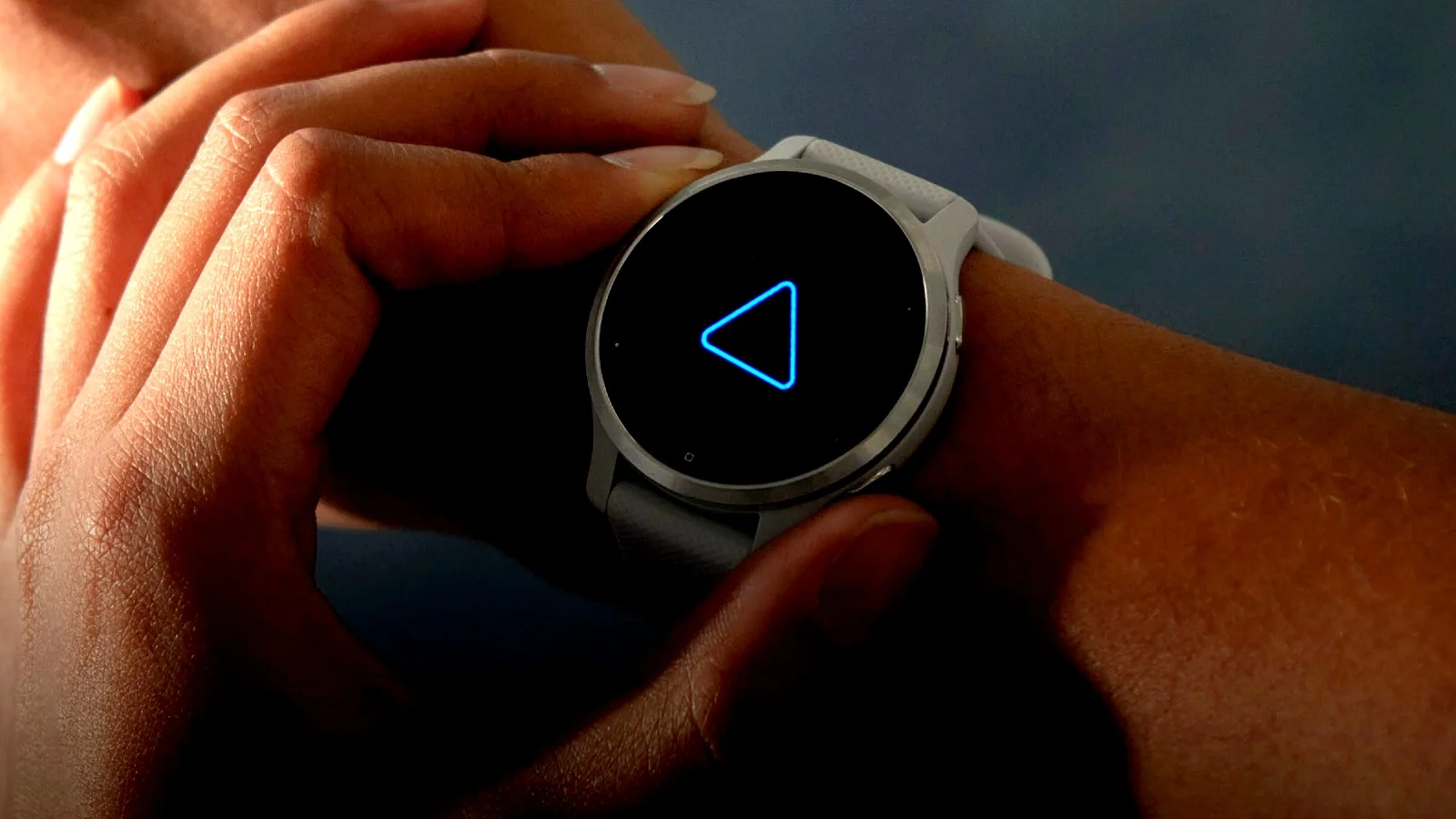
Recovery Mode is an automatic safety net feature. In case the watch faces any major issues when powering up, it will now automatically switch to Recovery Mode instead of being stuck in a rebooting loop permanently.
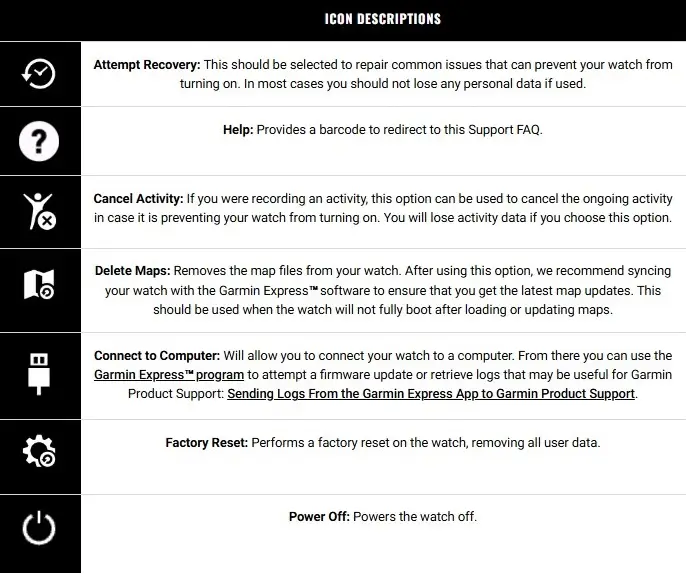
Rather than having to memorize confusing button sequences in order to reset the watch, the watch now offers you easy, graphical solutions for fixing the issue yourself. Here is how you can troubleshoot your watch:
-
Attempt Recovery: This is the first thing to try. It attempts to repair common startup issues without wiping your personal data.
-
Delete Maps: We’ve all seen updates hang during a massive map download. This option allows you to wipe the map files specifically so the watch can finish booting. You can then reinstall them via Garmin Express later.
-
Connect to Computer: This forces a connection to Garmin Express, allowing you to push a clean firmware update or pull logs for Garmin Support.
-
Factory Reset: The “nuclear option.” If nothing else works, this wipes all user data and returns the watch to factory settings.
-
Cancel Activity: If a corrupted activity file is preventing a boot-up, this can clear it (though you will lose that specific activity’s data).
Which Watches Actually Support This?
Among other frustrating things, sometimes Garmin does not always provide us with a straightforward compatibility chart for its products. I did some research myself by looking into their support documentation and comparing the model numbers.
According to my research, Recovery Mode can only be used with the latest series of devices. If your device is not from one of these latest series, then you cannot access the feature even in the newest beta. The currently supported devices include:
-
Fenix 8 Series (Solar, AMOLED, and Fenix 8 E)
-
Instinct 3 Series (Including Solar and AMOLED variants)
-
Venu 4 / Venu X1
-
Enduro 3, Tactix 8, Quatix 8
-
Forerunner 970 / 570
-
Vivoactive 6
Why This Matters for Us
For those of us who truly live with our gadgets on the edge, be it trying out the Beta version or heading into the wilderness, having this “Emergency Room” right around your wrist is just an immense comfort. And that’s because you’ll have less fear of bricking your watch than actually getting to use it.
And if you’re still deciding whether you should go with the Fenix 8 or the latest Instinct 3, then know that this feature is not talked about in marketing but offers great peace of mind for power users.
Wait for the next public stable release to guarantee that you can use this feature on your watch. Cheers!
Also Read: The 5 Garmin Launches I’m Saving My Money For in H2 2026

