

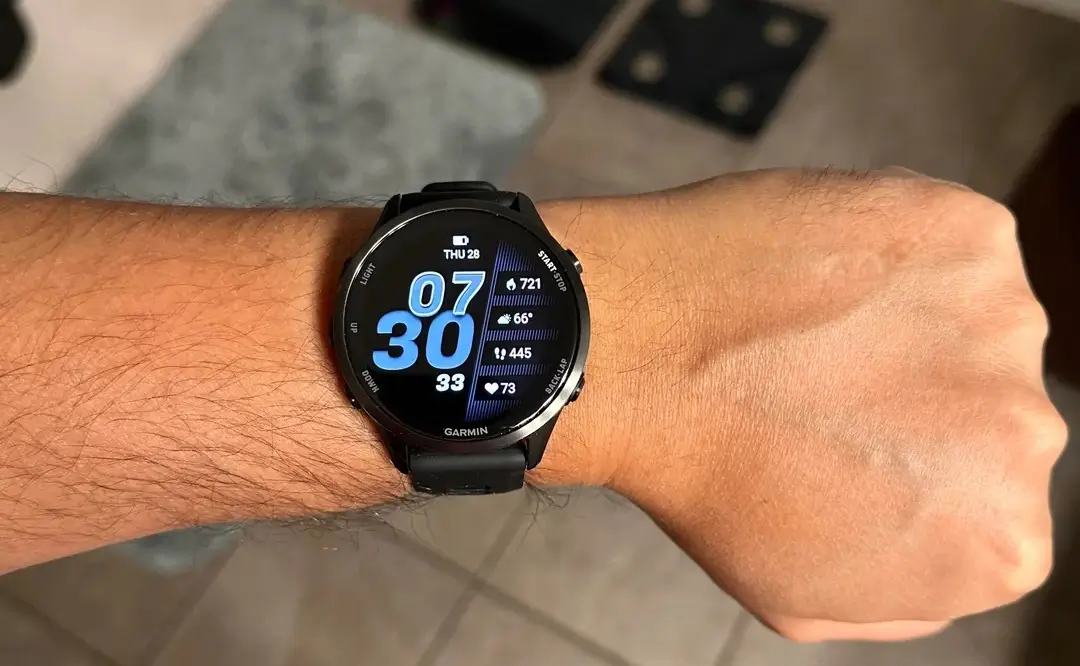
If you’re rocking a Forerunner 970 or 570, it’s time to head into your settings. Garmin has officially kicked off the rollout for Beta Version 17.19, and while it might look like a standard maintenance patch at first glance, it actually packs a few quality-of-life upgrades that long-time users have been asking for.
Here is everything you need to know about what’s changing on your wrist.
Smarter Tracking and Enhanced Sport Profiles
The standout addition in this build is the new support for Approach CT1 club sensors, bridging the gap for golfers who want more granular data without switching to an Approach-series watch. Beyond the links, Garmin is also giving users more control over their safety and social features. You can now toggle LiveTrack to kick in automatically based on specific activity types, so you don’t have to worry about manually inviting friends to “watch” your 5:00 AM treadmill session unless you actually want them there.
For the trail runners out there, Garmin has addressed a specific annoyance: the watch will now prevent automatic track detection during trail runs. This should stop the software from incorrectly snapping your GPS path to a standard 400m oval when you’re actually navigating technical terrain.
Bug Fixes and Interface Tweaks
We’ve all felt that split-second lag when hitting “Start,” and Version 17.19 aims to eliminate it by improving timer responsiveness. The update also tackles several stability issues that were causing random device resets—a major win for anyone who has ever lost a workout mid-set.
Specific activity fixes include:
-
Swimming: Your “send off” vibrations during pool workouts are back in action.
-
Climbing: A frustrating bug that disabled the Back and Down keys during indoor climbing and bouldering has been squashed.
-
Phone Calls: You should no longer run into issues trying to accept an incoming call from the watch face. Additionally, the “Mute” setting has been adjusted to only stay active for the current call, rather than sticking on for the next one.
How to Get the Update
Since this is currently in the Beta cycle, you might need to nudge your device to find it. To grab the latest firmware, follow these steps on your watch:
-
Hold the Menu button.
-
Scroll down to System.
-
Select Software Update.
-
Tap Check For Updates.
Once the download finishes, your Forerunner will prompt you to install. Just make sure you’ve got a decent charge left before you start the process.
Also Read: Garmin Forerunner 980: Predicting the Release Date & 5 Features I’m Begging For

