

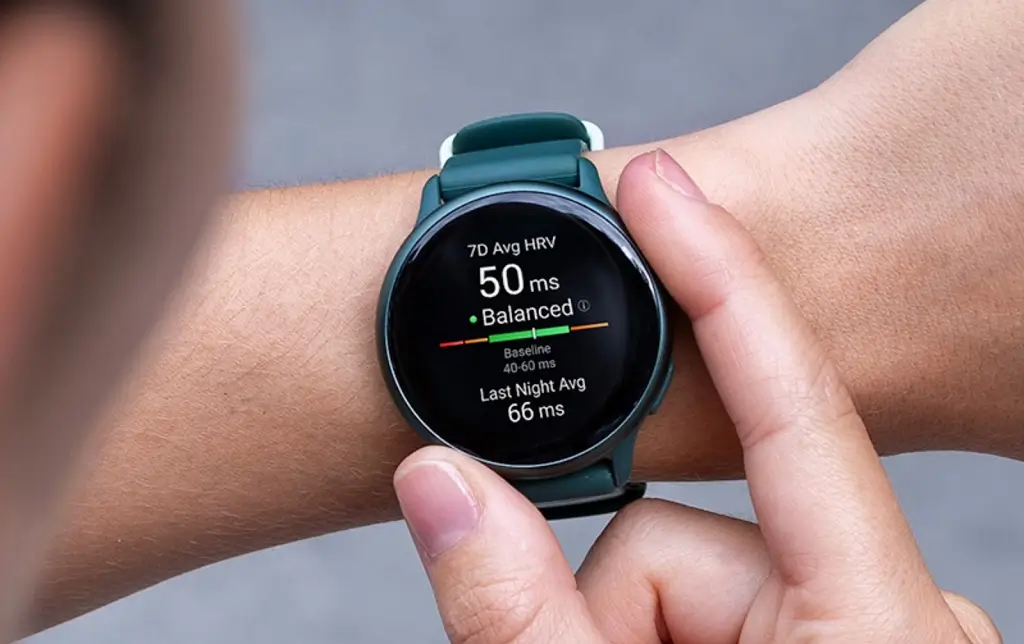
Garmin has just released a fresh software update for the Vivoactive 6, bringing the device up to version 17.19 for those enrolled in the Beta program. This latest patch focuses heavily on refining the user experience, ironing out persistent glitches, and expanding the watch’s compatibility with specialized golfing hardware.
Enhanced Tracking and Golf Integration
The standout feature in this rollout is the added support for Approach CT1 club sensors. Golfers can now pair their Vivoactive 6 with these sensors to automatically track every shot, including club choice and distances. Additionally, Garmin has revamped LiveTrack, allowing users to set the feature to trigger automatically based on specific activity types, ensuring your loved ones can follow your progress without you having to manually toggle settings every time you hit the pavement.
Performance Tweaks and Navigation Fixes
Speed and reliability take center stage in the 17.19 build. Users will notice a significant improvement in timer responsiveness, eliminating that slight lag when starting a session. On the navigation front, a frustrating bug that caused turn arrows to disappear while following a course has been squashed. Trail runners will also be pleased to find that automatic track detection is now disabled during trail activities, preventing the watch from incorrectly snapping your GPS data to a nearby running track when you’re actually out in the woods.
Stability and Quality-of-Life Improvements
Beyond the feature additions, Garmin’s engineers have addressed several stability issues that were causing the Vivoactive 6 to randomly reset. This update also fixes a specific issue for swimmers where the watch failed to vibrate for send-off times during workouts. Toss in a handful of “under the hood” bug fixes, and the result is a much smoother, more predictable device for daily athletes.
How to Install the 17.19 Beta Update
If you are part of the Garmin Beta program, you don’t have to wait for the automatic sync. You can pull the update manually by following these steps on your watch:
-
Open the Menu.
-
Scroll down to System.
-
Select Software Update.
-
Tap Check For Updates to begin the download.
Also Read: The 5 Garmin Launches I’m Saving My Money For in H2 2026

