

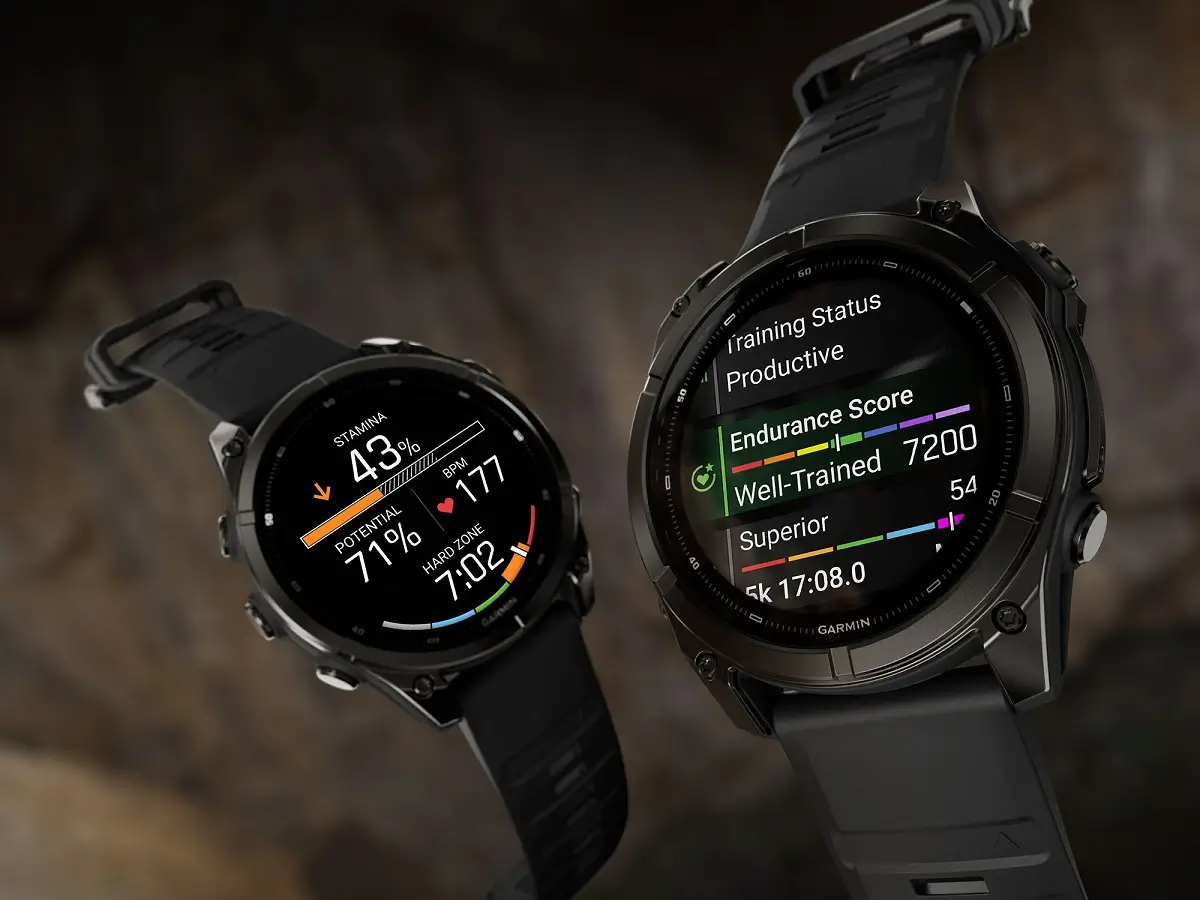
Garmin has started rolling out a new beta software update, version 7.19, for several of its high-end smartwatches. Owners of the Fenix 9, Fenix 9 Pro, Enduro 4, and MARQ Gen 3 models can now test out a fresh batch of features and dozens of bug fixes.
The update focuses heavily on improving day-to-day stability, fixing sudden crashes, and adding a few helpful tools for athletes and outdoor adventurers.
Note: The Beta software available for the Fenix 9 series will have the ECG feature and Dive features Disabled.
New Features for Fitness and Everyday Use
With version 7.19, Garmin is giving users more control over their workout data and watch settings. If you train indoors, you can now manually edit your distance for both Indoor Cycling and Indoor Cross-Country Skiing profiles.
Hikers, ruckers, and trail runners are also getting a nice perk. After finishing a walk or run, the watch will now show post-activity summary cards that track your Pack Weight and your Pack Weight Calorie Burn Rate.
Away from workouts, the update adds a few small touches to the user interface:
-
Flashlight controls: You can now set a custom timeout for the built-in flashlight through the quick controls menu.
-
Watch faces: Certain watch faces now support a smooth-sweeping second hand, and the World Timer face has received general improvements.
-
Power modes: New users will see a helpful first-time tip when exploring the watch’s power management settings.
Major Stability Improvements and Crash Fixes
A large portion of this beta release is dedicated to stopping the watches from unexpectedly shutting down. Garmin engineers tracked down and fixed nine separate bugs that caused devices to crash during normal use.
Users should no longer experience sudden shutdowns when switching sports, starting a HIIT workout, or using ClimbPro during a run. The update also resolves crashes linked to downloading Outdoor Maps+ content, searching for points of interest, selecting activity data screens, and turning on Heart Rate Broadcast through the Garmin Connect app. Music lovers will also notice better stability when switching Spotify playlists or rapidly pressing the back button inside the music player.
Map, Activity, and Display Bug Fixes
Beyond preventing crashes, version 7.19 cleans up a long list of smaller glitches across maps, sports tracking, and menus.
On the navigation side, maps will now load faster if you have multiple map files installed on your watch. Garmin also fixed a bug that prevented course previews from showing up when TopoActive and OSM maps were turned on at the same time. Other map fixes include correcting the placement of the north arrow, removing a blank option in the map layers menu, and stopping the wrong vehicle icon from occasionally appearing on the screen.
Athletes and everyday users will also benefit from several targeted repairs:
-
Workout tracking: Golf shot detection and Indoor Rowing have both been fine-tuned. The update also fixes heart rate dropouts in ArcheryX, repairs button-based weight editing during strength workouts, and stops Running Stamina from falsely showing “Maximum Zone” when your heart rate is actually very low.
-
Audio and apps: Your watch will no longer play notification or call sounds when it is set to silent mode. Lag in the Connect IQ watch face menu has been reduced, the Epic app is more responsive, and progress bars in LineMusic now display properly.
-
Solar and system tweaks: Solar models received visual fixes for the satellite and keyboard icons. Garmin also resolved issues with Alipay pairing, missing Player 2 scores on the round info page, and weather data disappearing during network outages.
How to Install the Update
Because this is a beta release, it may take a little time to reach every eligible watch automatically. However, if you are enrolled in Garmin’s beta program and want to install version 7.19 right away, you can trigger the download manually on your watch.
Open the Main menu, scroll down to Settings, and select System. From there, tap Software Update and choose Check For Updates to pull the new software onto your device.
Also Read: Garmin’s New Fenix 9 Pro Is Live on Amazon—Here Is What You Need to Know


sorry but you are wrong, the changelog is mostly identical like 7.14 beta, so your article is not accurate