

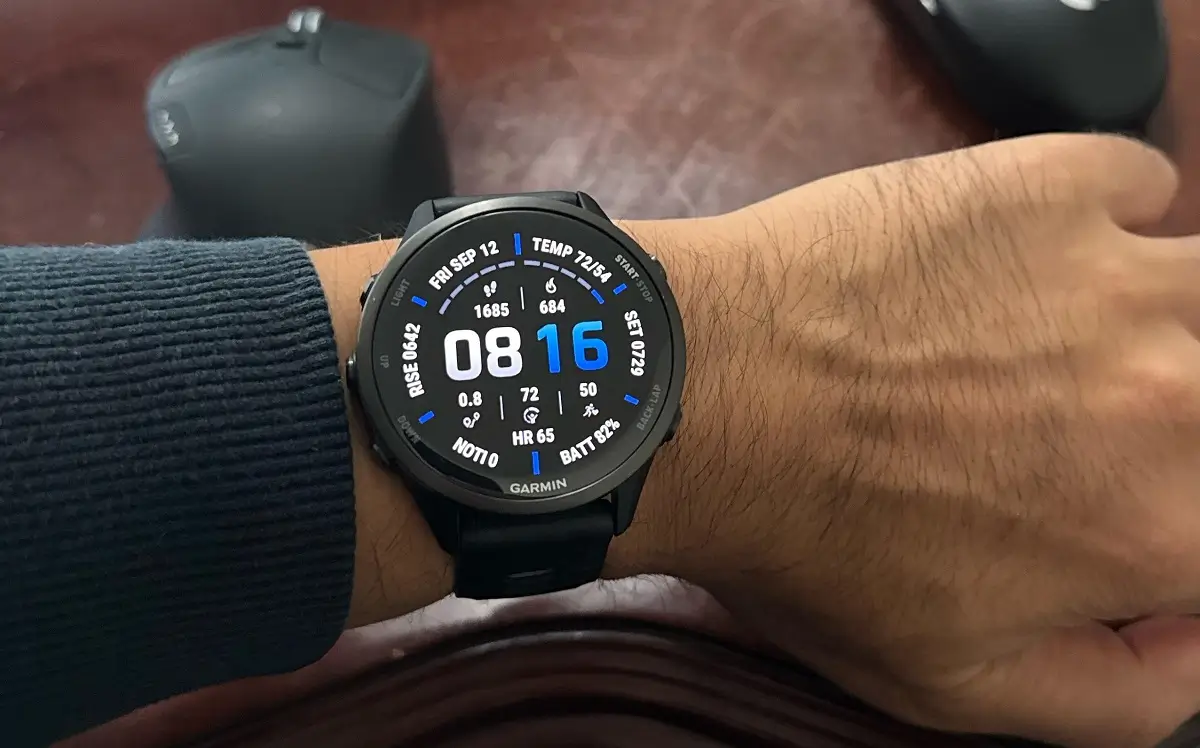
Garmin has started rolling out its latest beta software update, version 19.15, for owners of the Forerunner 970 and Forerunner 570 smartwatches. The new patch brings a massive list of fixes, small design tweaks, and performance upgrades aimed at making daily tracking and outdoor navigation much smoother for users.
Smarter Workout Tools and Audio Tweaks
Among the biggest additions in this update are smart adjustments to how the watches handle notifications and workout data. The Auto Lap feature will now announce your lap numbers during workouts, and Garmin has refined its tracking algorithms to improve the accuracy of swim lengths and stroke detection. Additionally, high-intensity intervals will no longer be interrupted by incoming notifications, as the watch now delays them until your effort period ends.
Major Fixes for Unexpected Crashes and Reboots
Garmin has also focused heavily on fixing random crashes that plagued previous software versions. Update 19.15 resolves several bugs that caused the watches to reboot unexpectedly, including crashes triggered when answering a phone call on the watch, processing data from Garmin Explore, or starting a GPS activity with Bluetooth headphones connected. An issue causing occasional resets during shutdown has also been patched.
Better Maps, Faster Searches, and Clearer Navigation
Navigation and mapping features received a noticeable polish in this build as well. Map rendering errors that caused certain roads to show up as thick black lines have been fixed, and searching for points of interest is now much faster. Full-page turn instructions will now only pop up when you are not actively looking at the map page, preventing full-screen interruptions while navigating.
Everyday Usability Improvements and Bug Fixes
Everyday smartwatch usability gets a boost across several smaller features. Users can now manually snooze move alerts, and volume controls for Bluetooth headphones are more consistent. Other bug fixes address battery drain linked to Alipay, missing Find My Device alerts, blank Breathwork instructions, and a bug where silent mode alerts would unexpectedly unmute themselves.
How to Get Update 19.15 on Your Watch
If you are currently enrolled in the Garmin Public Beta Program and want to install version 19.15 immediately, you do not need to wait for the automatic rollout. You can trigger the download manually by opening the Main Menu on your watch, heading to Settings > System > Software Update, and selecting Check For Updates.

