

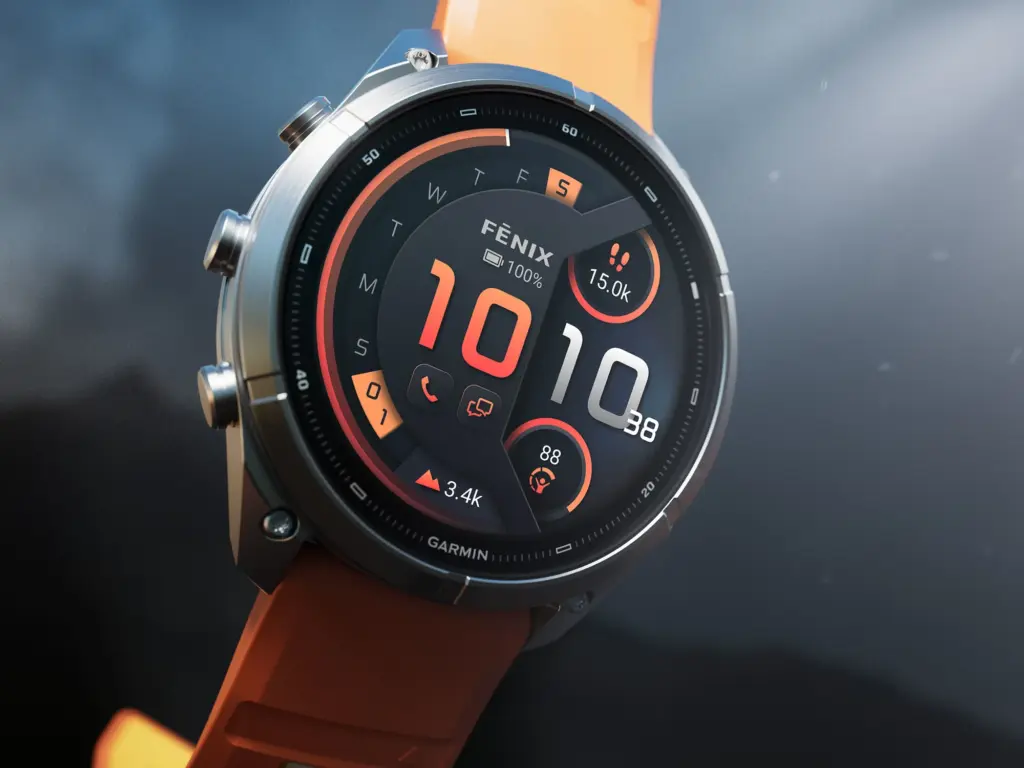
A frustrating software roadblock has been stopping many Garmin Fenix 9 Pro watches from connecting to phones and computers during initial setup. Over the past few days, support threads have filled up with reports of failed connections and unexplained registration errors. Now, however, the tide appears to be turning slightly, as a growing number of owners report that their watches have finally started pairing.
What Users Are Saying Across Android and iPhone
Reports across community boards show that the bug is affecting both major mobile platforms, with users detailing the exact roadblocks they are hitting on specific devices:
-
iPhone 17 Pro Max and iPhone 15 Pro Max: On the Garmin subreddit, user DCypel shared that the watch failed to connect on both an iPhone 17 Pro Max and an iPhone 15 Pro Max, even after factory resetting the watch, uninstalling the app, and trying different accounts.
-
Samsung Galaxy S26 Ultra and S21 Ultra: Over on the Garmin Fenix 9 series forum, user Mark_v_E noted that Garmin Connect could not even discover the watch on either a Samsung Galaxy S26 Ultra or a Samsung Galaxy S21 Ultra. Testing on a 2025 iPad allowed Bluetooth to spot the watch, but pairing still crashed with a blocked inReach error.
-
Pixel 10 XL: Another forum member testing a 51mm Fenix 9 Pro with a Google Pixel 10 XL and several Samsung phones reported that while the app saw the watch as a new device, it refused to complete the setup—even after rolling back to older versions of Garmin Connect.
-
The Users Who Had No Trouble: Interestingly, not every phone ran into the wall. One Reddit user noted their Fenix 9 Pro paired with a Google Pixel 11 Pro XL without a single hitch, while another user had zero issues connecting theirs to an older four-year-old iPhone.
Behind the Scenes: A Server Rejections Glitch
When mobile pairing failed, several owners plugged their watches into Windows PCs hoping Garmin Express would push the registration through. Instead, the desktop software threw a DeviceRegistrationError: 0 message.
Digging into the diagnostic logs, a user, Mark_v_E, discovered that Garmin’s registration servers were actively rejecting specific hardware part numbers (such as 006-B4953-00) with an HTTP 400 Bad Request error. Because replacing the watch with a second unit produced the same error, the evidence pointed directly to a server-side database mismatch rather than defective hardware.
Some Users Are Finally Getting Through
While many people are still locked out, the situation is no longer a complete dead end. Follow-up updates on the second page of the Garmin forum discussion and recent Reddit replies indicate that Garmin’s engineering team has begun rolling out backend server adjustments.
Several owners who were stuck for days report that their watches have suddenly started pairing. To push the connection through after the server update, users recommend putting the watch directly into manual pairing mode by holding the middle-left button, navigating to Settings > Connectivity > Phone > Pair Phone, and scanning the generated QR code inside Garmin Connect. Clearing old Bluetooth entries from the phone’s settings and restarting both devices before trying again has also helped complete the setup.
Also Read: Garmin Early Black Friday Sale: Best Deals on Fenix 8, Forerunner 965, and More (Up to 44% Off)

