

For all those living in the Garmin ecosystem, map updates are typically a no-brainer. However, the recent TopoActive 2026.10 update has proved to be catastrophic. An update that was meant to enhance the trails and roads information on the device is now effectively turning the expensive Garmin devices into paperweights.
So, if you have not pressed the “Update” button in Garmin Express just yet, my recommendation would be not to do it at all.
The “Saving Diagnostics” Loop of Death
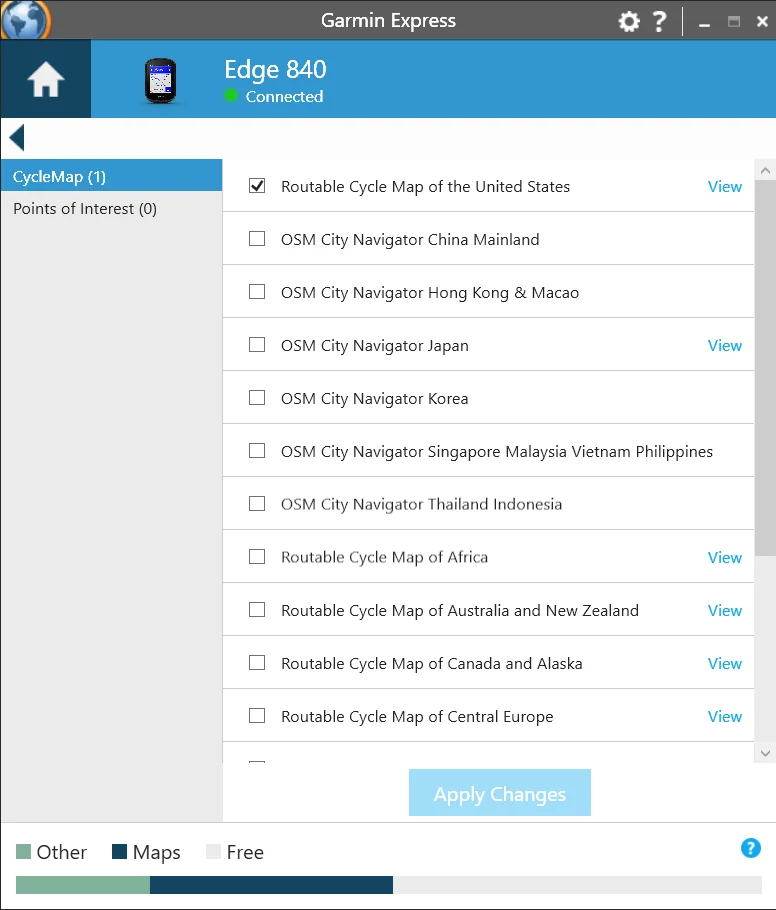
The scary thing is that by then the installation appears to have been successful. It is only after the process that the crash happens.
The system starts to crash and begins a persistent reboot process. The system display will show “saving diagnostics” or “collecting diagnostics,” which persists for about two seconds before restarting the system. And it just keeps doing it. Even turning the system off won’t help stop it.
The Community Response: “A Dead End”
I’ve been paying attention to the Garmin forums, and the mood there is very angry. Users such as Restex and franz134 have identified a huge issue, which is that the device stops communicating with PCs after the loop starts.
Here’s an example from franz134: “I plugged in the cable to my PC, and it instantly shows ‘Loader 30.18’. I pressed and held LAP, but nothing else happened… I can’t communicate with the device and see no mass storage directory.”
Restex has observed that the crash occurs prior to the booting process. This implies that the issue could be deeply rooted in the bootloader itself or in the map loading process.
But there’s a cruel twist here, too. According to JoergD66, while we were waiting for this update so that we could get updated maps of roads, it appears that the information was taken from as early as August 2025. You are literally jeopardizing your $600+ device for outdated map data.
Which Devices are at Risk?
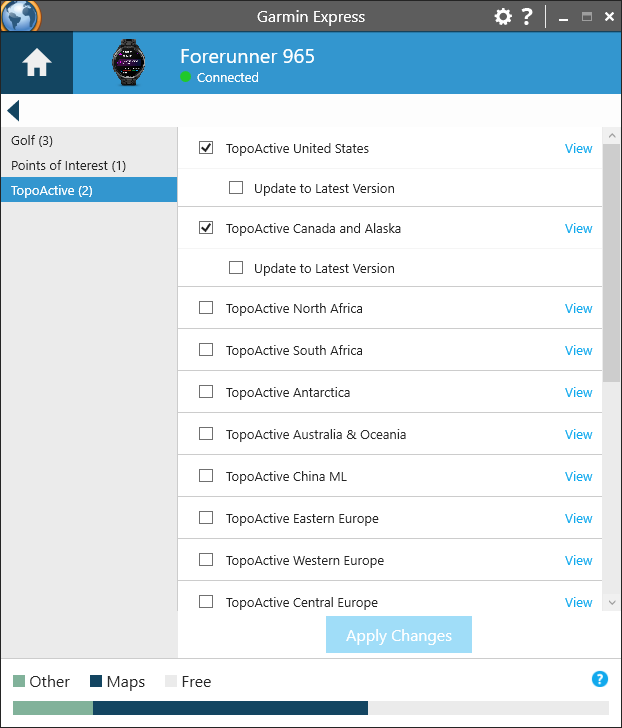
As always, I am normally preoccupied with the Edge range, but this trend is not exclusive to cycling computers; it appears to be spreading among TopoActive compatible devices.
-
Edge 540 / 840 / 1040 (including Solar models)
-
Forerunner 970
-
Fenix 7 (Reports of map errors and varying boot issues)
If your device runs off TopoActive maps, then you are in danger.
What Should You Do?
If you haven’t updated, then keep what you have. It’s not worth bricking your watch with a lengthy RMA process just for some street updates.
If you are trapped in the loop:
-
Force “Loader Mode”: Hold the Lap button as you connect your watch to your computer. A couple has gotten the “Loader” screen to stay up, although Garmin Express may still be unable to “see” your watch.
-
Drain the Battery: Some have recommended discharging your battery fully and then rebooting while connected to your computer.
-
Contact Garmin: They have officially recognized the problem on their forums. You will most likely need a replacement watch.
Bottom Line
It seems that even Garmin isn’t invincible; their 2026.10 map pack package is a massive, critical failure. Until such time as they remove the update or release a firmware update for dealing with the problem, steer clear of your USB cables and Garmin Express.
I will be monitoring any official releases, and I’ll keep you informed of my findings here.
Also Read: Garmin watches and Edge computers gain new data sharing feature with Bosch integration


My D2 Mach1Pro has not experienced any problems since I updated the map set to 2026.10. I guess I should keep my fingers crossed. Best wishes to all who have been impacted. 😎🇨🇦
Hey, any new info?
Unfortunately, no, some users were asked to send their devices to the support center
I have an Edge 1050 with map version 2026.10. Route planning works, but I’m afraid to use the navigation. My Fenix 7 Pro Solar also has the new maps, and it plans routes too, but I’m afraid to use the navigation on that one as well. It’s strange that on the 1050 I can’t delete the 2026.10 maps because there’s no “delete” option, yet GE shows an update to version 2026.10. I guess it would be safest to delete the maps and wait for the official update.
“ Garmin usually runs a tight ship with their software cycles” is this a joke? Dude, you said you check the forums, fenix 8 has a black screen issues where people get bricked brand new devices, epix pro and fenix 7 pro were dead ended and thier maintenance stable releases are a nightmare. What planet did you came from? The software is bad it was always like this but the last 2-3 years they are terrible, every release has some major flaws!
I updated to version 2026.10 on my FR 970. I didn’t have any problems, but today I connected the watch to Garmin Express and it wanted to install the ”newest version” 2025.10 lol. I guess that is their way to fix the bug so I actually reverted back to previous version.