

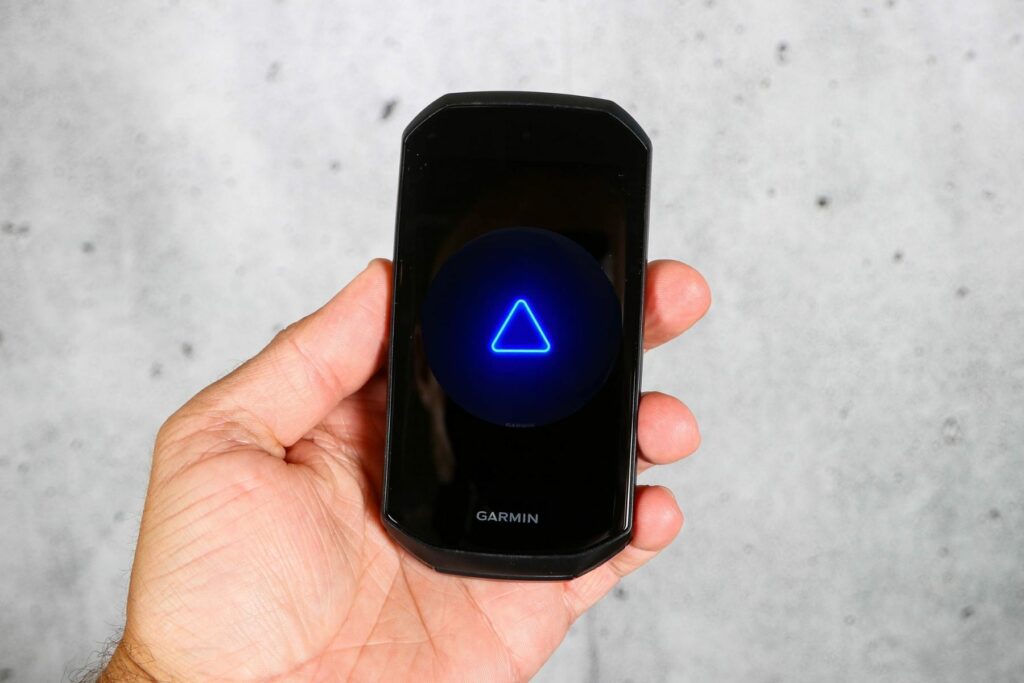
A few days ago, I warned you about a major issue with the new TopoActive 2026.10 map update. It was causing a massive headache for the community, turning expensive cycling computers and smartwatches into expensive paperweights. Devices like the Edge and Forerunner series were getting stuck in an endless boot loop, completely bricking for many frustrated users who just wanted to go out for a ride or a run.
Thankfully, Garmin listened. The company has officially rolled out a stable firmware update—version 30.21—specifically designed to squash this map bug.
If you own a Garmin Edge 1050, 1040, 850, 840, 550, or 540, this update is meant for you. According to Garmin’s short but sweet changelog, version 30.21 does exactly one important thing: Fixed a potential boot-looping issue with 2026.10 maps.
How to Get the Update
If your Edge device is still working normally but you’ve been holding off on updating your maps, you can safely update your device software now. The new 30.21 firmware is rolling out globally and can be downloaded right away by plugging your device into a computer using Garmin Express, or by syncing it through the Garmin Connect Mobile app on your phone.
Stuck in a Boot Loop? Here is the Official Fix
But what if your device is already trapped in that frustrating loop, constantly restarting and refusing to boot up? Garmin has recognized this and just published a highly specific Edge Boot Loop Recovery Instruction guide.
Note: Garmin states this specific recovery process needs to be completed on a Windows PC.
Here is the exact step-by-step breakdown to rescue your bricked Edge:
Step 1: Prepare Garmin Express
-
Open Garmin Express on your Windows PC and make sure it is updated to the latest version.
-
Inside Garmin Express, click on the Gear icon (Settings).
-
Select General, then go to Advanced.
-
Check the box for “Enable Pairing Mode“. (This is the critical step: it allows Garmin Express to grab onto your Edge device before it restarts itself again).
Step 2: Force the Edge into USB MTP Mode
-
Connect your boot-looping Edge to your PC using your USB cable.
-
Turn the Edge on and wait for it to start its endless restarting cycle.
-
Press and hold the Lap key. Keep holding it down until the screen displays “Loader“.
-
Continue holding the Lap key until the screen shifts to say “USB MTP Mode“.
-
Once you see “USB MTP Mode”, you can finally release the Lap key. (If your battery is low, let it charge here for 5–10 minutes.
Step 3: Manually Install the Fix File
-
Keep the device plugged in. Open File Explorer on your Windows PC (Windows Key + E) and click on This PC.
-
Open the drive labeled as your Edge device.
-
You will need to download the official GCD recovery file meant for your specific Edge model (links are provided directly on Garmin’s support page).
-
Copy the downloaded GCD file and paste it directly into the GARMIN folder of your device’s internal storage.
-
Unplug the USB cable to eject the Edge.
As soon as you unplug it, the Edge will bypass the map loop and begin installing the clean software update. Once complete, your device will reboot and power up normally.
It’s a massive relief to see Garmin provide a clear, technical walkthrough to help riders get their devices back on track without needing to send them in for a replacement. If this messy map rollout hit you, fire up your PC, follow these steps, and get your device back on the road!


Followed all the steps, but stil in the loop.
Loading corses, workouts and locations.
Then it is black, displays Garmin logo and it starts all over again.😢
How is there not a class action suit against Garmin on this? I have both a n edge and mini2. No successful updates for 8 months. No response from Garmin on multiple separate attempts w their customer service.paying over 100 bucks a month on services that are out of date and pertinent to safety. New devices out getting great reviews but not addressing repeated software problems. Great hardware but unbearable software. Wish I had not bought in.