

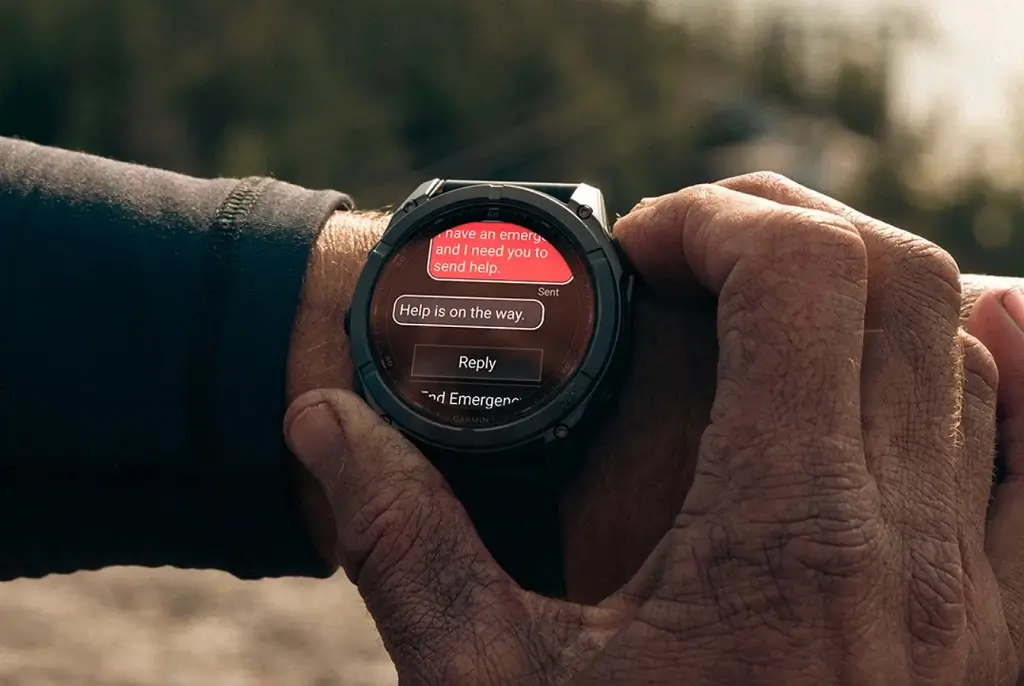
Garmin has been progressing at an incredibly fast pace through its software advancements. The company has now made its Beta version 22.28 available to users, just two days after Beta version 22.27. This swift development caters to the needs of selected high-end multisport watches to enable the user to have a better experience using the new technology.
The current list of supported devices includes:
-
Fenix 8 & Fenix 8 Pro
-
Enduro 3
- Quatix 8
Note: The Beta software available for the Fenix 8 series will have the ECG feature and Dive features disabled.
Crucial Bug Fixes and Interface Polish
In this update, there is much emphasis on stability and fixing quality of life problems that usually occur during beta testing. One such problem that has been solved is that the seconds counter would disappear from the face of the watch when the Color Shift mode was activated.
For sportspeople or explorers who rely on navigation, a major problem that used to cause crashes has been solved, especially when users were using maps after using either their Z10 or Z30 models. Also, an important problem that used to drive users crazy when they got lost was also solved.
Improved System Logic and Connectivity
In addition to navigation, Version 22.28 simplifies the relationship between the device and its user interface. In some cases, users reported that the alert volume did not change when they altered the master volume. This has been fixed.
In terms of connectivity, there is another small but important improvement. An issue where the English keyboard would not pop up while trying to enter a Wi-Fi password has been addressed. As a result, you can easily connect your watch to the network.
How to Install the Update Manually
Even though beta software versions ultimately become available automatically to the devices that are enrolled, there is no need to wait for the push notification. Should you desire to install the fix without delay, you can initiate the update right away from your wrist.
Follow these steps to update your smartwatch:
- Access the Main Menu.
- Choose Settings.
- Navigate to System.
- Choose Software Update.
- Tap Check For Updates.
Also Read: The 5 Garmin Launches I’m Saving My Money For in H2 2026

