

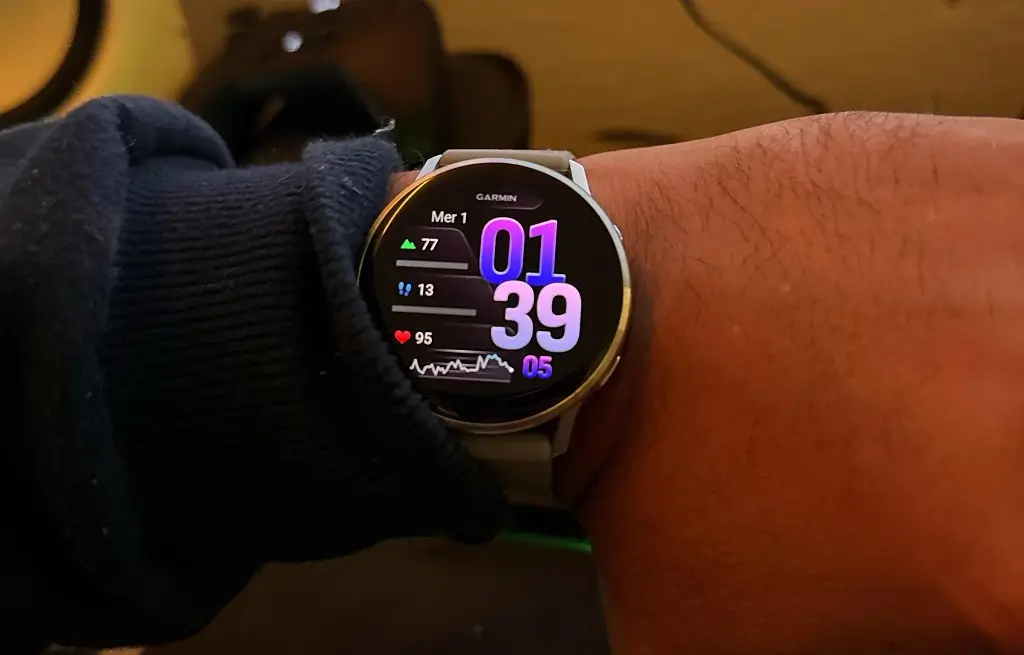
Garmin has officially started rolling out its latest beta software update, version 19.15, for the Venu 4 smartwatch. The fresh patch packs a wide range of system fixes, interface tweaks, and performance upgrades aimed at making day-to-day health tracking and daily workouts run much smoother.
Smarter Workout Enhancements and Audio Fixes
This release introduces several practical improvements for fitness enthusiasts. During workouts, the Auto Lap feature now explicitly announces your lap numbers, while high-intensity interval training will no longer be interrupted by incoming notifications, as the watch delays delivery until your effort set ends. Swimmers will benefit from enhanced tracking algorithms that boost the accuracy of both swim length and stroke type detection. Additionally, the Spoken Watch Face feature now works reliably after finishing a swim.
Garmin also fine-tuned audio controls and external sensor compatibility. Bluetooth headset volume levels and volume sync issues have been patched for a more reliable listening experience. For users connecting external heart rate monitors, the watch now includes clear setup instructions for entering pairing mode on the HRM 200 and HRM 600 sensors. An issue that prevented users from removing the Radar Camera Controls data screen has also been resolved.
Crash Fixes and Reboot Prevention
Beta version 19.15 targets several critical stability bugs that previously triggered unexpected smartwatch crashes. The update patches reboots caused by starting a GPS workout while connected to Bluetooth headphones, as well as crashes triggered when answering incoming phone calls directly on the wrist. Garmin has also resolved an issue that caused occasional device resets while shutting down the smartwatch.
Navigation Tweaks and Menu Refinement
Everyday menu navigation on the Venu 4 feels noticeably sharper with this update. Discarding workouts longer than 30 seconds has been updated to prevent accidental deletions. In the Change Sport menu, your favorite activities will now display first alongside a handy “More” button for remaining sports. Meanwhile, stock list reordering now moves selected stocks up or down instantly without delay.
Other user interface upgrades include:
-
Move Alerts: Users can now manually snooze move reminders, and the watch automatically suppresses alerts under specific conditions.
-
Virtual Partner: The virtual partner screen now opens automatically when racing against a previously downloaded activity.
-
Pulse Ox App: Haptic screen vibrations are now only blocked while the watch actively takes a oxygen reading, rather than throughout the entire app session.
System-Level Bug Fixes and Battery Optimizations
Beyond sport modes, Garmin resolved several annoying glitches across built-in apps and system utilities. The update patches an uncommon battery drain issue linked to Alipay usage and prevents alert volumes from unmuting themselves after Silent Mode is turned on. Keyboards no longer freeze when entering Pinyin text, and missing Find My Device alerts during repeated searches have been fixed.
Finally, the update ensures weather data remains visible during temporary network outages, fixes an issue where spectator message actions failed to open, and resolves a bug where Breathwork Live Activity instructions appeared completely blank.
How to Install Beta Update 19.15
If you are enrolled in the Garmin Public Beta Program, you can manually trigger the software download directly from your wrist without waiting for the automatic rollout.
To update your Venu 4:
-
Open the Main Menu on your watch.
-
Select Settings > System.
-
Choose Software Update.
-
Tap Check for Updates to download and install version 19.15.
Also Read: Garmin Venu 5: Release Date Outlook and Our Wishlist

