

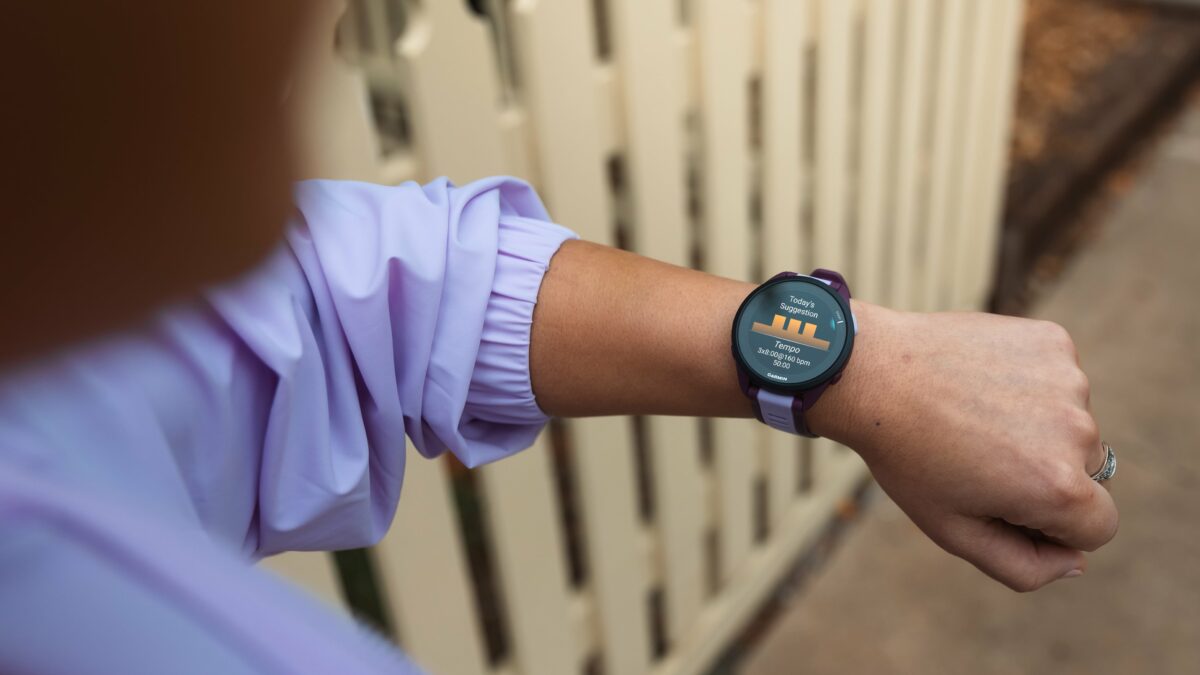
Garmin has released a new official software update for the Forerunner 170 and Forerunner 70. The new version, numbered 18.32, focuses on fixing several annoying glitches to make daily use and tracking workouts much smoother for users.
What is Changing in Version 18.32
The most important fix addresses a sudden crashing issue. Previously, some watches would unexpectedly restart if you changed screens while tracking an exercise session. This bug has been completely resolved, so your activity tracking will no longer get interrupted mid-workout.
Garmin also fixed a problem with notifications and silent modes. Smart alerts will now properly respect your settings and refrain from making any noise whenever your watch is placed in Silent or Do Not Disturb mode.
Morning wake-up calls should be much more reliable now as well. A bug that accidentally turned off alarm vibrations without user permission has been fixed, preventing you from missing your morning alarms.
For music lovers, the company patched an annoying glitch with Spotify playback. Skipping tracks using paired Bluetooth headphones will no longer disrupt your music stream. Finally, the update includes several other minor bug fixes to improve overall system stability.
How to Get the Update
While the software will eventually download automatically over the air, you can force the update right now on your watch. Simply open the Main menu, go to Settings, navigate to System, tap Software Update, and select Check For Updates.
Also Read: Garmin Enduro 4 Officially Launches: Here Is What’s New and Everything You Need to Know

