

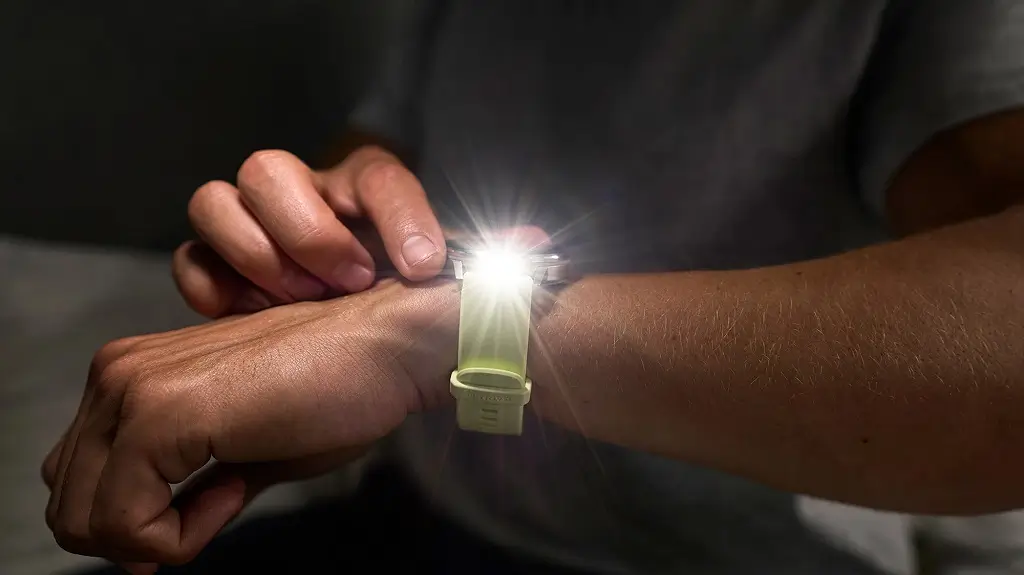
Garmin is currently rolling out a brand new stable software update, version 18.32, for its popular Venu 4 and Vivoactive 6 smartwatches. Instead of introducing major new design changes, this release focuses entirely on squashing annoying bugs and improving overall daily performance for users.
Major Fixes for Workouts and Daily Alerts
One of the biggest fixes addresses a frustrating issue that used to cause the watch to randomly restart when users tried changing screens right in the middle of an active workout. Another helpful fix stops smart notifications from sounding unwanted tones when your watch is switched to silent mode or Do Not Disturb.
Better Music Playback and Alarm Reliability
Music lovers and heavy schedule users will also notice some welcome improvements. The update fixes a glitch that could accidentally turn off alarm vibrations, ensuring you actually wake up on time. It also resolves a potential playback bug with Spotify, meaning you can now skip songs smoothly using your paired Bluetooth headphones without audio interruption. Alongside these changes, Garmin has tucked in patches for a few other minor background issues to keep the system stable.
How to Install the New Update Today
If you do not want to wait for the automatic update to reach your wrist over the coming days, you can easily pull the files down yourself right now. All you have to do is navigate to your watch’s Main menu, tap on Settings, choose System, select Software Update, and click on Check for Updates to begin the installation.
Also Read: Garmin Enduro 4 Officially Launches: Here Is What’s New and Everything You Need to Know

