

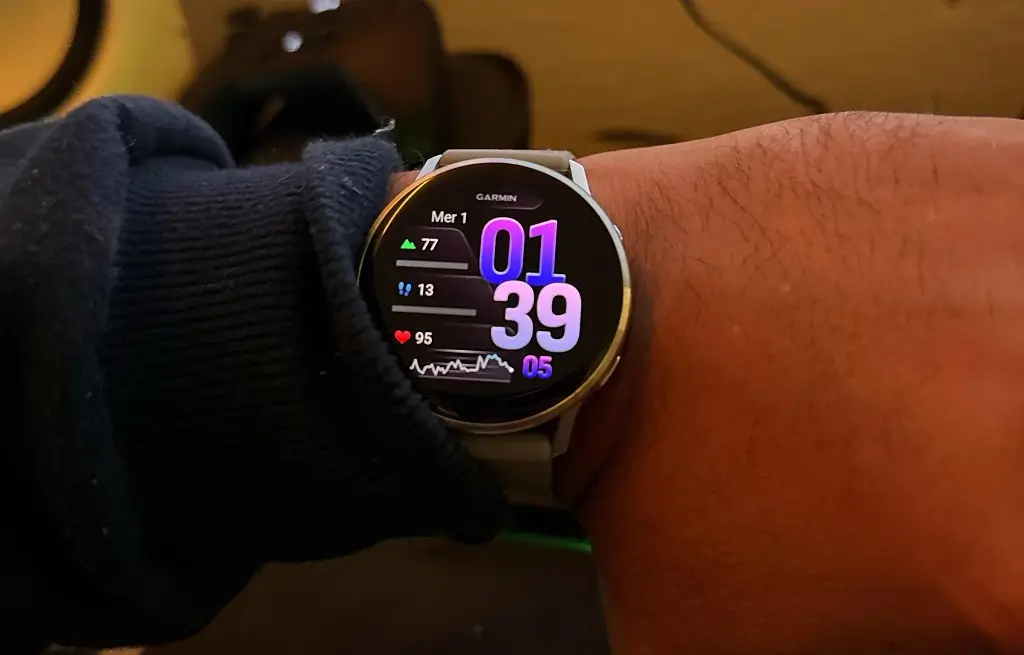
Garmin is continuing to refine its wearable experience with the launch of Beta Version 16.14, specifically tailored for the Venu 4 smartwatch series. This update focuses on expanding the “Glances” ecosystem, offering users more immediate access to health data, hardware performance, and even personal interests directly from the wrist.
Streamlined Activity Management and Precision
One of the most practical additions in this build is a new “trim” feature designed for outdoor enthusiasts. If you accidentally leave your timer running after crossing the finish line of a pre-defined course, the software now allows you to retroactively crop the activity. By using the specific course finish point as a reference, you can ensure your post-workout data remains accurate and free of “dead time.”
Enhanced Wellness and Specialized Training
Garmin is also deepening the integration between its various activity profiles. For multi-sport athletes, the Venu 4 now adjusts training guidance based on recent diving activity, ensuring recovery times and intensity recommendations account for the unique physical toll of underwater excursions. Additionally, a dedicated weight-tracking glance has been introduced, allowing users to monitor their body composition trends at a glance.
Insights Into Hardware and Personal Interests
To help users better manage their device’s longevity, the update introduces a comprehensive battery performance glance. This tool provides a transparent look at power consumption and estimated remaining life based on usage patterns. On the lighter side of life, a new sports glance has been added, enabling fans to track their favorite teams’ scores and schedules without needing to reach for their smartphone.
How to Install the Beta Update
For those enrolled in the beta program, the installation process is straightforward. To pull the update manually, navigate through the following path on your Venu 4:
-
Open the Main Menu.
-
Select Settings.
-
Tap on System.
-
Choose Software Update.
-
Select Check For Updates to initiate the download.
Also Read: Garmin officially launches AI-powered nutrition tracking for smartwatches

