

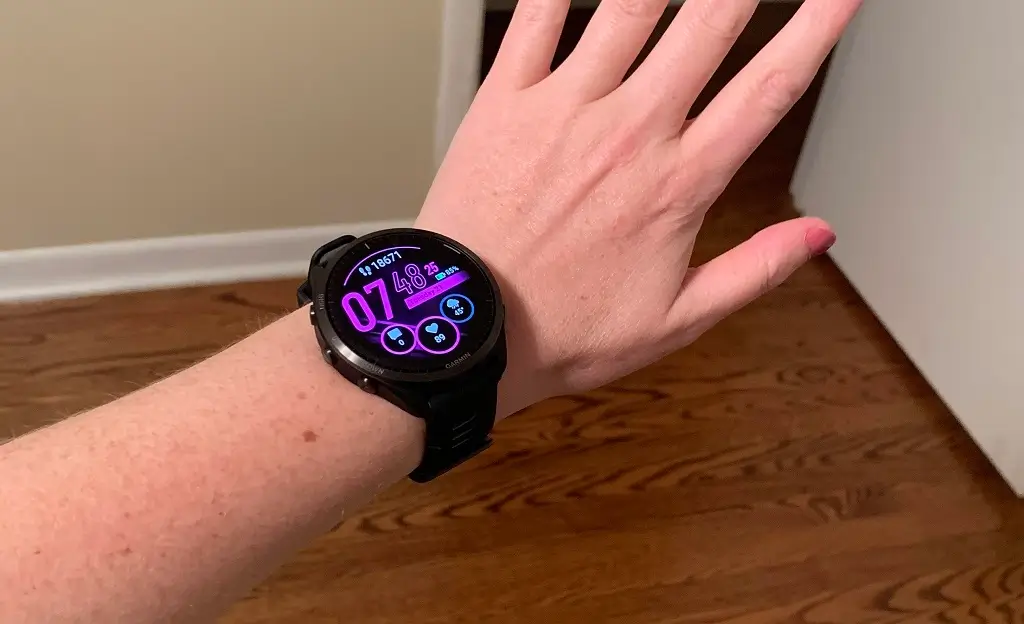
Garmin has officially launched a new stable firmware update, version 27.09, targeting a wide range of its latest running-centric wearables. This rollout covers the flagship Forerunner 965 and 955, the mid-range 265 and 255, and the entry-level Forerunner 165. This update focuses on refining the user experience by smoothing out performance jitters and addressing specific bugs that appeared in previous builds.
Critical Bug Fixes and Performance Enhancements
The primary focus of version 27.09 is stability. One of the most significant fixes addresses a frustrating glitch where touchscreen responses would fail during incoming calls, preventing users from interacting with their watch when they needed to most. Additionally, swimmers will find this update particularly valuable, as Garmin has resolved several “edge case” crashes that occurred during pool and open-water swim activities.
Garmin has also tackled a few data-related issues. Some athletes noticed that their race time predictions were disappearing from Garmin Coach plans; this version restores that data to ensure training remains on track. Furthermore, the “laggy” feeling some users experienced while scrolling through the activity summary menu has been optimized for a more fluid interface.
Comprehensive List of Improvements
Beyond the headline fixes, this firmware includes a suite of under-the-hood optimizations. The official change log highlights:
-
Touchscreen Reliability: Resolved unresponsive touch actions during incoming phone calls.
-
Menu Optimization: Eliminated scrolling lag within the post-activity summary screens.
-
Swim Stability: Fixed software crashes specific to swimming profiles.
-
Coaching Tools: Restored missing race time predictions within Garmin Coach.
-
General Maintenance: Implemented various minor bug fixes and system stability patches.
How to Install the Update
For most users, this update will arrive automatically. If you have Auto Updates toggled on in your device settings, the software will download and install wirelessly via the Garmin Connect app on your smartphone.
If you prefer to skip the wait and update immediately, you can trigger a manual download directly from your wrist:
-
Hold the Up/Menu button.
-
Navigate to Settings and select System.
-
Scroll down to Software Update.
-
Select Check For Updates to pull the latest version from Garmin’s servers.
Also Read: Garmin Officially Launches Quatix 8 Pro with Dual Satellite and LTE Connectivity

