

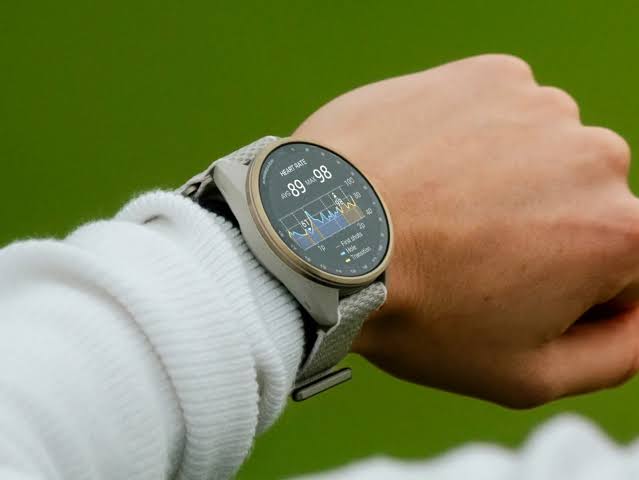
Garmin has started rolling out firmware version 23.45 for the Approach S72 smartwatch. This release marks the very first stable software update delivered to the brand’s golf-focused wearable since its launch.
What is Fixed in Version 23.45
The update brings key bug fixes designed to improve basic tracking stability and system reliability. Most notably, Garmin addressed a glitch that could cause the optical heart rate sensor to randomly stop recording data during activities.
Alongside the heart rate monitoring fix, the new software resolves an issue where incoming smart notifications from a paired smartphone failed to process correctly.
Golfers will also notice a visual cleanup on the course, as Garmin corrected the on-screen icon displayed when marking a putt. General translation files across supported languages have been updated as well.
The official changelog includes the following updates:
-
Fixed an issue where heart rate could stop recording.
-
Fixed potential issues processing smart notifications.
-
Fixed the icon shown when a putt is marked.
-
Updated language translations.
How to Install the Update
Garmin is deploying version 23.45 over the air, but users who wish to install it immediately can check for the update manually directly from their watch.
To prompt the download manually, open the Main Menu on the Approach S72, navigate to Settings, select System, tap Software Update, and select Check For Updates.
Also Read: Garmin Approach S72 vs. Approach S70: What’s Actually New? Should You Upgrade?

