

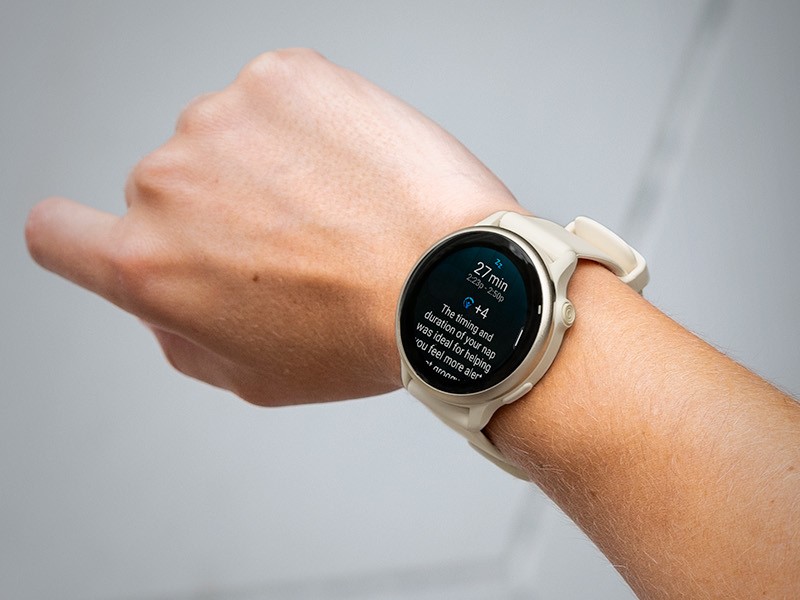
Garmin has officially begun the rollout of Beta Version 16.16 for the Vivoactive 6 series. This substantial update introduces a suite of features designed to bridge the gap between casual lifestyle tracking and high-performance athletic data. From new specialized “glances” to advanced voice-guided safety features, this release transforms how users interact with their health metrics daily.
New Glances for Health and Hardware
The update focuses heavily on accessibility by adding several new glances—the quick-view snapshots accessible from the home screen. Users can now monitor their body weight trends and battery performance analytics without diving into deep sub-menus. Additionally, for those who want to stay connected to the outside world, a new sports glance allows for real-time tracking of favorite sports teams.
Advanced Training and Sleep Optimization
Athletes will find significant value in the overhauled training plans. The software now supports structured timed sessions and cardio workouts, with a new option for integrated strength training. To ensure recovery keeps pace with exertion, the sleep glance has been upgraded with personalized insights, recommending optimal bed and wake times based on the user’s recent activity levels and fatigue.
Behavioral Insights and Customization
One of the most innovative additions is a glance that correlates daily behaviors with specific health outcomes, helping users understand exactly how their habits influence their vitals. On the aesthetic and functional side, Garmin has introduced color filters to the watch settings, allowing for better visibility and a more personalized UI experience.
Enhanced Safety and Multi-Sport Functionality
For the adventurous, the Vivoactive 6 now supports multisport activities, enabling users to record sequential sports (like a triathlon or brick workout) as a single session. Safety also gets a boost with the inclusion of voice alerts. These audible notifications provide updates on performance and, more importantly, integrate with compatible radar devices to warn cyclists of approaching vehicles.
Nutrition Integration and Installation
Dietary tracking is now more seamless thanks to the inclusion of Garmin Connect+ nutrition logging. This allows for a more holistic view of health by pairing caloric intake with caloric burn.
To install the 16.11 Beta update, owners can navigate through the watch interface:
-
Open the Main Menu
-
Select Settings
-
Tap on System
-
Choose Software Update
-
Select Check For Updates
Also Read: Garmin Officially Launches Quatix 8 Pro with Dual Satellite and LTE Connectivity

