

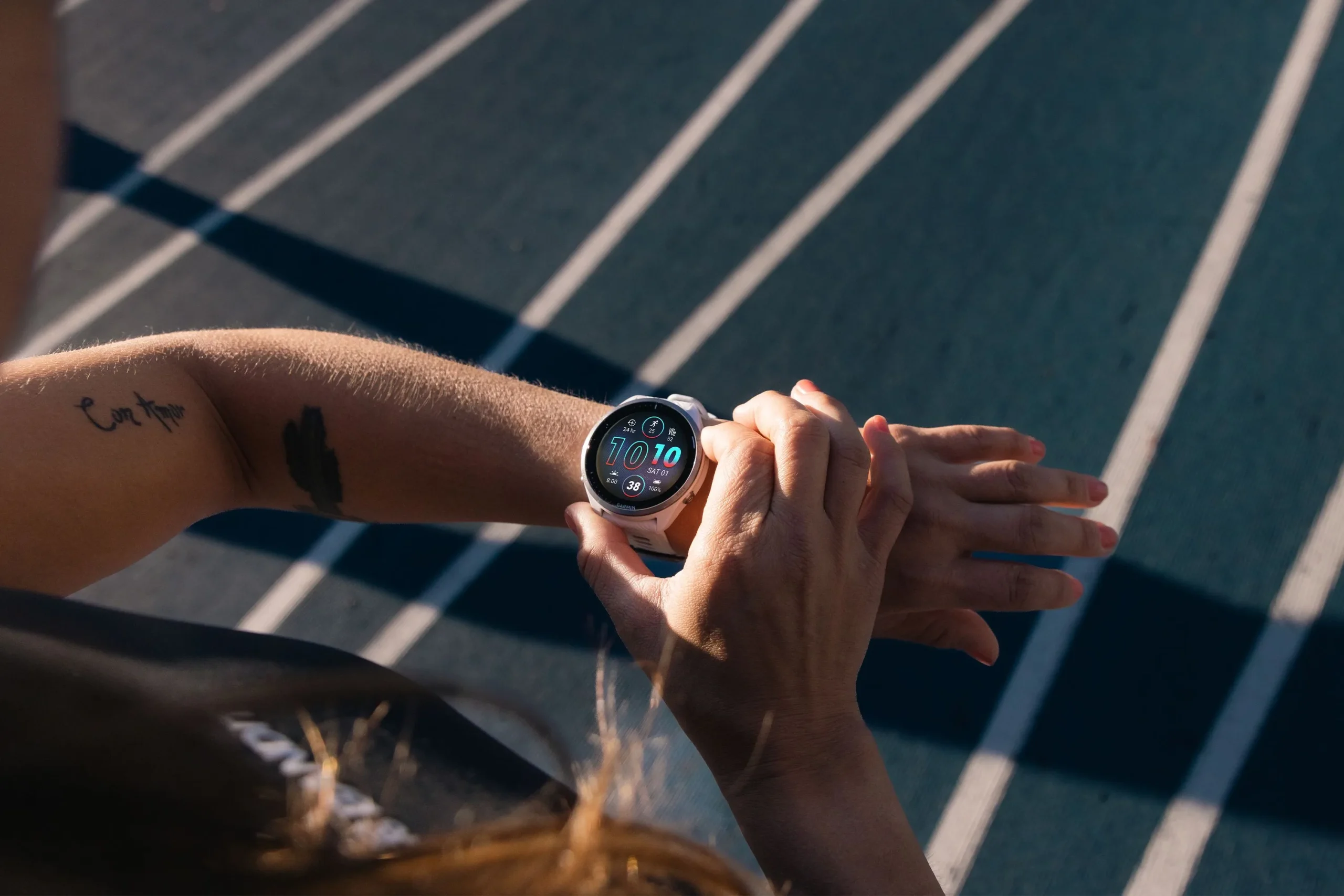
For many athletes, the primary appeal of a Garmin smartwatch is its reliability. You finish a workout, and within seconds, your data should seamlessly migrate to Garmin Connect and Strava. However, a growing number of users are discovering a frustrating break in this chain: the “Broken FIT File.”
This issue isn’t just a minor glitch; it is a systematic failure where the watch generates a corrupted data file that refuses to sync, leaving runners with missing stats and empty maps.
A Widespread Technical Glitch Across Devices
What makes this current wave of sync failures alarming is its consistency across Garmin’s entire lineup. This isn’t limited to entry-level trackers. Reports of corrupted files are flooding in from users of the Forerunner 255, 955, 965, and the new 970, as well as flagship rugged watches like the Fēnix, Epix, and Enduro series.
The symptoms are almost always identical. A user completes an activity—whether it’s a marathon or a brief walk—only to find an unusually small file (often just a few kilobytes). When attempting to upload, the Garmin Connect ecosystem rejects the file entirely because the internal architecture of the data is compromised.
Anatomy of a Corrupted FIT File
Data experts and third-party repair services have begun deconstructing these “zombie” files to see what’s going wrong. Their findings suggest a significant software “hiccup” during the saving process:
-
Missing Records: While the file header might exist, the “record messages”—the second-by-second GPS and heart rate data—are often completely absent.
-
Duplicate Entries: Some files show a “double-save” phenomenon, where lap and session data are repeated, suggesting the watch’s processor tripped over itself while trying to write the data to memory.
-
Summary-Only Files: In many cases, the watch manages to save the final summary (total time and distance) but fails to record the actual journey, resulting in a workout with no map or performance charts.
The Growing Frustration Among the Athletic Community
For a casual walker, a lost file is a nuisance. For an athlete training with Power, PacePro, or specific Garmin Coach plans, it is a major disruption. The most baffling part of this bug is its unpredictability. While some suspect it’s triggered by using navigation or “Resume Later,” others encounter it during basic, unassisted runs.
Perhaps the biggest pain point for the community is Garmin’s perceived silence. While forum threads on the topic grow longer by the day, official responses often point toward hardware replacements or generic troubleshooting rather than acknowledging a widespread firmware instability.
Steps to Take if Your Activity Fails to Sync
If you finish a session and find that your watch isn’t talking to your phone, don’t hit the delete button yet. Follow these steps to attempt a recovery:
-
Manual Extraction: Connect your watch to a computer via USB. Navigate to the
//GARMIN/Activityfolder and copy the original.FIT file to your desktop. -
Use Repair Tools: Websites like FitFileViewer or Section6 can sometimes “patch” the header of a broken file. While they can’t bring back missing GPS data, they can often make the file readable enough to upload, so you don’t lose your mileage.
-
Force a Re-Sync: Occasionally, a file stuck in the “Pending” folder can be pushed through on a second or third attempt via Garmin Express on a PC.
-
Document the Failure: Contact Garmin Support with your specific device logs. Mention the “small file size” and “missing record messages” specifically to help their engineering teams track the specific bug.
The Verdict: A Call for a Firmware Fix
At its core, a sports watch has one job: to record and preserve data accurately. As Garmin continues to add complex features like AI coaching and advanced recovery metrics, the community is sending a clear message: those features mean nothing if the basic “Save” button doesn’t work. Until a dedicated firmware patch is released, users are advised to back up their data manually and keep a close eye on their sync status after every session.
Also Read: The Best Garmin Watches of 2026: A Beginner’s Guide to the Ultimate Ecosystem
Source: Garmin Forums, Fitfileviewer, Gadgets&Wearables


Garmin, never surprises me anymore when it comes to software updates and software maintenance. Probably the worst software management in the world.