

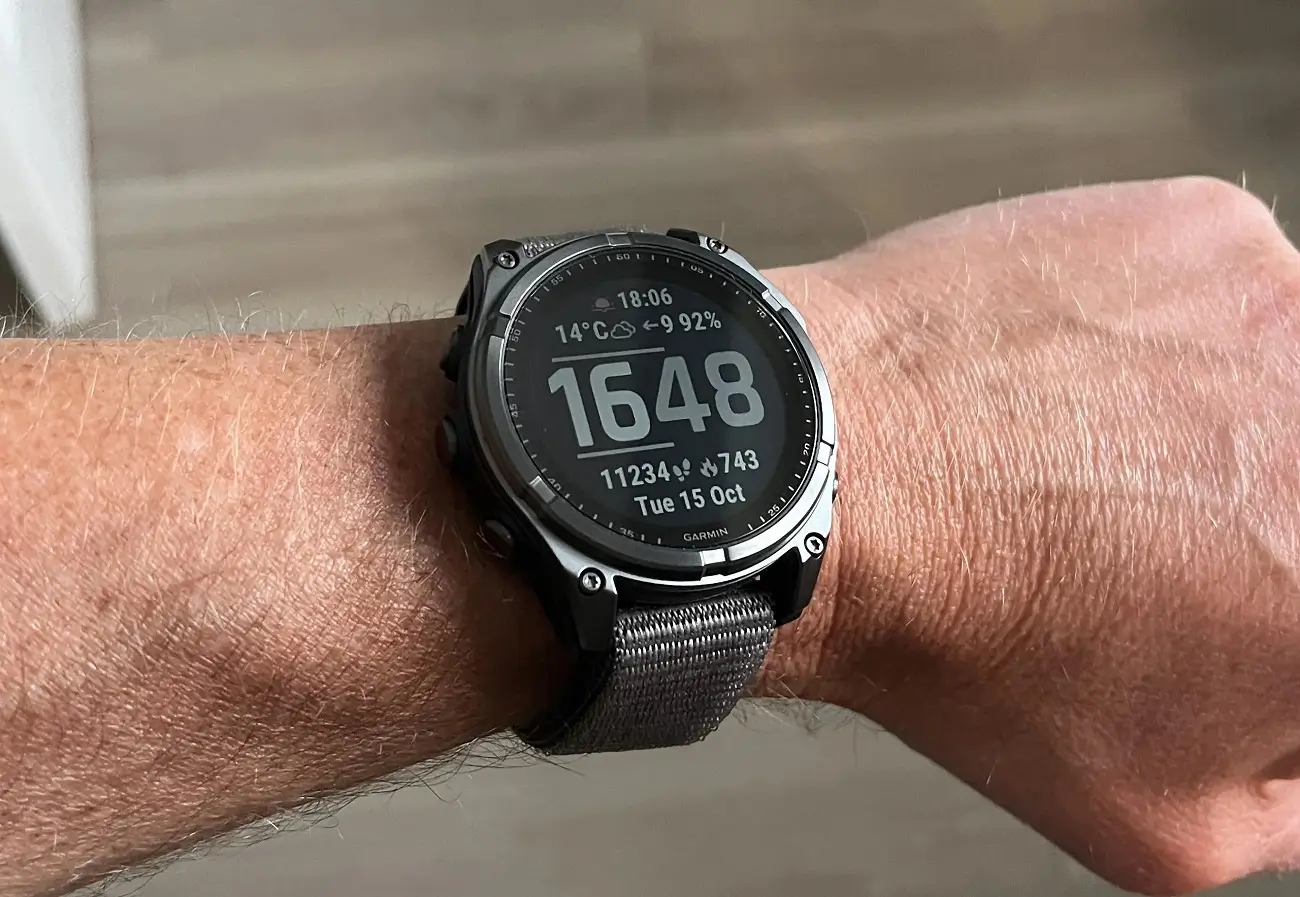
Garmin has officially released Beta Version 22.24, a targeted software update designed to refine the user experience and iron out specific bugs across its latest flagship lineup. This patch is currently rolling out to owners of the Fenix 8, Fenix 8 Pro, Fenix E, Enduro 3, and Quatix 8 series, ensuring that these high-end wearables maintain their reputation for reliability and precision.
Critical Bug Fixes for Communication and Safety
A primary focus of this update is resolving a frustrating glitch where users were unable to accept incoming phone calls if they had recently received an “abnormal heart rate” notification. By streamlining the transition between health alerts and communication, Garmin ensures that users don’t miss important calls during high-stress or high-exertion moments. Additionally, the developers addressed a nuance in the audio interface where muting a phone call would accidentally carry over to the phone’s voice assistant, a fix that restores seamless hands-free utility.
Safety features also received a significant security boost in this build. Previously, it was possible for accidental touchscreen inputs to exit the SOS countdown page—a potentially dangerous flaw during an emergency. Version 22.24 locks this screen down more effectively, ensuring that a call for help isn’t inadvertently canceled when every second counts.
Improvements to Activity Tracking and Navigation
For the triathletes and multi-sport enthusiasts, this update fixes a specific issue with Livetrack. Previously, the real-time tracking feature would fail to initiate if a multi-sport session began with a pool swim. This fix ensures that friends and family can follow an athlete’s progress from the very first lap without manual intervention.
How to Install the Beta Update
While some updates are pushed automatically over time, users who want to access these fixes immediately can manually trigger the download through their device settings.
To update your watch, follow these steps:
-
Long-press the Menu button.
-
Navigate to System.
-
Select Software Update.
-
Tap Check For Updates to pull the latest version over Wi-Fi.
Also Read: Is the Garmin Fenix 9 Worth the Wait? My Deep Dive into the 2026 Rumors

