

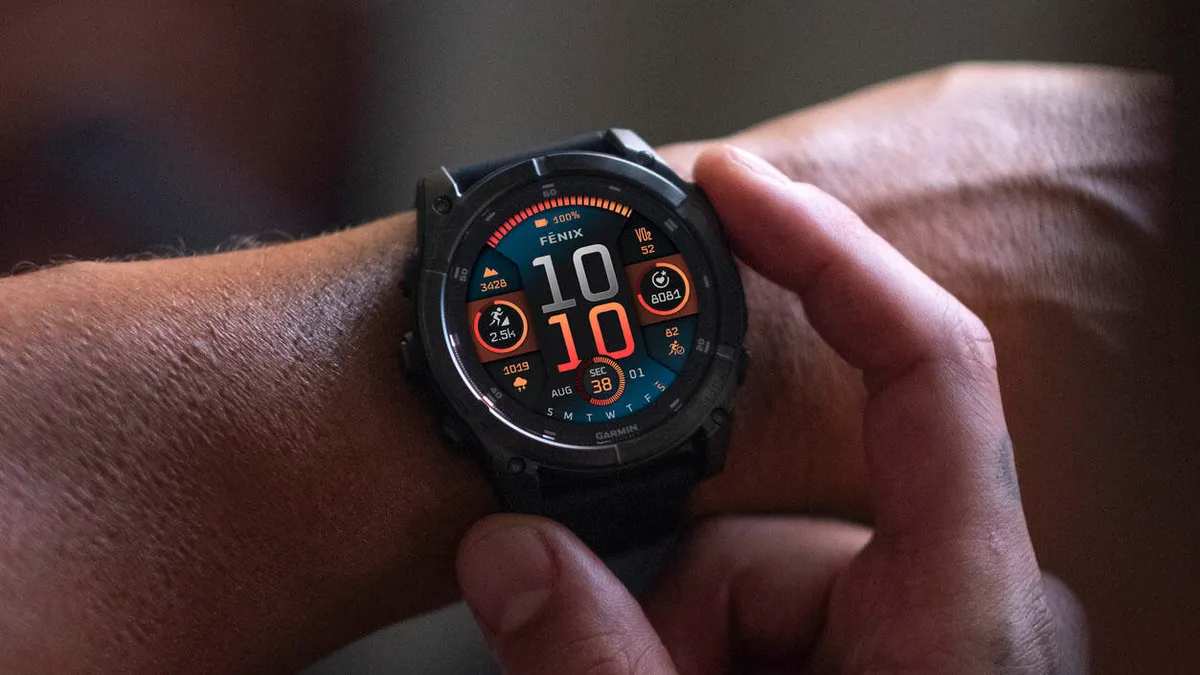
Garmin is working harder than ever to perfect its high-end watches. Only six days after their last release, the company is already rolling out beta software version 22.32. This new update is for the Fenix 8, Fenix 8 Pro, Fenix E, Enduro 3, Quatix 8, and Tactix 8.
Note: The Beta software available for the Fenix 8 series will have the ECG feature and Dive features disabled.
Stopping Random Resets and Crashes
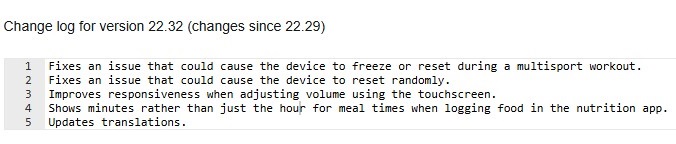
The biggest part of this update focuses on making the watches more stable. Many users were frustrated by their devices suddenly restarting or freezing. This update fixes a specific bug that caused watches to crash during “multisport” workouts, like triathlons. It also fixes an issue where the watch would reset randomly during the day, which should make the device much more reliable for daily use.
Better Touchscreen and Nutrition Tracking
Garmin has also made the watch easier to use. If you use the touchscreen to turn the volume up or down, you will notice it feels much faster and more responsive now. For those who track their meals using the nutrition app, the watch will now show the exact minutes for your meal times instead of just the hour. This small change makes it much easier to keep accurate records of your day.
Improved Translations and Performance
The update also includes better translations for different languages, making the menus easier to understand for users around the world. These small “quality of life” changes show that Garmin is listening to feedback and trying to polish the software as quickly as possible. You can see the full change log in the picture below!
How to Get the Update Now
If you don’t want to wait for the automatic update, you can download it manually right now. Make sure your watch is connected to the internet, then follow these steps:
-
Open the Main Menu.
-
Go to Settings.
-
Select System.
-
Choose Software Update.
-
Tap Check For Updates.
With this being the second update in less than a week, it is clear that Garmin is dedicated to fixing bugs and improving the experience for its newest watch owners.


But nothing for epix pro or fenix pro ! They also work very hard to make people buy new 💩.
They are pushing people to buy new devices
Which is not really fair as I bought an Epix pro 2.5 years ago for 1000 euros.
Such an eco device should have a much longer warranty