

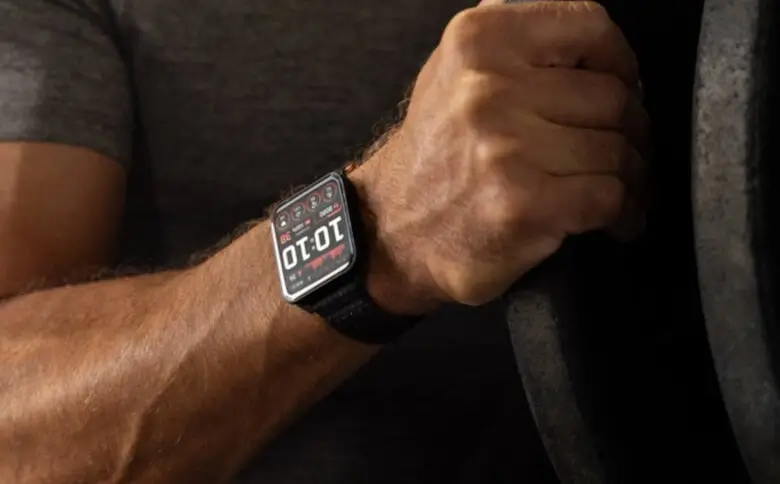
Garmin has released a brand-new software update for its premium Venu X1 smartwatch. The beta release, version 18.12, is filled with highly requested features, layout improvements, and vital performance fixes.
If you like to experience software updates before the general public, this patch upgrades everything from hands-free voice controls to navigation tracking.
Wake Up Your Watch Using Voice Control
The standout feature of this new update is hands-free convenience. If your hands are full, you can now activate the watch’s voice command system simply by saying the wake word, “OK, Garmin.”
Active users are also getting some targeted training perks. Runners will now receive quick-workout suggestions automatically on their wrists. Additionally, if you prefer hitting the gym or using training machines during the cold months, a brand-new XC Ski Indoor activity profile is now available to help track cross-country skiing simulators.
Smarter Workouts and Custom Reports
Garmin has refined the user interface to ensure your exercise notifications do not get in your way. While you are moving, you can now tap or swipe the screen to quickly clear away workout “step preview” and “step complete” banners.
Your daily tracking is also getting more customizable and efficient:
-
HIIT Training: Garmin brought back the onscreen lap shortcut that had gone missing during High-Intensity Interval Training (HIIT) sessions.
-
Evening Summaries: If you are tired of bedtime notifications, you can now completely turn off sleep suggestions within your evening report.
-
Swim Data: The device will now only attempt to download stored heart rate data after a swim if you actually had a heart rate monitor paired, saving processing power.
-
Audio Tweaks: When you adjust the volume, the menu will now show helpful context so you know exactly what setting you are altering.
Enhanced Maps and Golf Feature Upgrades
For people who use their watches to explore, Garmin has expanded the maximum size for course point names so they are much easier to read at a glance. Additionally, you can now use the touchscreen to instantly toggle between “North Up” and “Track Up” map orientations, and the watch will refresh your weather location data more frequently.
Golfers and hikers also receive a few specific bug fixes:
-
Golf Hazards: Fixed an annoying issue that occurred when trying to scroll through a golf course’s hazard list.
-
Map Splitting: Fixed a glitch where the map scale text would get chopped off when using a split-screen map layout.
Eliminating System Crashes and Visual Glitches
A massive portion of the 18.12 update focuses on system stability. Garmin has patched several bugs that caused the device to unexpectedly reboot or reset. These crashes used to happen when turning the device off, playing a round of golf, tracking a free strength workout, or opening the “Saved” app. It also prevents a rare crash that happened if the watch tried to install audio prompts and main software at the exact same moment.
A few other important fixes include:
-
Treadmill Accuracy: Fixed a bug that stopped treadmill calibration from saving properly, which previously kept indoor running distances inaccurate.
-
Suggested Workouts: Fixed an issue where users were unable to start a suggested multisport workout.
-
Interval Edits: Resolved a bug that blocked you from editing structured repeat intervals when launching a workout straight from your morning report.
-
Do Not Disturb Mode: Fixed a flaw where the watch would still make sounds or vibrate even when set to silent.
-
Water Ejection: Fixed a volume glitch where speaker audio would stay too quiet after using the watch’s built-in water clearing feature.
-
Screen Layouts: Cleaned up jagged border lines and cropped Do Not Disturb icons on several specific watch face designs.
How to Get the Update
Because this is a beta release, it won’t land on your wrist automatically right away. If you want to try out these new features early, you can prompt your watch to find the download manually.
Just head over to the Main Menu, select Settings, go to System, tap Software Update, and click Check For Updates.

