

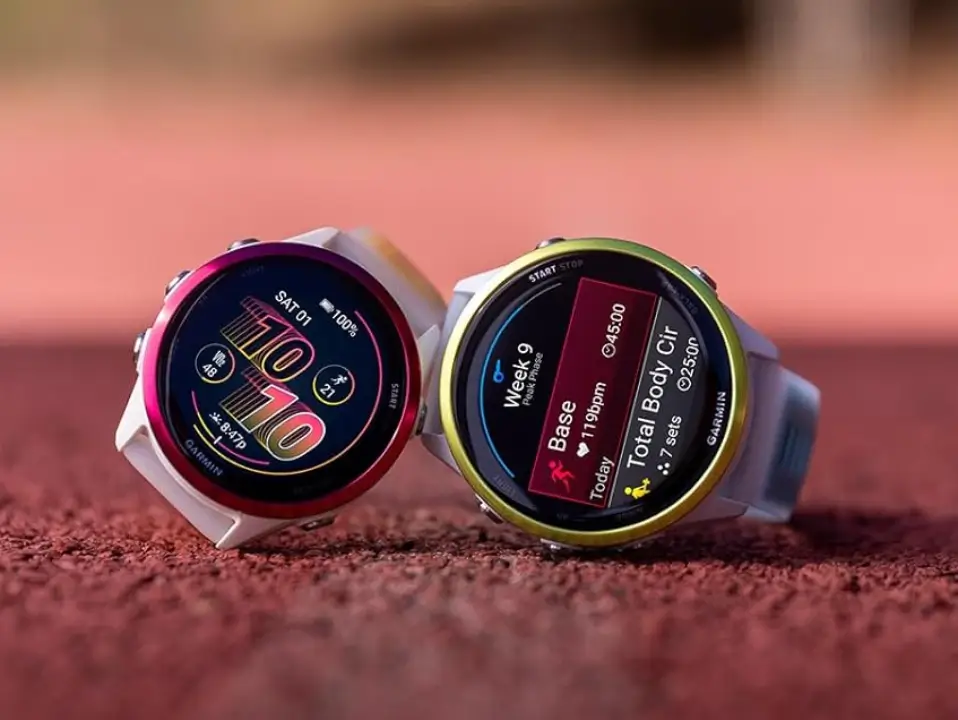
Garmin has started sending out a new stable software update for its Forerunner smartwatches. Version 18.29 brings a mix of useful new features, interface tweaks, and a long list of bug fixes for the Forerunner 970 and 570 models.
Hands-free control and new activities
The biggest addition in this release is voice support. You can now talk directly to your watch by simply saying “OK Garmin”.
Workout options are also expanding. The update adds daily quick workout suggestions for runners, along with a dedicated indoor XC Ski profile for winter training.
Flashlight and audio tweaks
Garmin made several small changes to daily features. The flashlight shortcut now lets you click through on, off, and strobe modes while tracking an activity. Volume controls now display extra contextual details, and two audio bugs have been fixed. Alarms will no longer cause music volume to spike, and the watch will correctly restore your sound level after using the water ejection feature.
The touch lock feature was also adjusted to prevent accidental screen unlocks while you are moving around.
Fixes for workouts and GPS tracking
A major part of this update focuses on fixing annoying glitches during workouts. It solves a problem where speed and pace data would temporarily drop, which often happened during interval training.
It also fixes several stability issues. The watch will no longer crash during free strength workouts or when installing audio prompt files. Other fixes bring back missing lap shortcuts in HIIT workouts and resolve bugs that blocked suggested multisport activities from starting.
Training schedules should work much better now, too. Garmin fixed bugs where watch training days did not match Garmin Coach plans, as well as an issue that prevented users from setting rest days.
How to get the update
If your watch has not automatically updated yet, you can trigger the download manually. On your watch, open the Main menu, tap Settings, select System, go to Software Update, and press Check For Updates.
Also Read: Garmin’s New Fenix 9 Pro Is Live on Amazon—Here Is What You Need to Know

