

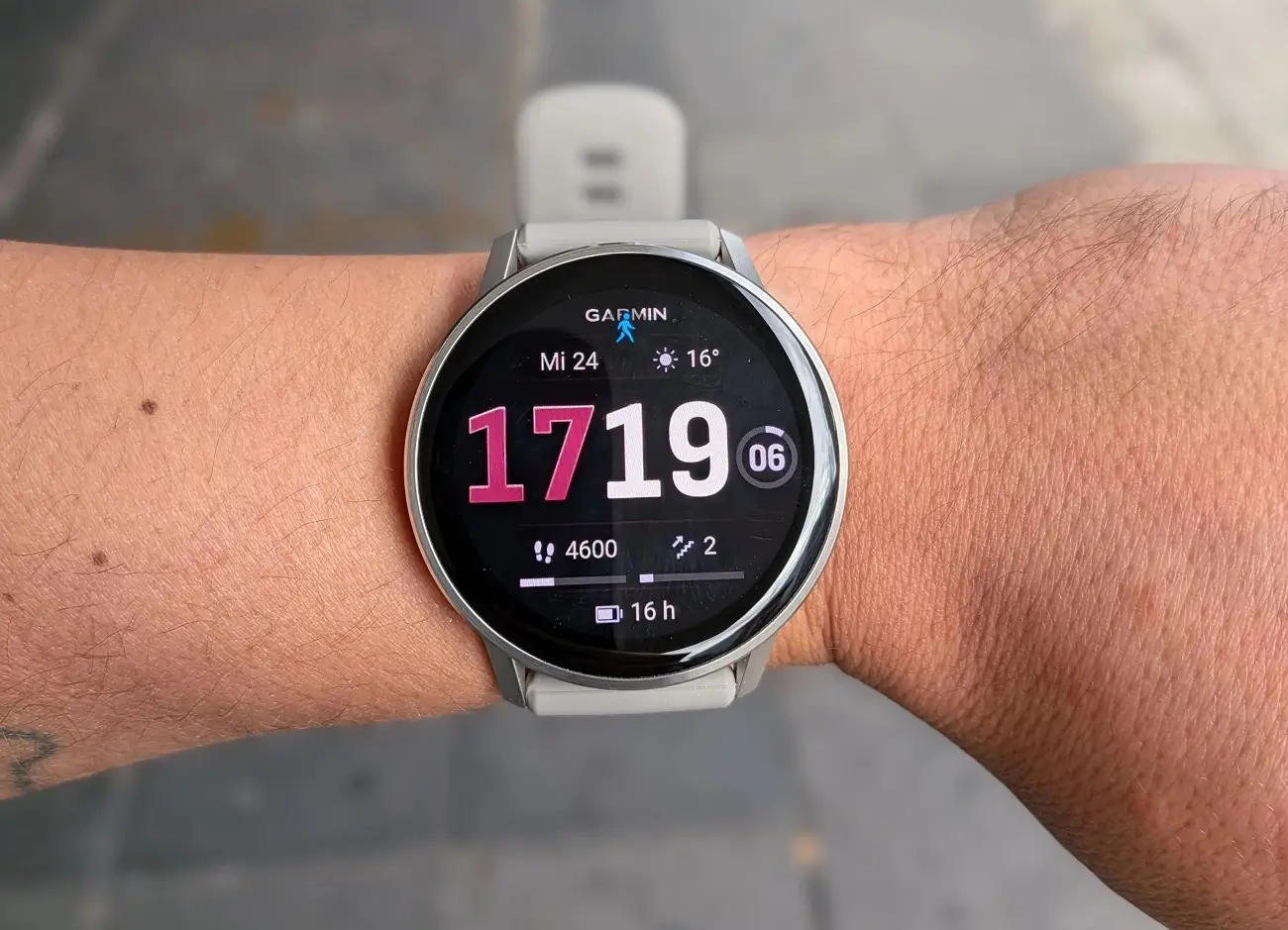
Garmin has officially started pushing out software update version 18.30 for the Venu 4 smartwatch. The fresh release introduces handy hands-free controls, new activity options, better safety tools, and a long list of system bug fixes.
New Features and Safety Tools
The highlight of this update is hands-free voice commands, allowing users to wake up their device simply by saying “OK Garmin.” The watch also gains an upgraded fall detection system that automatically sends a text message and location coordinates to designated emergency contacts if an incident occurs.
Garmin added a couple of new training profiles, including quick suggested running workouts and an indoor cross-country ski tracking mode. Flashlight controls were also improved so users can toggle between standard lighting, off, and strobe modes mid-activity.
Fixes for Workouts and Audio Bugs
The 18.30 patch tackles several software bugs that were disrupting workouts. Athletes will see smoother tracking, as Garmin resolved an issue that caused pace and speed dropouts during interval sessions. The update also prevents sudden resets during strength workouts, fixes a glitch that hid the lap shortcut during HIIT training, and resolves screen lock issues to stop accidental touches.
In addition, Garmin cleaned up audio and scheduling glitches. Music volume will no longer jump unexpectedly after an alarm, and volume levels will safely restore after using the watch’s water ejection feature. Bugs affecting multisport workouts, Garmin Coach schedule matching, and audio prompt installation crashes have also been resolved.
How to Install Update 18.30
Garmin users can pull the latest version over the air directly from their wrist. To install the update manually, go to the main menu on your Venu 4, head to Settings, tap System, select Software Update, and choose Check For Updates.
Also Read: Garmin’s New Fenix 9 Pro Is Live on Amazon—Here Is What You Need to Know

