

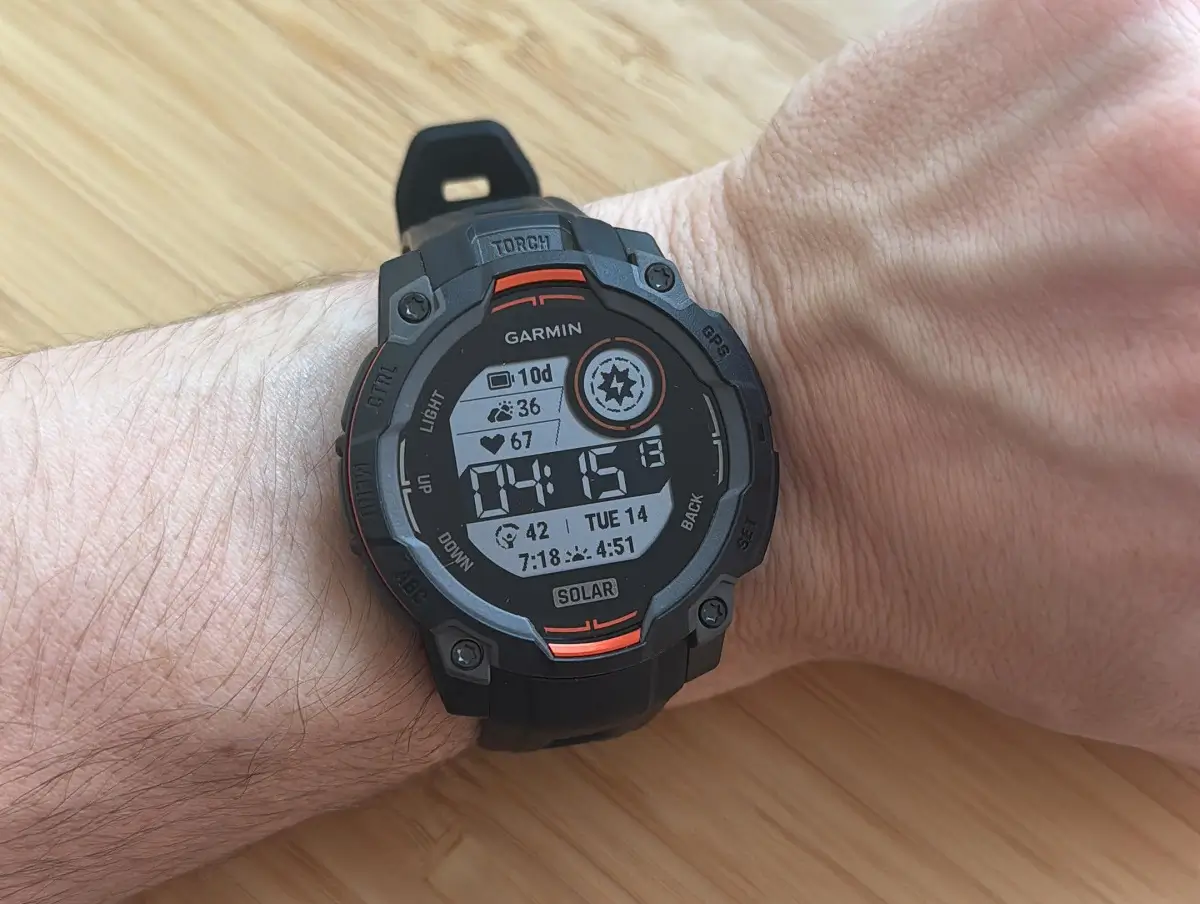
Just days after pushing out beta update 16.04, Garmin is already back with another fresh software drop for its popular lineup of rugged outdoor watches.
Garmin has officially started rolling out beta update version 16.05 for the Instinct 3 AMOLED, Instinct 3 Solar, Instinct E, and Crossover AMOLED smartwatches. If you are keeping track, the change log looks identical to the previous release, meaning Garmin is likely fine-tuning these recent additions and bug fixes to ensure a stable rollout.
What’s New in Version 16.05?
Even though the software version number just bumped up, the update brings one new feature and improvements to your wrist.
First off, Garmin has included a useful tool called Recovery Mode. Despite what the name might sound like, this has nothing to do with fitness rest days or muscle recovery. Instead, it is an emergency troubleshooting feature designed to help fix boot loops or startup crashes right on your watch without needing to panic or immediately connect to a computer.
If you love hitting the waves, you will also notice improved wave detection built right into the Surf activity mode. This update makes tracking your surf sessions much more accurate when you are out in the water.
Bug Fixes and Performance Tweaks
Nobody wants a sluggish or crashing watch, so this build also targets a couple of annoying software bugs.
Garmin has officially squashed a frustrating lag issue when viewing the calendar, making it much smoother to check your schedule on the go. Additionally, the update patches a bug that could cause the system to crash unexpectedly whenever a user tried starting a workout through a Connect IQ (CIQ) app.
How to Get the Update Right Now
Because this is a beta software update, your watch might not download it automatically right away. If you are eager to install it manually, just follow these simple steps on your device:
-
Open the Main Menu on your watch
-
Go to Settings
-
Tap on System
-
Select Software Update
-
Click on Check For Updates
Also Read: Garmin Breaks Down Massive Summer 2026 Software Updates in New Official Guide

