

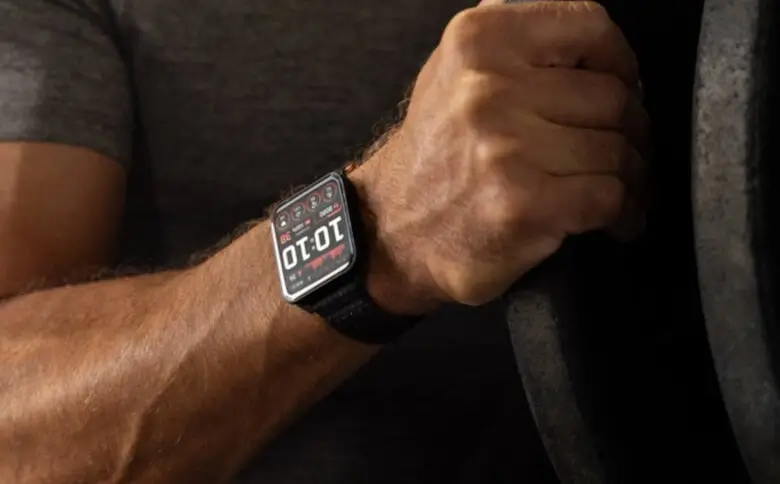
Garmin has officially started rolling out its latest beta software build, version 19.15, for its flagship rectangular smartwatch, the Venu X1. The new patch arrives packed with an extensive list of system-wide refinements, bug fixes, and usability updates designed to enhance daily health tracking, sport performance, and interface stability.
Smarter Workout Enhancements and Audio Tweaks
Fitness tracking on the Venu X1 receives several practical upgrades in this release. The Auto Lap feature now explicitly announces lap numbers during training sessions, and high-intensity workout intervals will no longer be interrupted by screen pop-ups, as notifications are automatically delayed until the effort set finishes. Swimmers will benefit from refined algorithms that boost the accuracy of both pool length counting and stroke type detection, while the Spoken Watch Face feature now continues to function properly following a swim.
Garmin has also made notable improvements to audio connectivity and external hardware support. Inconsistent volume controls and volume synchronization issues with Bluetooth headsets have been resolved. Additionally, the watch now includes dedicated instructions for entering pairing mode on the HRM 200 and HRM 600 heart rate sensors, and a bug that prevented the removal of the Radar Camera Controls data screen has been fixed.
Major Reboot and Stability Fixes
Beta version 19.15 addresses several severe stability bugs that previously caused unexpected system crashes. The update patches reboots triggered when starting a GPS activity with Bluetooth headphones connected, as well as crashes occurring when processing route data within the Garmin Explore application. Garmin also fixed reboots that happened while answering incoming phone calls directly on the watch, along with occasional system resets encountered when powering down the device.
Speedier Mapping and Navigation Polish
For users navigating trails or outdoor routes, mapping and GPS tools have been refined for a smoother experience:
-
Faster POI Searches: Searching for Points of Interest (POI) on the map now yields significantly faster results.
-
Cleaner Turn Guidance: Full-page course turn instructions will now only pop up if you are not actively viewing the map page.
-
Virtual Partner: The Virtual Partner screen will now display automatically whenever you choose to race against a previously downloaded activity.
Daily Usability and Menu Tweaks
Everyday navigation across the Venu X1’s wide display receives several subtle UI refinements. Discarding workouts longer than 30 seconds has been updated to avoid accidental deletions, while the Change Sport menu now prioritizes favorite activities at the top alongside a “More” option. Rearranging items in the stock list now moves selected stocks up or down immediately.
Other interface and sensor adjustments include:
-
Move Alerts: Users can now manually snooze move reminders, with automatic suppression conditions active during rest periods.
-
Pulse Ox App: Haptic vibrations are now only blocked while the watch is actively taking a oxygen reading, rather than throughout the entire app session.
-
Tide Data: Fixed a display error where the watch face tide data field displayed an incorrect time suffix compared to the tide glance.
System Bug Fixes and Battery Optimizations
Beyond exercise features, this build eliminates several persistent software bugs across system utilities and widgets:
-
Battery Drain: Corrected an uncommon battery drain issue linked to Alipay usage.
-
Alert & Input Fixes: Fixed alert volumes unmuting themselves after Silent Mode was enabled, and resolved list freezing issues when using Pinyin text input.
-
Widget Continuity: Weather data now remains visible during network outages, missing Find My Device alerts on repeated searches have been fixed, and Breathwork Live Activity instructions will no longer appear blank.
-
Spectator Messaging: Fixed an issue where spectator message actions failed to open.
How to Install Update 19.15 on Your Venu X1
If you are enrolled in Garmin’s Public Beta Program, you can manually trigger the software update directly from your watch.
To download the patch:
-
Open the Main Menu on your watch.
-
Navigate to Settings > System.
-
Select Software Update.
-
Tap Check for Updates to initiate the download.
Also Read: Garmin Venu 5: Release Date Outlook and Our Wishlist

