

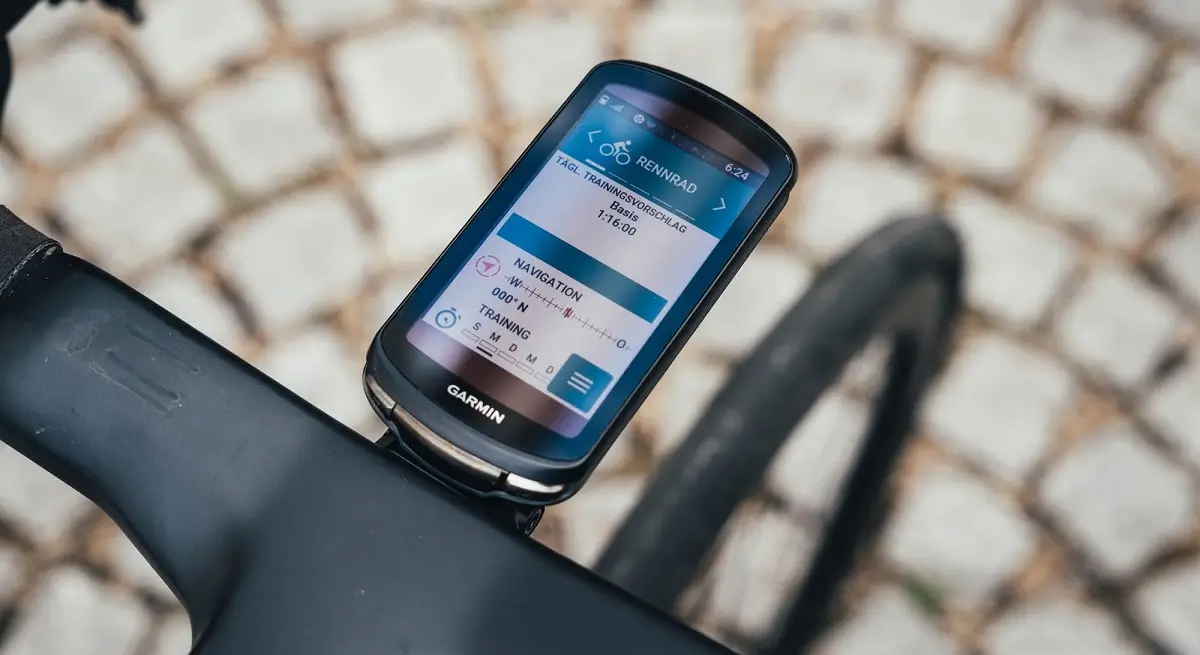
Garmin is rolling out another beta software update, version 31.68, for its previous-generation flagship bike computers, including the Edge 1040, 840, and 540.
This release arrives just six days after beta update 31.67 hit devices. That earlier update was a major one, bringing two features originally introduced on the newer Edge 1060 down to the Edge 1040 series.
What’s Fixed in Beta 31.68
- Fixed CIQ apps causing the light network to turn off.
Unlike the feature-heavy update that came before it, version 31.68 acts as a quick targeted fix to keep smart bike accessories running reliably.
The main highlight of this patch is a fix for an issue where Connect IQ (CIQ) applications were inadvertently causing the bike’s light network to shut off. With this release, riders using custom CIQ data fields or apps can keep their smart lights connected without unexpected dropouts.
How to Install the Update
Updating your Edge unit to beta version 31.68 takes just a few steps:
-
Connect your device to a Wi-Fi network.
-
Open the Main Menu.
-
Go to System.
-
Tap About.
-
Select Check for Updates to download and install the new software patch.
Note to users:If you see “Collecting diagnostics…” go to Menu > System > Diagnostics > Upload RAM Dump.
Also Read: Garmin Edge 1060 VS Edge 1040: Is It Time to Upgrade Your Bike Computer?

