

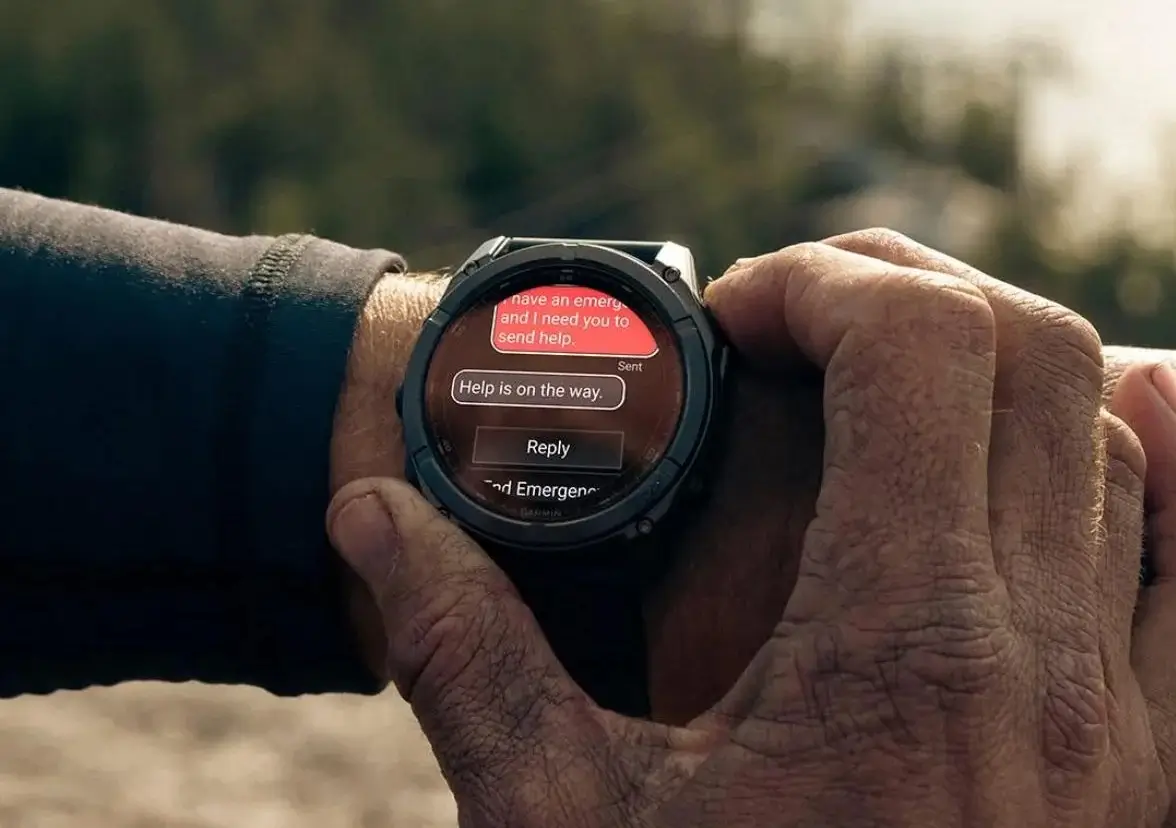
Garmin has started sending out a new beta software update, version 24.14, for several of its popular smartwatches. The update is available for the Fenix 8, Fenix 8 Pro, Fenix E, Tactix 8, Quatix 8, and Enduro 3 models.
This latest release focuses on fixing software bugs and improving system stability rather than adding new features.
Note: The Beta software available for the Fenix 8 series will have the ECG feature and Dive features Disabled.
Major Stability Fixes Prevent Random Watch Crashes
The latest beta release focuses heavily on resolving severe software crashes that interrupted users during daily workouts and setup.
Garmin fixed a critical issue where smartwatches would reboot when saving a completed activity. The company also resolved a bug that caused devices to crash while using navigation or point-of-interest routing during an ongoing workout. Additionally, new users will no longer experience a crash after resetting their watch to default settings and selecting the “Learn the basics of your watch?” tutorial.
Exercise and Tracking Bugs Get Resolved
Garmin addressed several tracking glitches across different sports profiles to ensure accurate activity logging.
Swimmers will no longer see an extra swim length incorrectly added to their total count after stopping an activity. For winter sports enthusiasts, Garmin fixed a bug that previously prevented users from changing the background color on the snowboarding data screen.
Display and Audio Tweaks Improve Everyday Use
A handful of display errors and sound issues were fixed to improve overall smartwatch usability.
Meditation users will no longer see a solid blue screen appear when the display dims during “Free” meditation sessions. On the music controls page, song titles and playback duration will now stay visible instead of randomly disappearing. Garmin also fixed timer completion tones so they play reliably when sound alerts are turned on.
For international users, we fixed a watch face data field that was previously cropped in the Czech language layout, and we disabled the “change search area” icon on prefecture searches. See the change log summary in the picture below!

How to Check for the Update
Garmin watch owners enrolled in the beta testing program can install the software directly onto their wearable device today.
To check for and install version 24.14, navigate to Main Menu > Settings > System > Software Update > Check For Updates on your watch.
Also Read: Garmin Hints at Price Increases for Smartwatches Heading into 2027

