

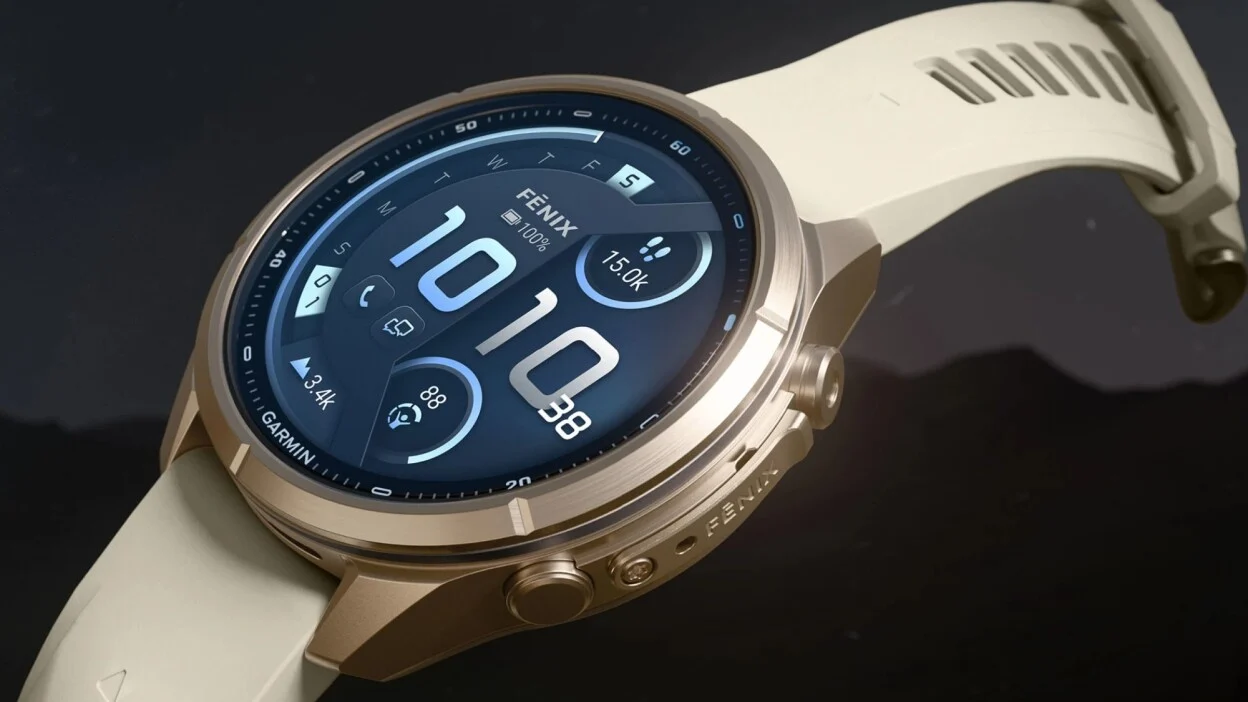
Garmin has officially started rolling out a new beta software update, version 7.14, for its flagship Fenix 9 Pro smartwatches. This release brings a wide range of new features, performance tweaks, and bug fixes to test out before a full public release.
However, Garmin has also issued a warning for climbers: the company has identified a known bug in this build that can cause the watch to crash while recording an Indoor Climb activity. Garmin states that a fix will be released in an upcoming version, but advises frequent indoor climbers to hold off on updating until the next beta build is available.
Note: The Beta software available for the Fenix 9 series will have the ECG feature and Dive features Disabled.
New Features and Daily Tools
The 7.14 update adds several helpful tools for workouts and daily use. Athletes can now manually edit their distance in both XC Ski Indoor and Indoor Cycling profiles. Runners and walkers will also see new post-activity summary cards for Pack Weight and Pack Weight Calorie Burn Rate.
For custom settings, Garmin added a first-time tip for power modes, a timeout option for the quick-control flashlight, and a smooth second-hand option for select watch faces.
Major Bug Fixes and Stability Improvements
This update fixes dozens of bugs that caused unexpected shutdowns across the system. Garmin resolved crashes linked to changing sports, switching Spotify playlists, searching for points of interest, starting HIIT workouts, and downloading Outdoor Maps+ content.
The update also fixes key display and audio glitches. Notifications will no longer play sounds when Silent Mode is turned on, and heart rate dropouts in the ArcheryX app have been fixed. Map drawing issues, including blank items in map layers and misplaced north arrows, have also been corrected.
Performance Enhancements and Activity Tweaks
Garmin made several background improvements to make the watch run smoother. Users should notice better overall responsiveness in the Epic app and an improved World Timer watch face. Tracking features for both Golf shot detection and Indoor Rowing workouts have also been upgraded.
How to Download Beta Update 7.14
If you are enrolled in Garmin’s public beta program, you can check for and download the update manually straight from your watch:
-
Press the middle-left button to open the Main Menu.
-
Select Settings.
-
Scroll down and tap System.
-
Choose Software Update.
-
Select Check For Updates.
Also Read: Garmin Epic: How the New Fenix 9 Feature Groups Your Multi-Day Trips Into One Story

