

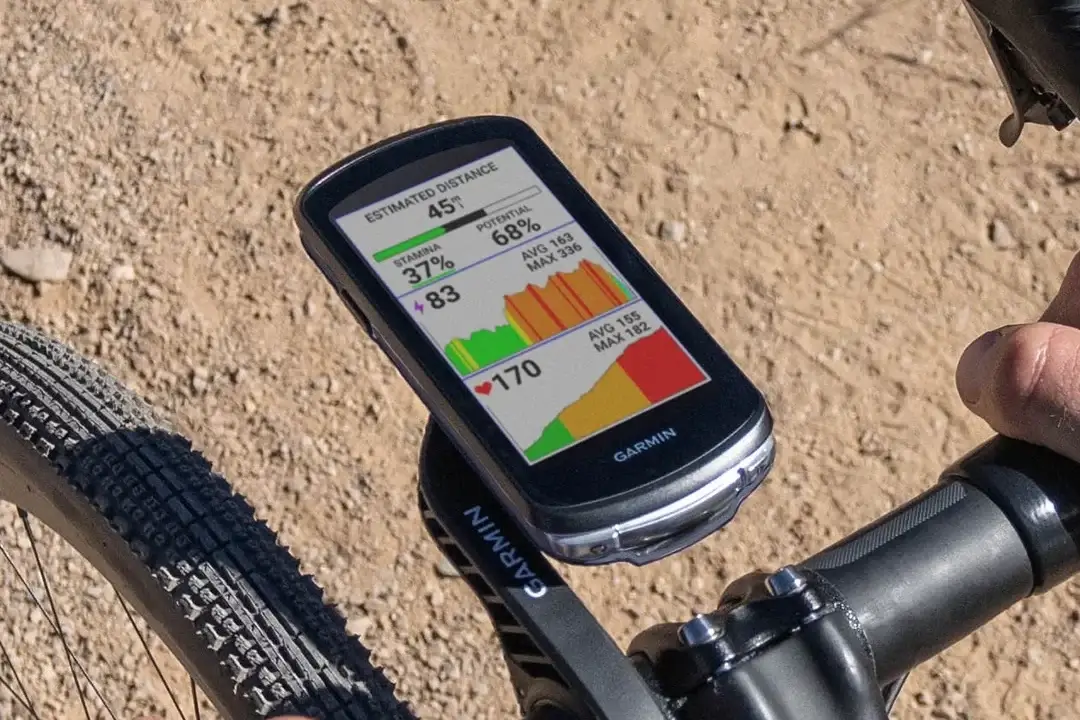
Just three days after launching beta version 31.28, Garmin is back with yet another software update. The company is now rolling out the beta version 31.29 for a wide range of its cycling computers. If you own an Edge 1050, 1040, 850, 840, 550, or 540, your device is eligible for this latest release.
This quick turnaround shows Garmin is working fast to smooth out bugs reported by its community of testers.
Key Fixes and Performance Tweaks
- Fixed crash while using course creator.
- Fixed crash while searching for locations.
- Fixed slow syncing over WiFi.
The new update focuses entirely on stability and fixing frustrating system crashes. First, Garmin has resolved an issue where the device would suddenly shut down while a rider was using the course creator tool.
Additionally, the software team fixed a bug that caused crashes when users searched for specific locations on their maps. Finally, cyclists who noticed their data taking too long to upload will be happy to hear that slow Wi-Fi syncing speeds have also been corrected.
How to Install the Update on Your Edge
If you are part of Garmin’s beta program, getting the new software onto your device is straightforward. First, make sure your Edge computer is connected to a reliable Wi-Fi network.
From there, open the Main Menu, tap on System, and choose About. Inside that menu, simply select Check For Updates to download and install the new version.

