

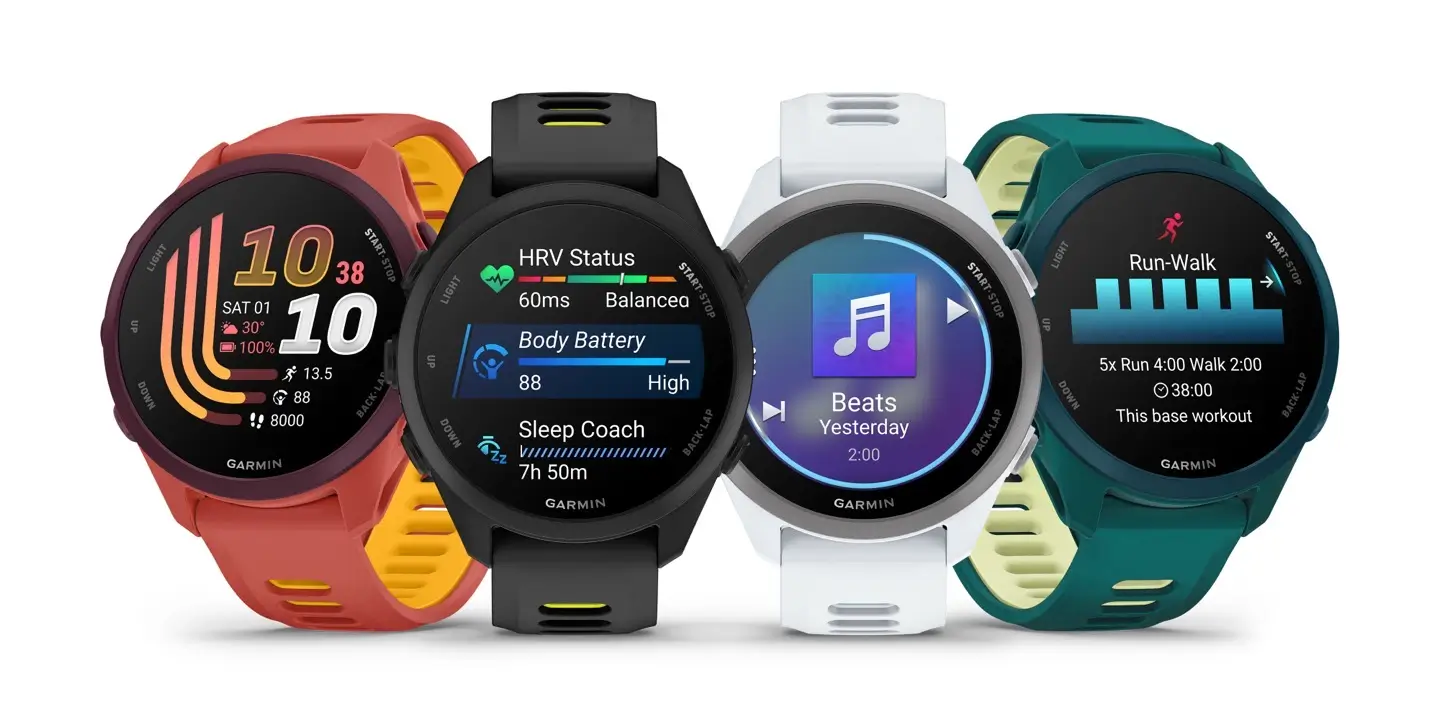
Garmin has started sending out a fresh beta update for several popular smartwatches. The new software, version 18.27, is currently landing on the Forerunner 170, Forerunner 170 Music, and Forerunner 70 models.
This update focuses on fixing several annoying bugs and making sure the watches run smoothly.
Screen and Display Fixes
One of the biggest improvements in this patch addresses screen responsiveness. Garmin fixed a problem that was causing strange display behavior and making touch gestures unreliable for some users.
Additionally, the patch resolves a bug where the Always On Display setting refused to turn on, leaving users with a dark screen when they expected it to stay lit.
Sound and Safety Upgrades
Garmin also targeted audio issues across all three devices. Many users noticed that button tones were no longer playing, which has now been resolved.
More importantly, Garmin patched a critical safety bug. Previously, alert tones could fail to sound during incident detection. With version 18.27, safety alerts should trigger loud and clear if the watch detects a sudden fall or impact.
Exclusive Audio Tweaks for Music Edition
Users running the Forerunner 170 Music get a few extra fixes specifically for audio playback:
-
Playback Control: Pausing music now works correctly when set to control your phone’s media.
-
Volume Levels: Volume controls inside the music app now respond properly.
-
Spectator Messages: Audio messages from friends and family will no longer get cut off early or get drowned out by loud music.
Alongside these specific fixes, Garmin added general system improvements and updated language translations across all models.
How to Get the Update
If you are enrolled in Garmin’s Beta Program, your watch might download the file automatically over Wi-Fi or Bluetooth. However, if you want it right away, you can check for it manually.
On your watch, open the Main Menu, navigate to Settings, scroll down to System, choose Software Update, and tap Check For Updates.
Also Read: Garmin’s New Fenix 9 Pro Is Live on Amazon—Here Is What You Need to Know

