

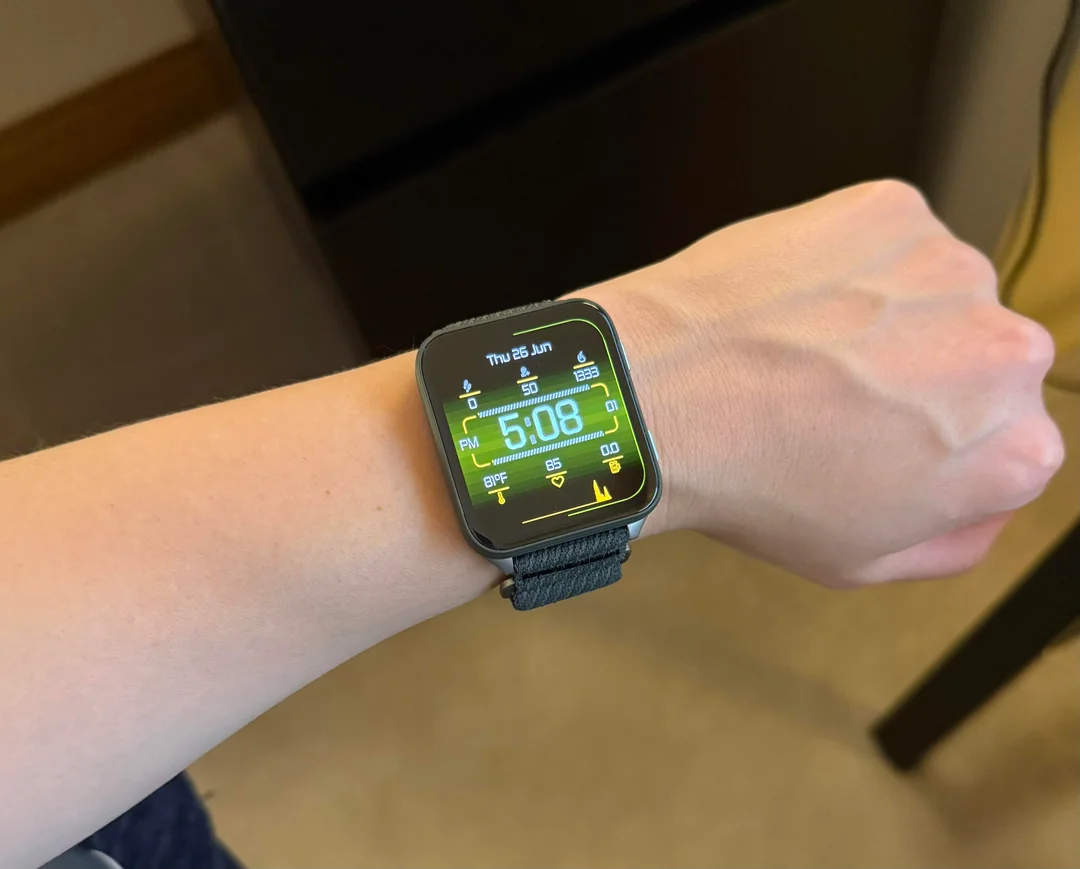
Garmin is continuing its commitment to improving the user experience for its Venu X1 smartwatches. The company has officially begun the distribution of a fresh beta software update, version 15.31, aimed at enhancing the overall stability and functionality of the device. This update primarily focuses on refining the existing system rather than introducing new features.
Key Improvements in Beta Version 15.31
The central focus of this release is maintenance and optimisation. As is common with maintenance releases, the official changelog for software version 15.31 is concise, signalling a release dedicated to polishing the user experience.
The official change log simply states: Various bug fixes and improvements.
This generalised description suggests that Garmin’s developers have addressed several underlying issues reported by users or identified internally. These fixes could range from resolving minor graphical glitches to patching vulnerabilities that might have been affecting the watch’s battery life or sensor accuracy. Users should notice a smoother, more reliable performance from their Venu X1 after installation.
How to Manually Install the New Software
While beta updates often roll out automatically, Garmin provides a simple path for users who wish to manually initiate the download and installation process immediately. This is a helpful option for users who want to access the latest stability fixes without waiting for the staggered release schedule.
To update your Venu X1 to beta version 15.31, follow these steps directly on your device:
-
Navigate to the Main Menu on your Venu Sq smartwatch.
-
Select Settings.
-
Choose System.
-
Go to Software Update.
-
Select Check For Updates to prompt the device to find and download the new software.

