

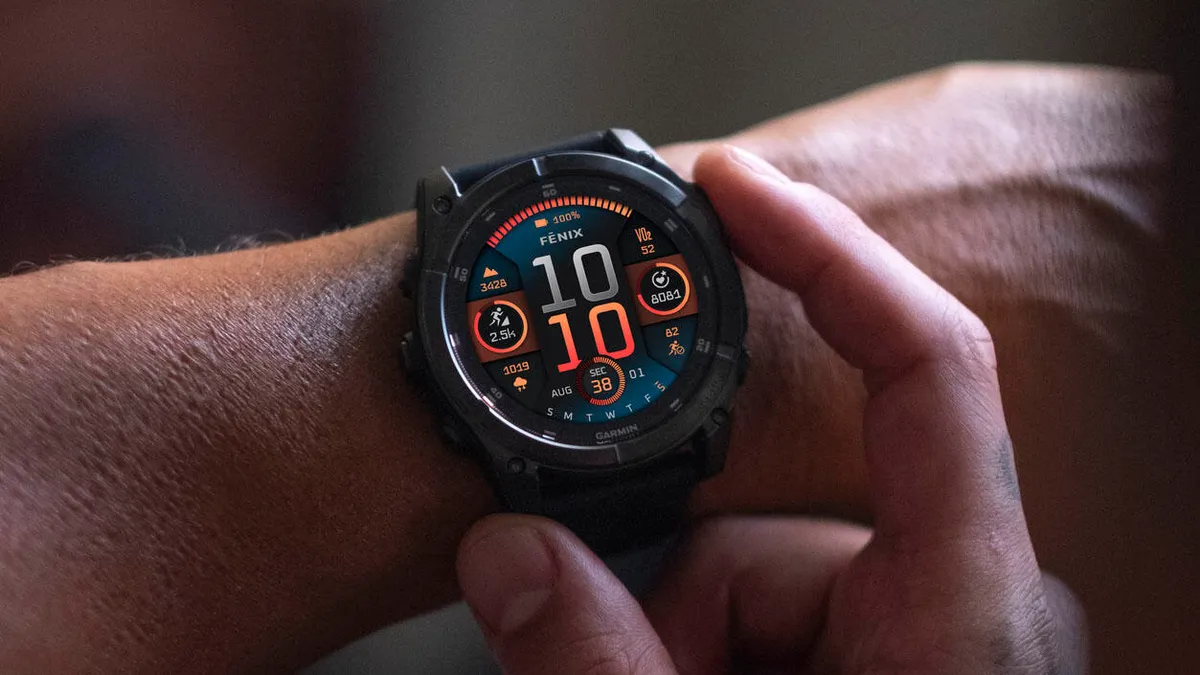
Garmin is introducing a major stable software update, version 20.24, designed for its premium lineup of smartwatches. This highly anticipated release is aimed at enhancing stability and reliability across several top-tier models.
The specific devices slated to receive this performance-focused update include the Fenix 8, Fenix 8 Pro, Fenix E, Tactix 8, and Enduro 3 smartwatches. Users of these elite devices can expect immediate improvements in the overall user experience thanks to several critical fixes implemented in this new version.
Key Bug Fixes in Version 20.24
The version 20.24 update comes with a focused changelog, addressing several issues that could potentially disrupt the user experience or compromise device functionality. These critical fixes ensure smoother operation during both regular use and in emergencies.
Map and System Stability Improvements
One of the primary stability fixes addresses a potential crash that could occur when the maps are locked. This is a crucial improvement for outdoor enthusiasts and navigators who rely heavily on continuous, uninterrupted map functionality. Furthermore, the update resolves a possible crash when using the flashlight shortcut, ensuring quick access to this utility without risking a system failure.
Enhancements to Emergency Features
A significant fix targets the safety features of the smartwatches. The update corrects an issue where the SOS alarm countdown was not playing during sleep. This is a vital improvement, ensuring that the device’s emergency alert system functions correctly regardless of the user’s state, providing enhanced security and peace of mind.
How to Manually Install the New Software
While the update will eventually roll out automatically, users eager to install version 20.24 immediately have the option to trigger a manual download directly on their smartwatch. This process is straightforward and only requires a few simple steps through the device’s settings menu.
To manually check for and initiate the installation of the software update, simply navigate through the following path on your device: Main menu > Settings > System > Software Update > Check For Updates. Following these steps will prompt your Garmin smartwatch to look for and download the new software version, allowing you to benefit from the fixes right away.
Also Read: Garmin Year-in-Review Now Requires Payment, Sparking Widespread User Backlash

