

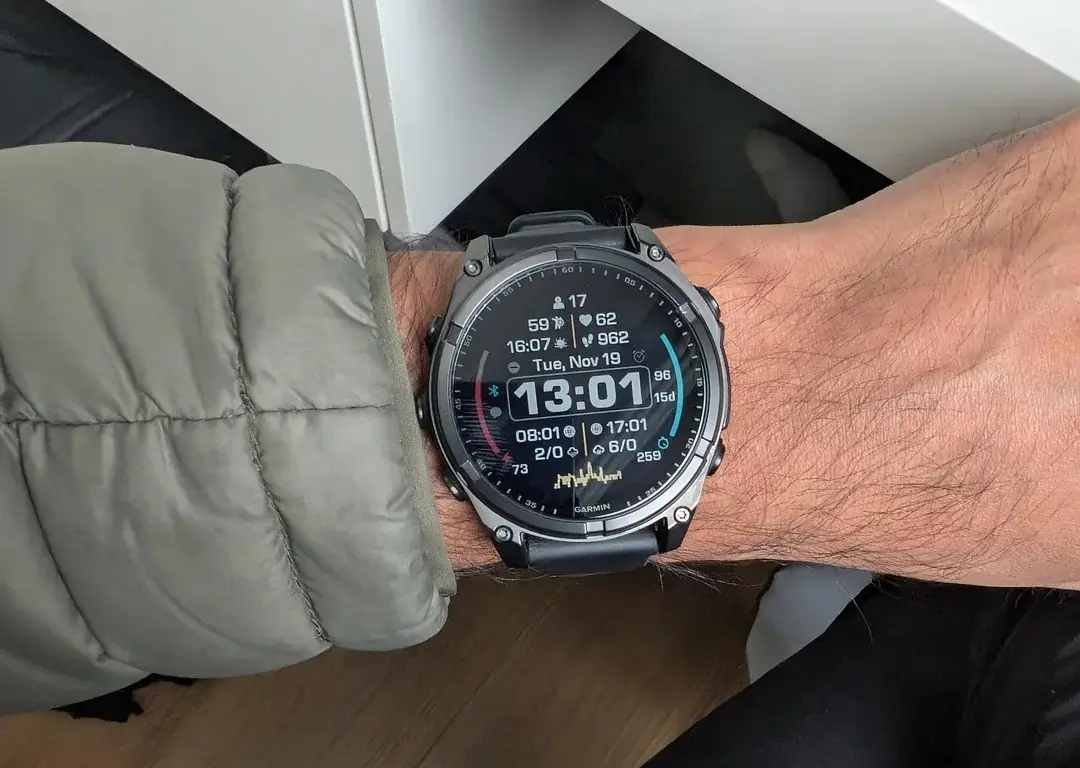
Garmin has just released a fresh beta software update, version 21.17, targeting its latest lineup of high-end rugged wearables. This rollout is specifically designed for the Fenix 8, Fenix 8 Pro, Fenix E, Enduro 3, and Tactix 8 series. While beta cycles often introduce experimental features, this particular version focuses heavily on refining the user interface and ensuring that critical navigation tools remain stable during outdoor excursions.
Note: This Beta Software 21.17 Disables ECG, Aviation, and Dive features.
Enhanced Navigation Stability and Reliability
One of the most significant fixes in this update addresses a critical bug that previously caused navigation sessions to terminate abruptly if a GPS signal was lost. For hikers and trail runners, this ensures that even in dense tree cover or deep canyons, the watch will maintain its active route tracking rather than ending the session. Additionally, Garmin has resolved a data field glitch in the Active Navigation loop, ensuring that users who restore their settings from a backup will no longer see missing information during their treks.
Refined Interface and Safety Safeguards
Garmin has introduced a subtle but helpful change to the backup confirmation page. By implementing a mandatory three-second wait period before a backup is confirmed, the system prevents accidental triggers and gives users a moment to verify their choice. This update also tackles a niche visual bug concerning the Portal watch face. Previously, when using a red accent color combined with the “Red Shift” night-vision mode, readability was compromised; version 21.17 optimizes these layers to ensure the display remains crisp in low-light conditions.
How to Install Beta Version 21.17
If you are enrolled in Garmin’s Beta Program, you don’t have to wait for the automatic sync. You can pull the update immediately by following these steps on your watch:
-
Open the Main Menu.
-
Select Settings.
-
Navigate to System.
-
Choose Software Update.
-
Tap Check For Updates to begin the download.
Also Read: Garmin Officially Launches Quatix 8 Pro with Dual Satellite and LTE Connectivity

