

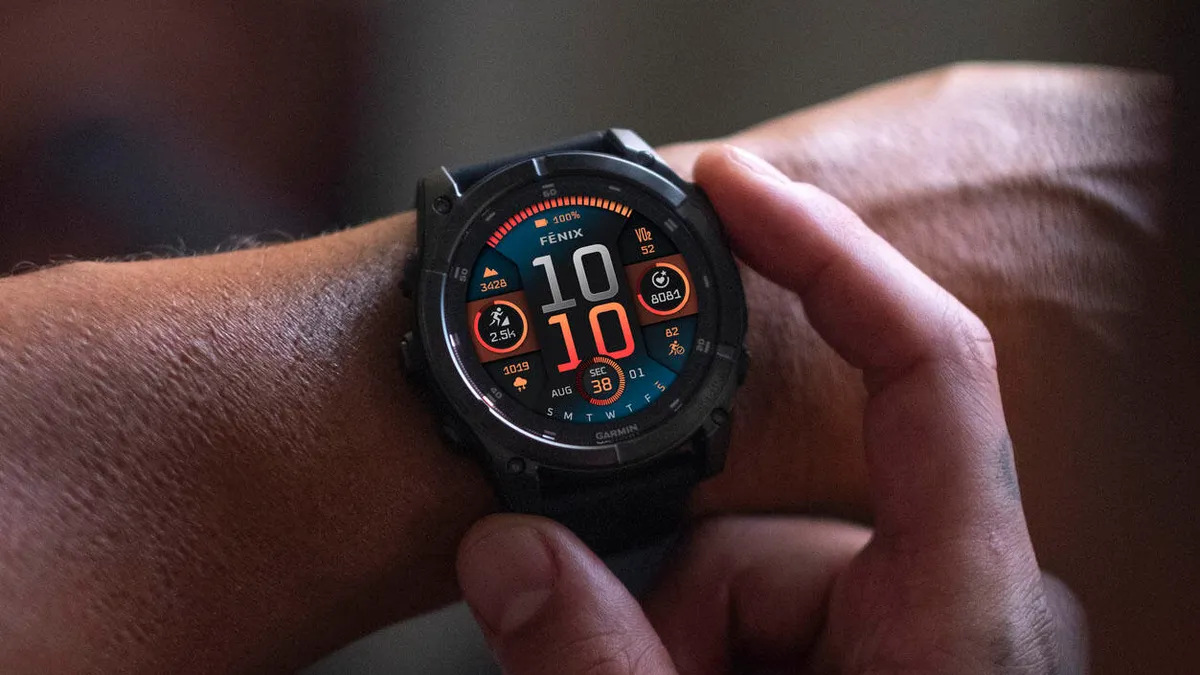
Garmin has officially released a new stable software update, version 21.39, specifically designed for its high-end smartwatch lineup. This latest firmware is now rolling out to users of the Fenix 8, Quatix 8, Tactix 8, and Enduro 3 series. The update focuses on refining the user experience by addressing several software instabilities and enhancing the overall performance of these multisport devices.
Major Stability Improvements and Crash Fixes
A primary focus of version 21.39 is the elimination of system crashes that some users encountered during specific workflows. Garmin has successfully patched a bug that caused the device to restart or freeze when using connected headphones. Additionally, athletes using the High-Intensity Interval Training (HIIT) activity profile should notice improved reliability, as a potential crash triggered during these workouts has been resolved.
Functional Fixes and Display Corrections
The update also addresses several functional glitches that impacted daily use. Previously, some users reported a bug where only a single goal notification was displayed per day; this has been corrected to ensure all milestones are properly alerted. For owners of solar-powered models, a frustrating issue where strength training sessions would display a blank black data screen has been fixed, restoring visibility to vital workout metrics. Furthermore, the Quatix 8 series sees the return of the Sports Scores glance, which was inadvertently missing in previous versions.
System Optimizations and Global Support
Beyond specific bug fixes, Garmin has implemented under-the-hood optimizations to improve the fluidity of the Course Planner tool, making it faster and more responsive for navigators. To support its global user base, the company has also included updated translations across various languages. Minor “behind-the-scenes” bugs have also been addressed to ensure a smoother interface and better battery management across the supported models.
How to Install the 21.39 Update
While the update is being delivered in phases, users do not have to wait for the automatic push notification. You can trigger the download immediately by accessing the system menu on your watch. To update manually, head to the Main Menu, select Settings, then navigate to System. From there, choose Software Update and tap Check For Updates to initiate the installation process.
Change Log Summary:
- Fixes a potential crash when using headphones.
- Fixes a potential crash when using the HIIT activity.
- Fixes an issue where only one goal alert is shown per day.
- Fixes an issue where strength activities show a black data screen on solar devices.
- Fixes an issue where the sports scores glance is missing from Quatix 8 series.
- Fixes other minor bugs.
- Improves course planner performance.
- Updates translations.
Also Read: The Best Garmin Watches of 2026: A Beginner’s Guide to the Ultimate Ecosystem

