

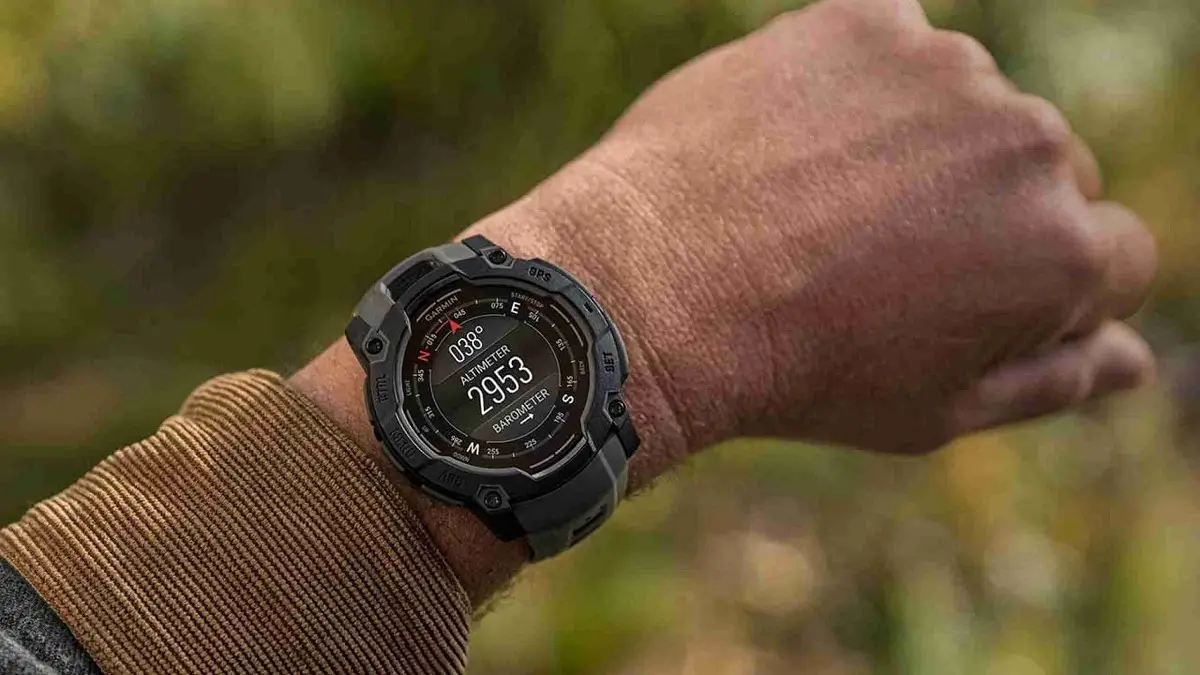
Garmin has officially begun the rollout of its latest beta firmware, version 14.05, targeting the rugged Instinct 3 lineup and its specialized variants. This update introduces a blend of productivity tools and refined fitness tracking, ensuring that users of the Instinct 3 AMOLED, Solar, Instinct E, and the hybrid Crossover models stay at the top of their game.
Universal Enhancements for the Instinct Family
This update brings several core features to all Instinct 3 and Instinct E devices. Users can now keep an eye on the market with the new Stocks glance, or improve their physical range of motion through the dedicated Mobility app. On the utility side, Garmin has finally integrated Backup and Restore support, making it easier than ever to save your settings and data.
To help with daily readiness, the Recovery Time glance and Morning Report card have been added to the interface. This patch also squashes some pesky bugs, specifically addressing crashes during Interval Workouts and resolving a glitch that hindered sending inReach messages to multiple recipients.
Specialized Performance and Diving Insights
Owners of the Instinct 3 Solar, AMOLED, and Crossover models receive a bit of extra love in this build. These devices now support the Workout Execution Score, providing a tangible metric on how well you followed your training plan. Furthermore, for those who frequent the water, the system now intelligently updates training guidance based on your most recent dives, ensuring your body has enough time to recover between high-pressure environments and intense cardio.
Exclusive Calibration for Instinct Crossover
The Instinct Crossover, known for its unique blend of physical hands and digital displays, gets a platform-specific upgrade. Version 14.05 adds CIQ (Connect IQ) support for controlling analog hands. This opens up new possibilities for developers and users to manipulate the physical watch hands through third-party apps, blending the traditional aesthetic with modern smart functionality more seamlessly.
How to Install the Beta Update
If you are enrolled in the Garmin Beta Program, you don’t have to wait for the automatic push. You can trigger the download manually by following these steps on your watch:
-
Open the Main Menu.
-
Scroll to Settings.
-
Select System.
-
Tap Software Update.
-
Select Check For Updates.
Also Read: The Best Garmin Watches of 2026: A Beginner’s Guide to the Ultimate Ecosystem

